
ApricotJam_ - Minecraft Skins & Skin History
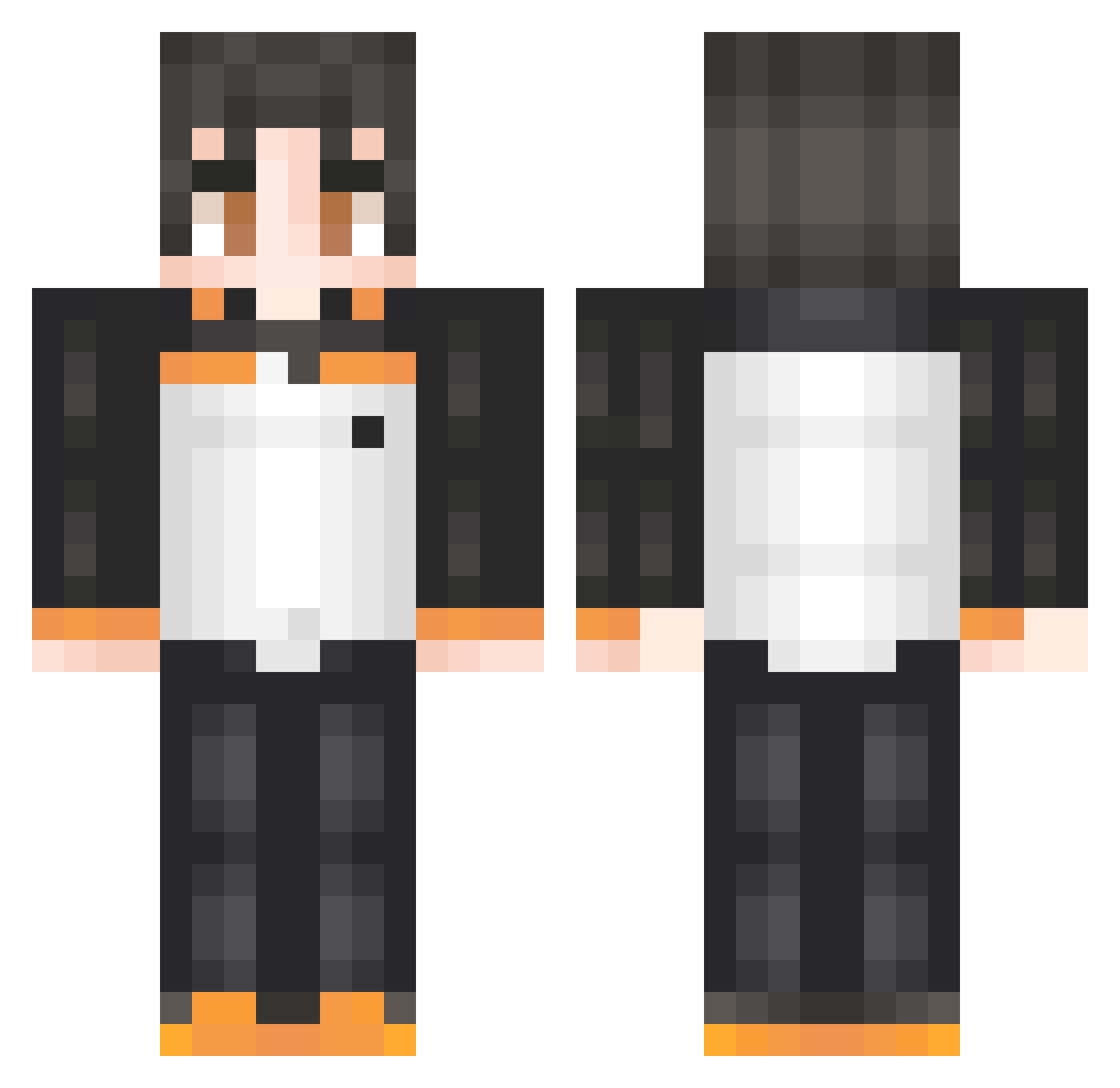
Current Minecraft skin of the player ApricotJam_, loaded from the official Mojang API. Rotate the 3D model with your mouse or finger, then download the skin as a PNG file and use it in Minecraft: Bedrock Edition or Java Edition for free. When ApricotJam_ changes their skin, this page updates automatically and the old skin stays in the history below.
Other players with this skin (51)
ApricotJam_ was the 14th player we have seen with this skin, first spotted on 29.08.2026. The same skin was seen on these players. Open a nickname to see their current skin and skin history.
 Startelio SwiftPotato Scorty_ Joaco226
 stoktitan21376 insetivoro Meramar Aring15 Flezing rvfu ShiroXXV
 dream_1234xd Freddyold EarthlingB aarooon2010 KIGAMY 123Turito ctl3d32 jager1300 mertYzm jpegxguy michi_11082010 Suupa1 EthernalKrane MrMasny aravi100 GhostMinow D14BOLIC RiconiDap NIKITAAL248 Gabuz cryX360 SKVolt Hope211
 Chulains rafalvaro Pawelek_Adwokat Tekzx7z MADDECCY10 pinguimdecartola Ikuvus Swift_43 ArTDawn Murilo_2010 Quelti Waka_Boy TristanSmari09 Danker_1729 Chiplays xyzn54 jgdlc
More Subaru Natsuki Minecraft skins
See all 37 Subaru Natsuki skins
How to install the ApricotJam_ skin
- Press the Download button above to save the skin as a PNG file.
- Minecraft: Bedrock Edition (PE): open the Dressing Room from the main menu (or tap your character → Edit Character), go to Classic Skins → Owned, press the + (new skin) button, choose the downloaded PNG and pick the Classic (Steve) model. Works on PC and mobile; consoles cannot import custom skins.
- Minecraft: Java Edition: open the Minecraft Launcher, go to the Skins tab, click New Skin, load the PNG, pick the Classic (Steve) model and press Save & Use. You can also upload it at minecraft.net → Profile → Change Skin.
The skin does not show up after import - what should I do?
Restart Minecraft and open the Dressing Room again - imported skins sometimes appear only after a restart. Also make sure you selected the imported skin and picked the Classic (Steve) model.
Which model should I choose, Classic or Slim?
This skin is designed for the Classic (Steve) model. If you pick the wrong model, the arms of the skin will look stretched or squeezed.
Is the skin of ApricotJam_ free to download?
Yes. Press Download, save the PNG file and use it in Minecraft: Bedrock Edition or Java Edition - no payment or registration needed. The skin also works on multiplayer servers and Realms.
More skins
Looking for more? Go back to all Minecraft skins and check the top skins of the week, month and all time, or find any player's skin by nickname.