
Apocryphose - Minecraft Skins & Skin History
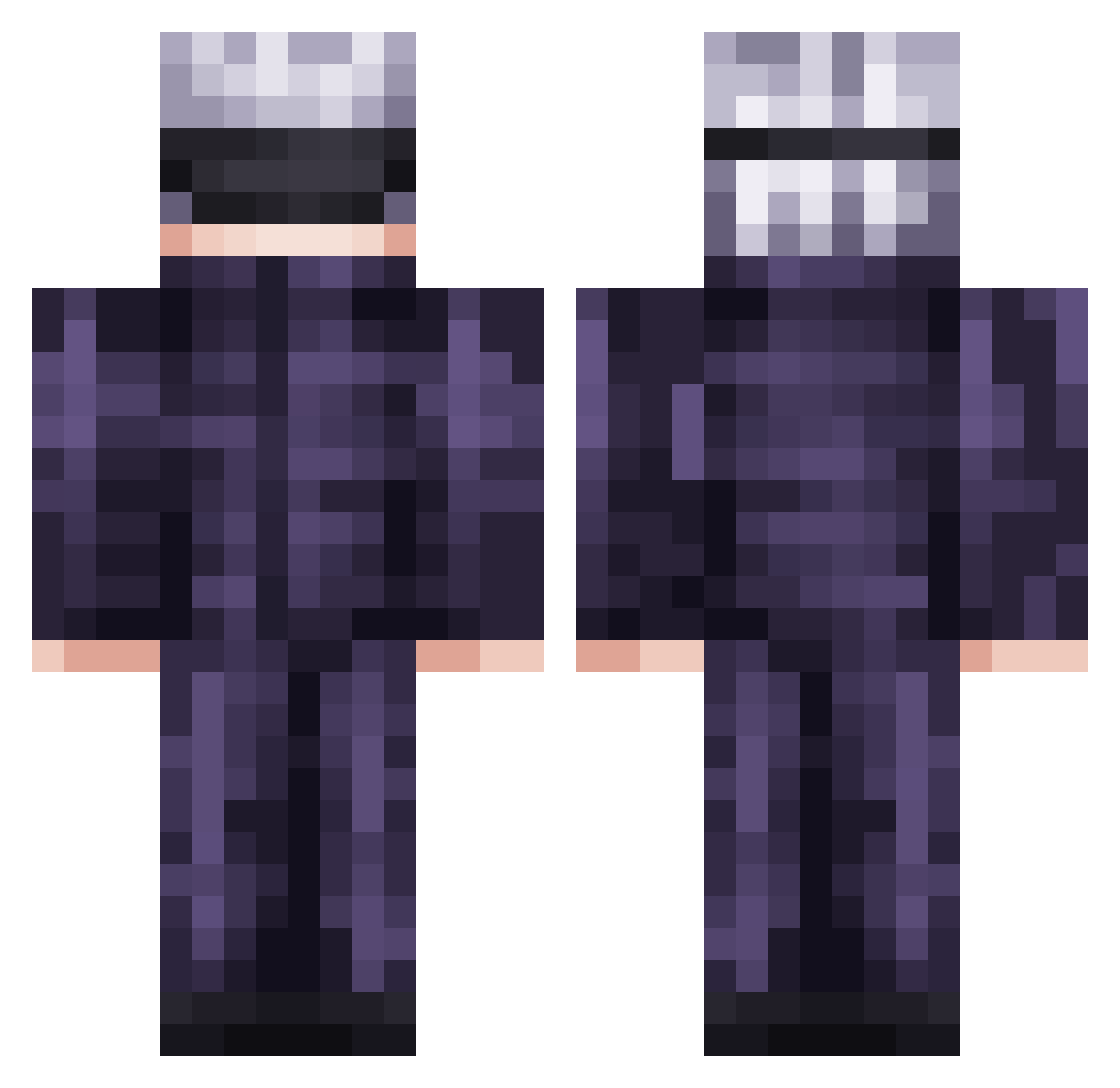
Current Minecraft skin of the player Apocryphose, loaded from the official Mojang API. Rotate the 3D model with your mouse or finger, then download the skin as a PNG file and use it in Minecraft: Bedrock Edition or Java Edition for free. When Apocryphose changes their skin, this page updates automatically and the old skin stays in the history below.
Other players with this skin (736)
Apocryphose was the 45th player we have seen with this skin, first spotted on 31.07.2026. The same skin was seen on these players. Open a nickname to see their current skin and skin history.
 SidneyJaneC Keii_san MinouuTheOne Ullt Mahiieu Heret1cz KonroMD EZzy321 XXXFINNTACION InfamousRash tbhlara samleszczynski compadreduke easywithanx
 NoobyExists COLFe Honeyflare Dado_Vegetale Hqsti Stanley_989 NoobMaster_1 xKaiZo974 L1EK0S FatsoFish43 Gleb1509 Huorn42 Oblivionzee SEU_AMOR Nghtmre_CS Zeicro sevi218
 OnlyDusk_1200 Noerrick2003 s120132149 jojo77421
 Kazzuuko chel1021 swagmonster3 Vile_Inferno jason123696 Tetrii Wiizzon _zxcvrsed_ Durandal4542 WhatIsASword Xippity Chrisi_Gamer TOlerigolo alexgamer1789 Linkjhin Inumaki7 jinoi Zhinra Waqter xxblazies G0ldenplayz MonopolyBenzema Daxvi theo_mon_jsp EGS_Anime
More Satoru Gojo Minecraft skins
See all 1317 Satoru Gojo skins
How to install the Apocryphose skin
- Press the Download button above to save the skin as a PNG file.
- Minecraft: Bedrock Edition (PE): open the Dressing Room from the main menu (or tap your character → Edit Character), go to Classic Skins → Owned, press the + (new skin) button, choose the downloaded PNG and pick the Classic (Steve) model. Works on PC and mobile; consoles cannot import custom skins.
- Minecraft: Java Edition: open the Minecraft Launcher, go to the Skins tab, click New Skin, load the PNG, pick the Classic (Steve) model and press Save & Use. You can also upload it at minecraft.net → Profile → Change Skin.
The skin does not show up after import - what should I do?
Restart Minecraft and open the Dressing Room again - imported skins sometimes appear only after a restart. Also make sure you selected the imported skin and picked the Classic (Steve) model.
Which model should I choose, Classic or Slim?
This skin is designed for the Classic (Steve) model. If you pick the wrong model, the arms of the skin will look stretched or squeezed.
Is the skin of Apocryphose free to download?
Yes. Press Download, save the PNG file and use it in Minecraft: Bedrock Edition or Java Edition - no payment or registration needed. The skin also works on multiplayer servers and Realms.
More skins
Looking for more? Go back to all Minecraft skins and check the top skins of the week, month and all time, or find any player's skin by nickname.