
Ang_Gimotti1006 - Minecraft Skins & Skin History
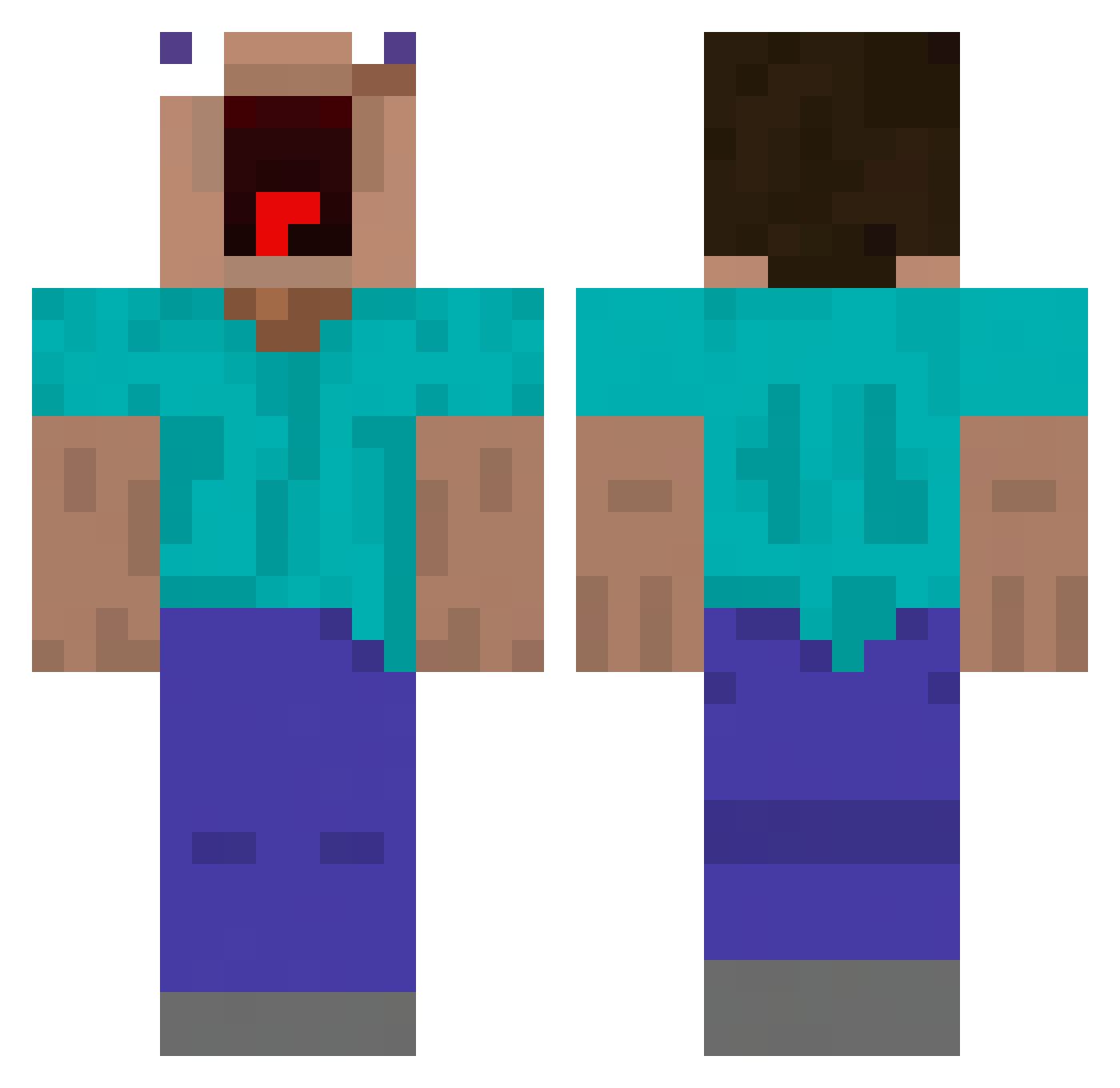
Current Minecraft skin of the player Ang_Gimotti1006, loaded from the official Mojang API. Rotate the 3D model with your mouse or finger, then download the skin as a PNG file and use it in Minecraft: Bedrock Edition or Java Edition for free. When Ang_Gimotti1006 changes their skin, this page updates automatically and the old skin stays in the history below.
Other players with this skin (456)
Ang_Gimotti1006 was the 272nd player we have seen with this skin, first spotted on 27.09.2026. The same skin was seen on these players. Open a nickname to see their current skin and skin history.
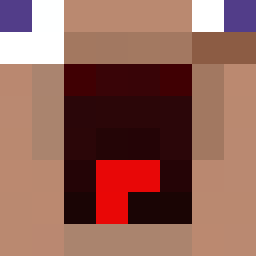 4yk4as tbrady808 oshiposhi GiblyGobler1 madfrog1029 Saxorien QKOREA Bermurigi Morphobro choikanghyun Stqnly Poobear021707 FrostyReapz lilfriedrice pizzatost Teodorix edven3445 mino_01 Ludwig_X naguii AtokirinaPR alanWrench101 kostatez PitHater7 Carl_09 deadlywolveyt cozi__ reimooo rkir22 saxyyeongbae6974 lynchy94 night_knight0502 Juanex526 eggnlettuce HeerEi PiddIes_ XxRizzlerOhioxX N42UTO_07 Anomaly9403 lollipopypoop freddysuper kangbin0904 LightskinBurrito NovaDog99 JXXSeo Snomatron Benedi_19 abcde132458 Ben180021 u1k0 ISmokeyTheBear P1LotZzZ Kimonster2012 michael0340 nicetrymybad Payan047 DK_GG_HI TheGesshoku SlowllY idkbro420
More Funny Minecraft skins
How to install the Ang_Gimotti1006 skin
- Press the Download button above to save the skin as a PNG file.
- Minecraft: Bedrock Edition (PE): open the Dressing Room from the main menu (or tap your character → Edit Character), go to Classic Skins → Owned, press the + (new skin) button, choose the downloaded PNG and pick the Classic (Steve) model. Works on PC and mobile; consoles cannot import custom skins.
- Minecraft: Java Edition: open the Minecraft Launcher, go to the Skins tab, click New Skin, load the PNG, pick the Classic (Steve) model and press Save & Use. You can also upload it at minecraft.net → Profile → Change Skin.
The skin does not show up after import - what should I do?
Restart Minecraft and open the Dressing Room again - imported skins sometimes appear only after a restart. Also make sure you selected the imported skin and picked the Classic (Steve) model.
Which model should I choose, Classic or Slim?
This skin is designed for the Classic (Steve) model. If you pick the wrong model, the arms of the skin will look stretched or squeezed.
Is the skin of Ang_Gimotti1006 free to download?
Yes. Press Download, save the PNG file and use it in Minecraft: Bedrock Edition or Java Edition - no payment or registration needed. The skin also works on multiplayer servers and Realms.
More skins
Looking for more? Go back to all Minecraft skins and check the top skins of the week, month and all time, or find any player's skin by nickname.