
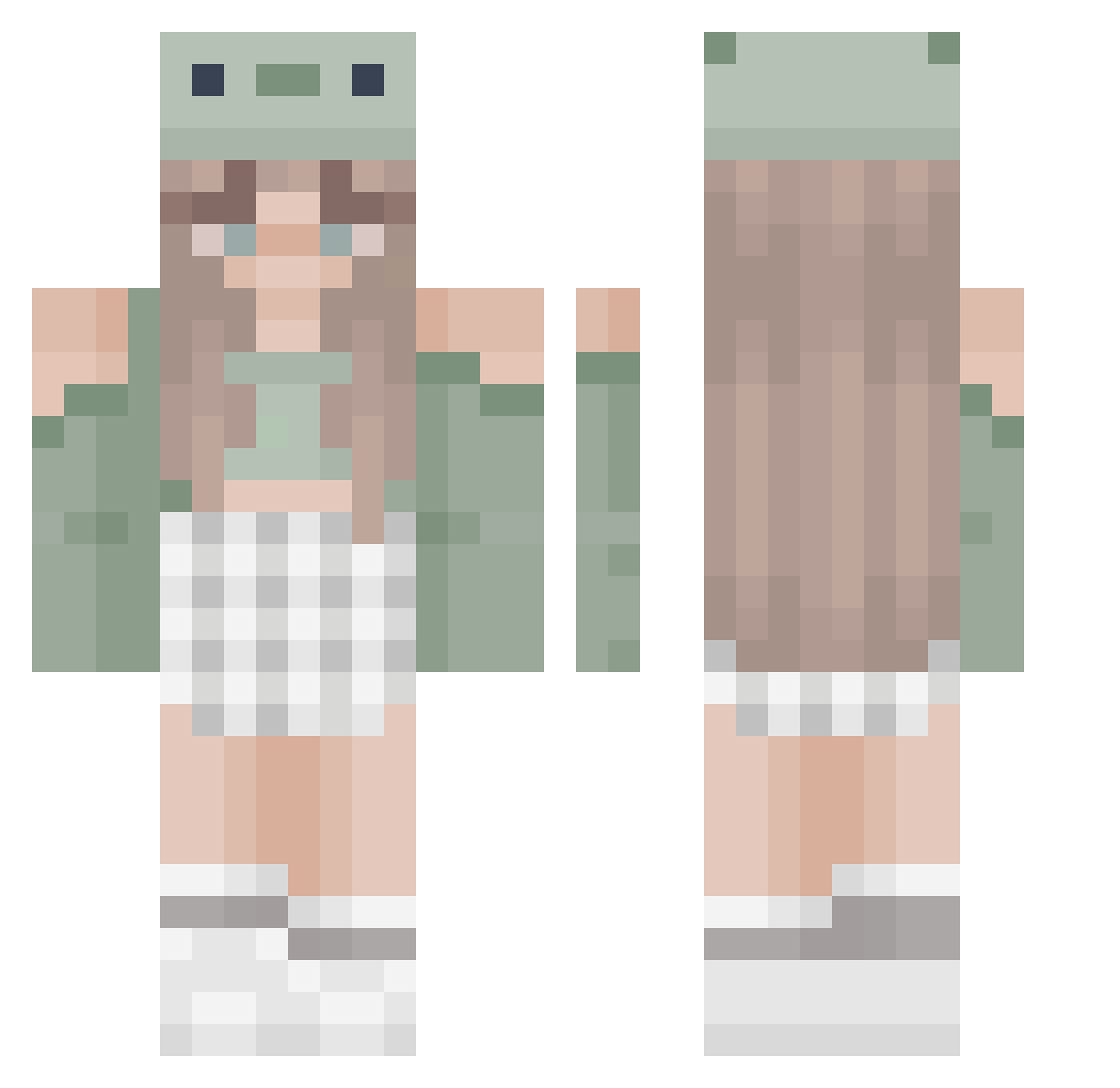
Current Minecraft skin of the player Americaxa, loaded from the official Mojang API. Rotate the 3D model with your mouse or finger, then download the skin as a PNG file and use it in Minecraft: Bedrock Edition or Java Edition for free. When Americaxa changes their skin, this page updates automatically and the old skin stays in the history below.
Other players with this skin (373)
Americaxa was the 240th player we have seen with this skin, first spotted on 23.09.2026. The same skin was seen on these players. Open a nickname to see their current skin and skin history.
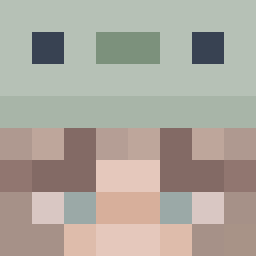 TaeWinterBear blxssmm dooluuu Bumblebeee773 Sirious_siri BeautySal34521 pokkuniee nik_suus mzisie taylurtots_ MILYCAT a_mc3 MissWhiteOwl Darwinoxkox1 LillyGamer SofiiNotFound Sunsetrils PEESHEEP Ennuli204 IchelCraft mossery shenhesolos ladygaga1468 frothgoth faithh562 Rachichoula evieee2611 Anitaa_perez Boredelvis EmilyDaChamele0n GReenRock02 alyssareneea SashaMae16 Sarah68045 Zarah2zafir lilzy007 NotHumi05 Tomegtoe GelloBlue katbat Takara2809 EclipseEmber Meg4n2 trevorsx O_Reagan_O TAEKIKI ppispl Maja_777 xoPqndo Arlene206 AAAPlay Flower_lilly ely_tw afr3akinlemon PINKGAMER28 Ben_south Soriya70 ginni_29 Stargozi Juunie
More Sage Green Minecraft skins
How to install the Americaxa skin
- Press the Download button above to save the skin as a PNG file.
- Minecraft: Bedrock Edition (PE): open the Dressing Room from the main menu (or tap your character → Edit Character), go to Classic Skins → Owned, press the + (new skin) button, choose the downloaded PNG and pick the Classic (Steve) model. Works on PC and mobile; consoles cannot import custom skins.
- Minecraft: Java Edition: open the Minecraft Launcher, go to the Skins tab, click New Skin, load the PNG, pick the Classic (Steve) model and press Save & Use. You can also upload it at minecraft.net → Profile → Change Skin.
The skin does not show up after import - what should I do?
Restart Minecraft and open the Dressing Room again - imported skins sometimes appear only after a restart. Also make sure you selected the imported skin and picked the Classic (Steve) model.
Which model should I choose, Classic or Slim?
This skin is designed for the Classic (Steve) model. If you pick the wrong model, the arms of the skin will look stretched or squeezed.
Is the skin of Americaxa free to download?
Yes. Press Download, save the PNG file and use it in Minecraft: Bedrock Edition or Java Edition - no payment or registration needed. The skin also works on multiplayer servers and Realms.
More skins
Looking for more? Go back to all Minecraft skins and check the top skins of the week, month and all time, or find any player's skin by nickname.