
Alex43132 - Minecraft Skins & Skin History
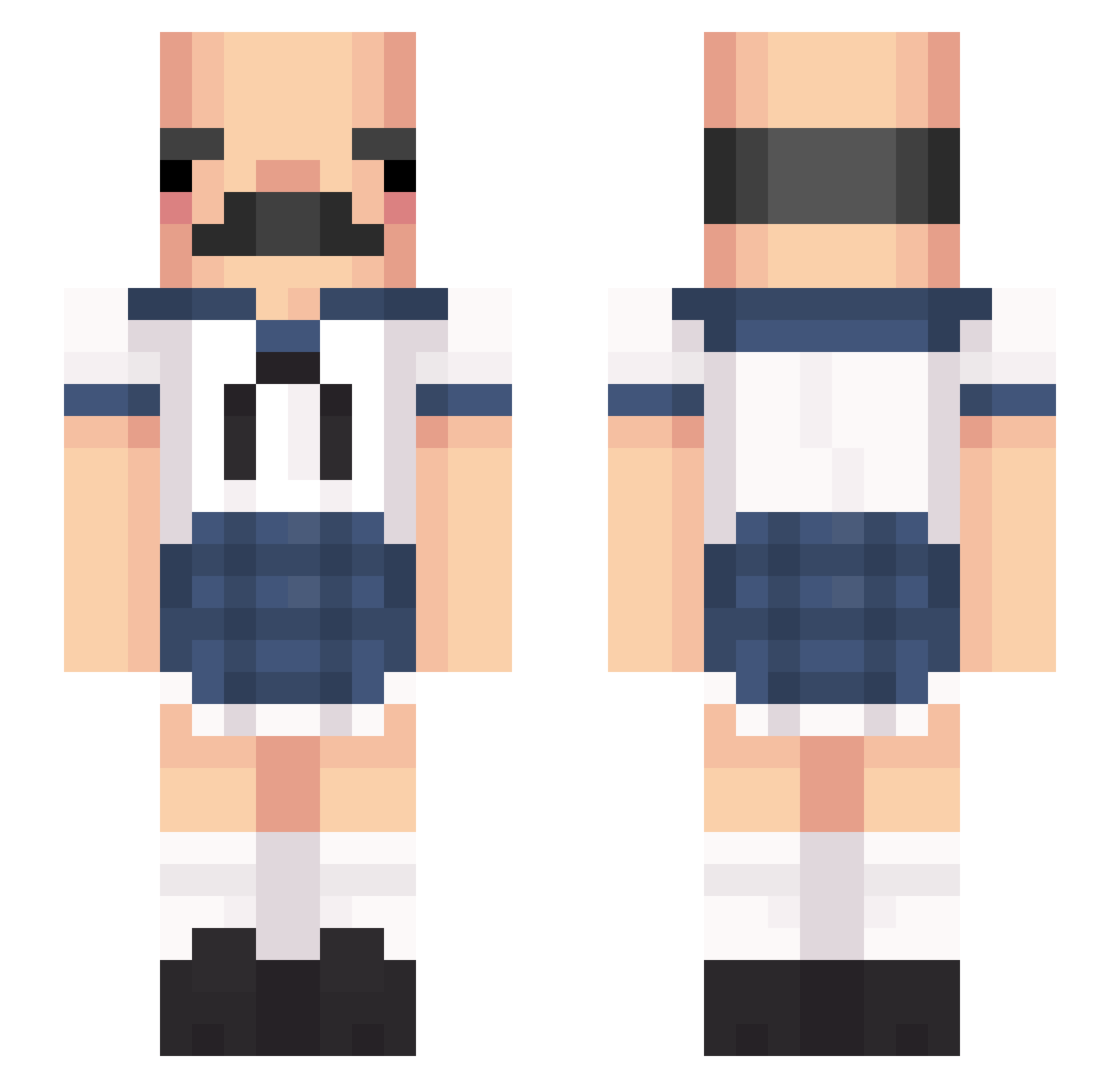
Current Minecraft skin of the player Alex43132, loaded from the official Mojang API. Rotate the 3D model with your mouse or finger, then download the skin as a PNG file and use it in Minecraft: Bedrock Edition or Java Edition for free. When Alex43132 changes their skin, this page updates automatically and the old skin stays in the history below.
Other players with this skin (429)
Alex43132 was the 203rd player we have seen with this skin, first spotted on 17.09.2026. The same skin was seen on these players. Open a nickname to see their current skin and skin history.
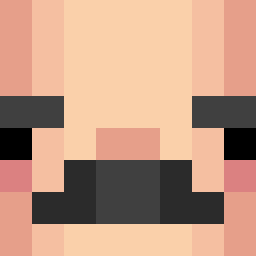 1Feature selinaasv PIGSTAR1995 the_gaminghunter Adronithe aqpled bes2500 Disrespect_Women sundew43 _Sektor_ O__I__O Slime1718_ nostilec melonjelli bellarghh Terryhaha Gomatore WJDDNTJR2 peg27 SirStinkster pain9141 Audiotape2 KingToilets prostiSophia riperik upa_0126 starrot URSCISREAL batata_tata mourawr popsych TakoAi iFizu grey_toon Myss__ floeria vininhas Ohyeahtai bahoor Trifxrce iSamuZ MelMoioMoo Jamesyboy10 iamJude tunafishhhh joripong0_0 T0RTRAKULx raincoat_kid Angelspiitt pupsik69 Megumi_Godto senataro_ kisSara777 QualityVibes BartoszMitonski laci1121 DyingKills wickr Vkusich d_shadow5
More Sailor Uniform Minecraft skins
See all 260 Sailor Uniform skins
How to install the Alex43132 skin
- Press the Download button above to save the skin as a PNG file.
- Minecraft: Bedrock Edition (PE): open the Dressing Room from the main menu (or tap your character → Edit Character), go to Classic Skins → Owned, press the + (new skin) button, choose the downloaded PNG and pick the Slim (Alex) model. Works on PC and mobile; consoles cannot import custom skins.
- Minecraft: Java Edition: open the Minecraft Launcher, go to the Skins tab, click New Skin, load the PNG, pick the Slim (Alex) model and press Save & Use. You can also upload it at minecraft.net → Profile → Change Skin.
The skin does not show up after import - what should I do?
Restart Minecraft and open the Dressing Room again - imported skins sometimes appear only after a restart. Also make sure you selected the imported skin and picked the Slim (Alex) model.
Which model should I choose, Classic or Slim?
This skin is designed for the Slim (Alex) model. If you pick the wrong model, the arms of the skin will look stretched or squeezed.
Is the skin of Alex43132 free to download?
Yes. Press Download, save the PNG file and use it in Minecraft: Bedrock Edition or Java Edition - no payment or registration needed. The skin also works on multiplayer servers and Realms.
More skins
Looking for more? Go back to all Minecraft skins and check the top skins of the week, month and all time, or find any player's skin by nickname.