
AleizR - Minecraft Skins & Skin History
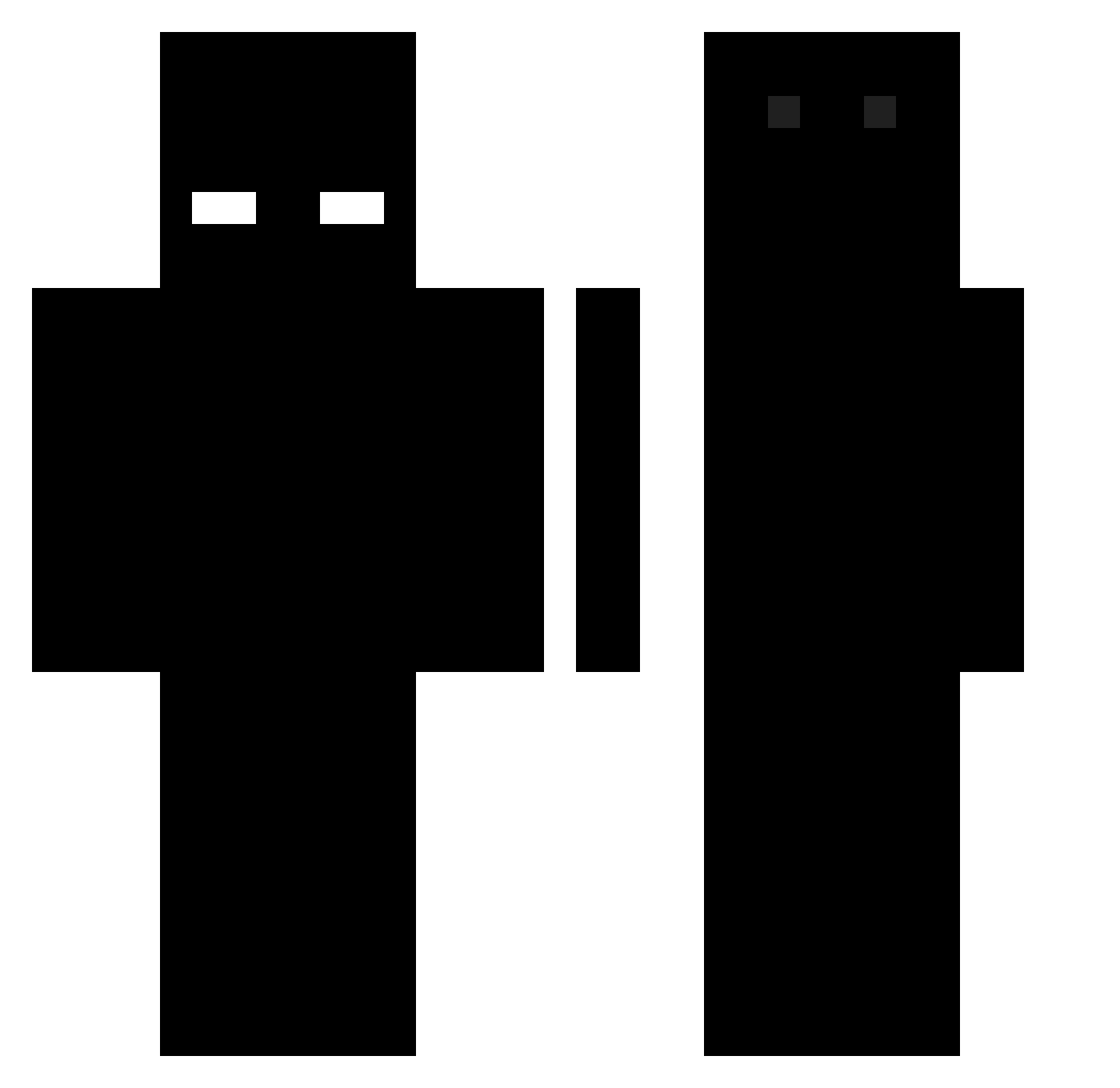
Current Minecraft skin of the player AleizR, loaded from the official Mojang API. Rotate the 3D model with your mouse or finger, then download the skin as a PNG file and use it in Minecraft: Bedrock Edition or Java Edition for free. When AleizR changes their skin, this page updates automatically and the old skin stays in the history below.
Other players with this skin (496)
AleizR was the 291st player we have seen with this skin, first spotted on 25.09.2026. The same skin was seen on these players. Open a nickname to see their current skin and skin history.
 Arsuenic ANAN1MUS Syphex6 SatoruWasTaken _Charybdis_ Ramoboo Clyxer Sneaz59400 TheLonePlayer zetpix Kriozu K1ngB1t4n Reubenfan1 ggyaal Kritischer cuqest mrkipkernie Obliterqtor Gc3d NaniVamp andrewpotateo BaeYi laranjinha220107 E11dax L0rdBeerus 13bartosz begii Gabrielio_ LFA0417 NANDO500 simsun12 Annihilqtor felipill0 ahoora_black ilordfahad Diinax FSDJ rexu__ KMYM00 hrhrt9999 chewei666 Iper_y7 notnowspirits xSwizzyx MisterTay ELGAMER_UwU minjini soplircty ImSphinx crik_buttowski Prozny___ mmmmasyn DRAGON33023 Diabutis zzurrp Bilis12 Ar0ldo Juliano110 Spac1man imie_2
How to install the AleizR skin
- Press the Download button above to save the skin as a PNG file.
- Minecraft: Bedrock Edition (PE): open the Dressing Room from the main menu (or tap your character → Edit Character), go to Classic Skins → Owned, press the + (new skin) button, choose the downloaded PNG and pick the Classic (Steve) model. Works on PC and mobile; consoles cannot import custom skins.
- Minecraft: Java Edition: open the Minecraft Launcher, go to the Skins tab, click New Skin, load the PNG, pick the Classic (Steve) model and press Save & Use. You can also upload it at minecraft.net → Profile → Change Skin.
The skin does not show up after import - what should I do?
Restart Minecraft and open the Dressing Room again - imported skins sometimes appear only after a restart. Also make sure you selected the imported skin and picked the Classic (Steve) model.
Which model should I choose, Classic or Slim?
This skin is designed for the Classic (Steve) model. If you pick the wrong model, the arms of the skin will look stretched or squeezed.
Is the skin of AleizR free to download?
Yes. Press Download, save the PNG file and use it in Minecraft: Bedrock Edition or Java Edition - no payment or registration needed. The skin also works on multiplayer servers and Realms.
More skins
Looking for more? Go back to all Minecraft skins and check the top skins of the week, month and all time, or find any player's skin by nickname.