
AlDog - Minecraft Skins & Skin History
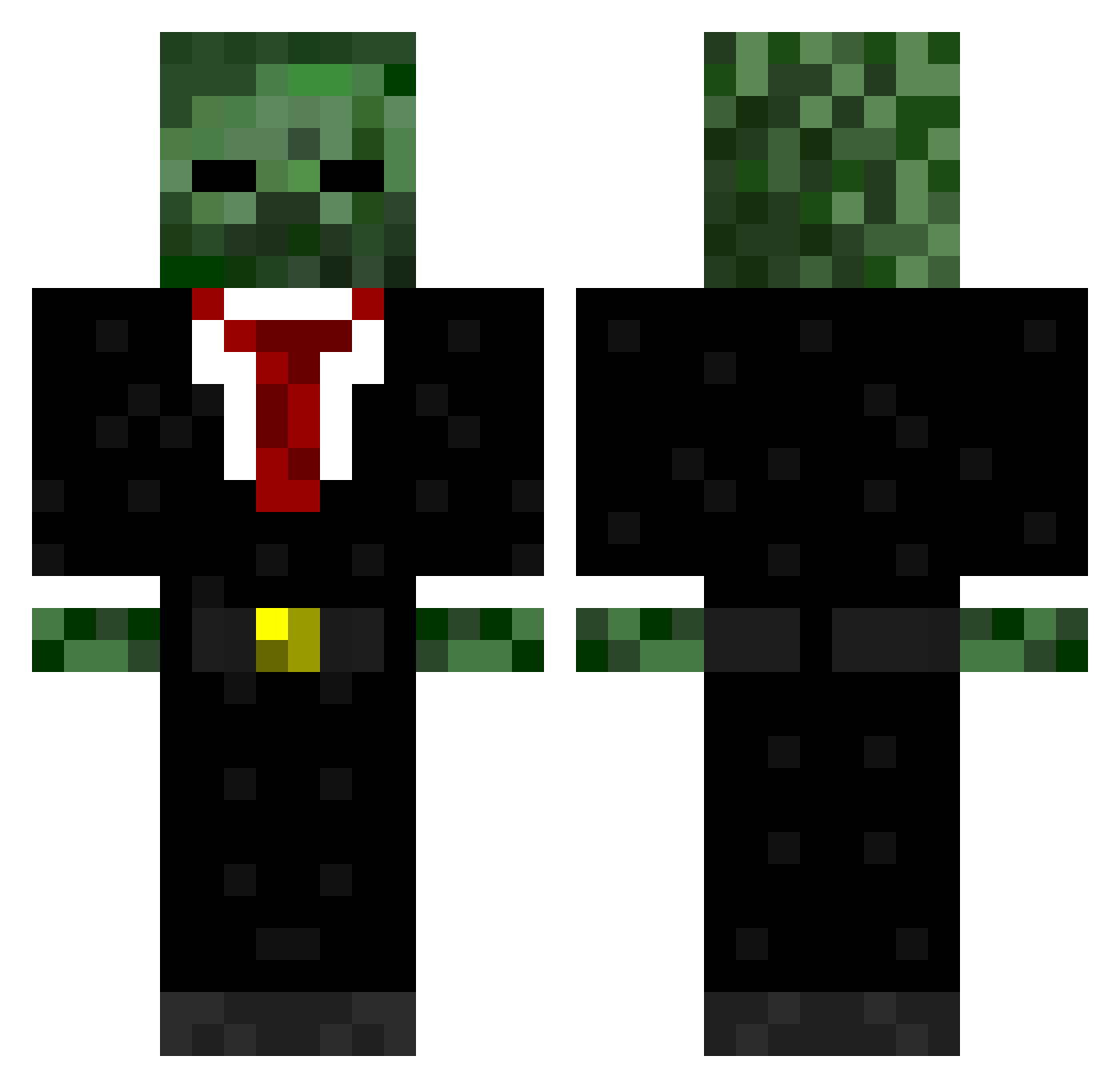
Current Minecraft skin of the player AlDog, loaded from the official Mojang API. Rotate the 3D model with your mouse or finger, then download the skin as a PNG file and use it in Minecraft: Bedrock Edition or Java Edition for free. When AlDog changes their skin, this page updates automatically and the old skin stays in the history below.
Other players with this skin (570)
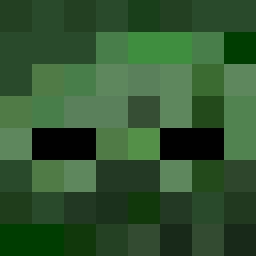
AlDog was the 527th player we have seen with this skin, first spotted on 24.10.2026. The same skin was seen on these players. Open a nickname to see their current skin and skin history.
 benjacanada41 Zargonix Andrew_LeGrange Bozzy51 ZupaFrosty DAVIDPEDER lsp2000 Voelks JollyCF K4now lilwayne1031 TuroJones mastertommy04 Hendrikpoisz The_Major_Gamer UnsustainableUK Infinity_Slayer6 Spy1HD jordan165 lawnmower11 azrattler44 liverpoolkid123 pitball118 CHRONIC__HD randomhero2000 prodylan13 BioMark jo_nathan_10 thedoooor DjGriff123 Krusty01 jesseneil88 killagodzilla123 PureWG jackyjchan nyansin11 spaceman4560 sonic4858 123chris167 Kiyzu Gingineer296 Aiden_Explosion freshy2012 Detainee_Pyramid Saahas spluger1 PizzaMeister GODecaf CaptDestiney rappe08 DiamondMidget Knallerbse87 alex8047 VeloOunzy XguneyX Mastergeddes1 texansbaseball MediuM_PsYcho jbpoju Enzvy
More Zombie Minecraft skins
How to install the AlDog skin
- Press the Download button above to save the skin as a PNG file.
- Minecraft: Bedrock Edition (PE): open the Dressing Room from the main menu (or tap your character → Edit Character), go to Classic Skins → Owned, press the + (new skin) button, choose the downloaded PNG and pick the Classic (Steve) model. Works on PC and mobile; consoles cannot import custom skins.
- Minecraft: Java Edition: open the Minecraft Launcher, go to the Skins tab, click New Skin, load the PNG, pick the Classic (Steve) model and press Save & Use. You can also upload it at minecraft.net → Profile → Change Skin.
The skin does not show up after import - what should I do?
Restart Minecraft and open the Dressing Room again - imported skins sometimes appear only after a restart. Also make sure you selected the imported skin and picked the Classic (Steve) model.
Which model should I choose, Classic or Slim?
This skin is designed for the Classic (Steve) model. If you pick the wrong model, the arms of the skin will look stretched or squeezed.
Is the skin of AlDog free to download?
Yes. Press Download, save the PNG file and use it in Minecraft: Bedrock Edition or Java Edition - no payment or registration needed. The skin also works on multiplayer servers and Realms.
More skins
Looking for more? Go back to all Minecraft skins and check the top skins of the week, month and all time, or find any player's skin by nickname.