
Aksodus - Minecraft Skins & Skin History
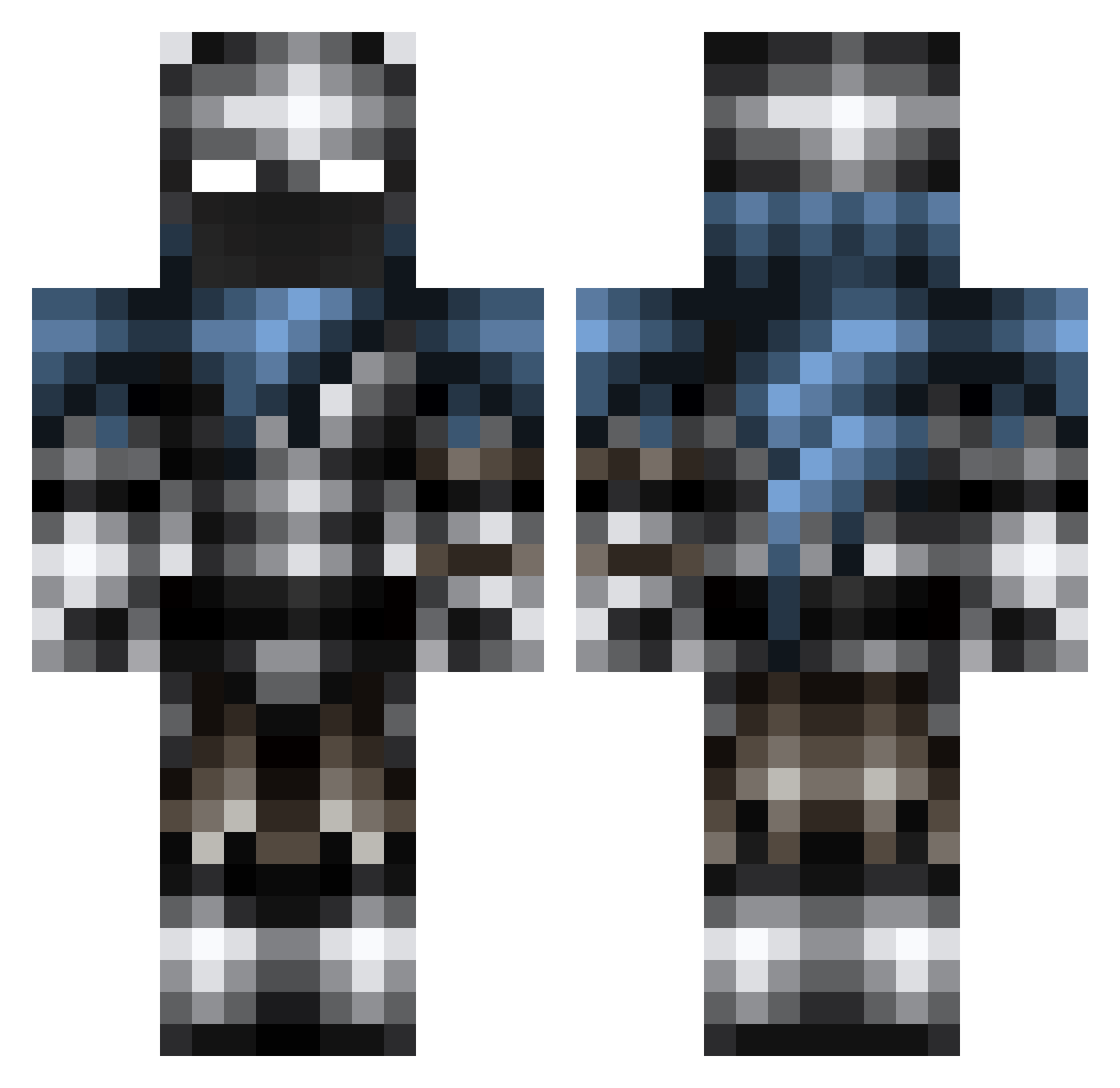
Current Minecraft skin of the player Aksodus, loaded from the official Mojang API. Rotate the 3D model with your mouse or finger, then download the skin as a PNG file and use it in Minecraft: Bedrock Edition or Java Edition for free. When Aksodus changes their skin, this page updates automatically and the old skin stays in the history below.
Other players with this skin (125)
Aksodus was the 61st player we have seen with this skin, first spotted on 20.09.2026. The same skin was seen on these players. Open a nickname to see their current skin and skin history.
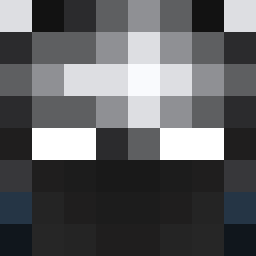 Samathun Philoo24 TheOneTruePita ZhengYongKang cjsan16 Prof_Obi Cardonas l_Apxllo_l _____M1k3_____ BluJay07 Omar7631 Blauwevoogel1 Mag1cM1ke98 RockRig elkniwt707 RegrxstMC ArKaDaTaG RadicalPandora6 Spr1nt3x ken930110 wj_ly BigDaddyWedge ElSantyER Gadzilla1417 Cuervo04 warealdok BLEACH__SODA Vintage_N PookasTheWise Mysticjaguar36 EpicTurkeyMan GeminiHunter123 rokwud MinerMiner12 BaronZemo2 IBims1Ronin Goleb Nesto_Rmrz zowet03 Dustin_D3an Dubbletoke Betrrayed00 _Sorin_Markov_ GuymondT Zt0021 Dr_Corvus_ psanch Jediss Penderdrill Gold_oblivion2 BerLil_ james80 mayk00330 toto11xd Fellepo RolanX Uplock_ Peml Il_Supremo7 Dillon_Harper
Previous skins of Aksodus
Skins that Aksodus wore before, newest first. Click a skin to open its page and download it.
More Warrior Minecraft skins
How to install the Aksodus skin
- Press the Download button above to save the skin as a PNG file.
- Minecraft: Bedrock Edition (PE): open the Dressing Room from the main menu (or tap your character → Edit Character), go to Classic Skins → Owned, press the + (new skin) button, choose the downloaded PNG and pick the Classic (Steve) model. Works on PC and mobile; consoles cannot import custom skins.
- Minecraft: Java Edition: open the Minecraft Launcher, go to the Skins tab, click New Skin, load the PNG, pick the Classic (Steve) model and press Save & Use. You can also upload it at minecraft.net → Profile → Change Skin.
The skin does not show up after import - what should I do?
Restart Minecraft and open the Dressing Room again - imported skins sometimes appear only after a restart. Also make sure you selected the imported skin and picked the Classic (Steve) model.
Which model should I choose, Classic or Slim?
This skin is designed for the Classic (Steve) model. If you pick the wrong model, the arms of the skin will look stretched or squeezed.
Is the skin of Aksodus free to download?
Yes. Press Download, save the PNG file and use it in Minecraft: Bedrock Edition or Java Edition - no payment or registration needed. The skin also works on multiplayer servers and Realms.
More skins
Looking for more? Go back to all Minecraft skins and check the top skins of the week, month and all time, or find any player's skin by nickname.