
Aidensan - Minecraft Skins & Skin History
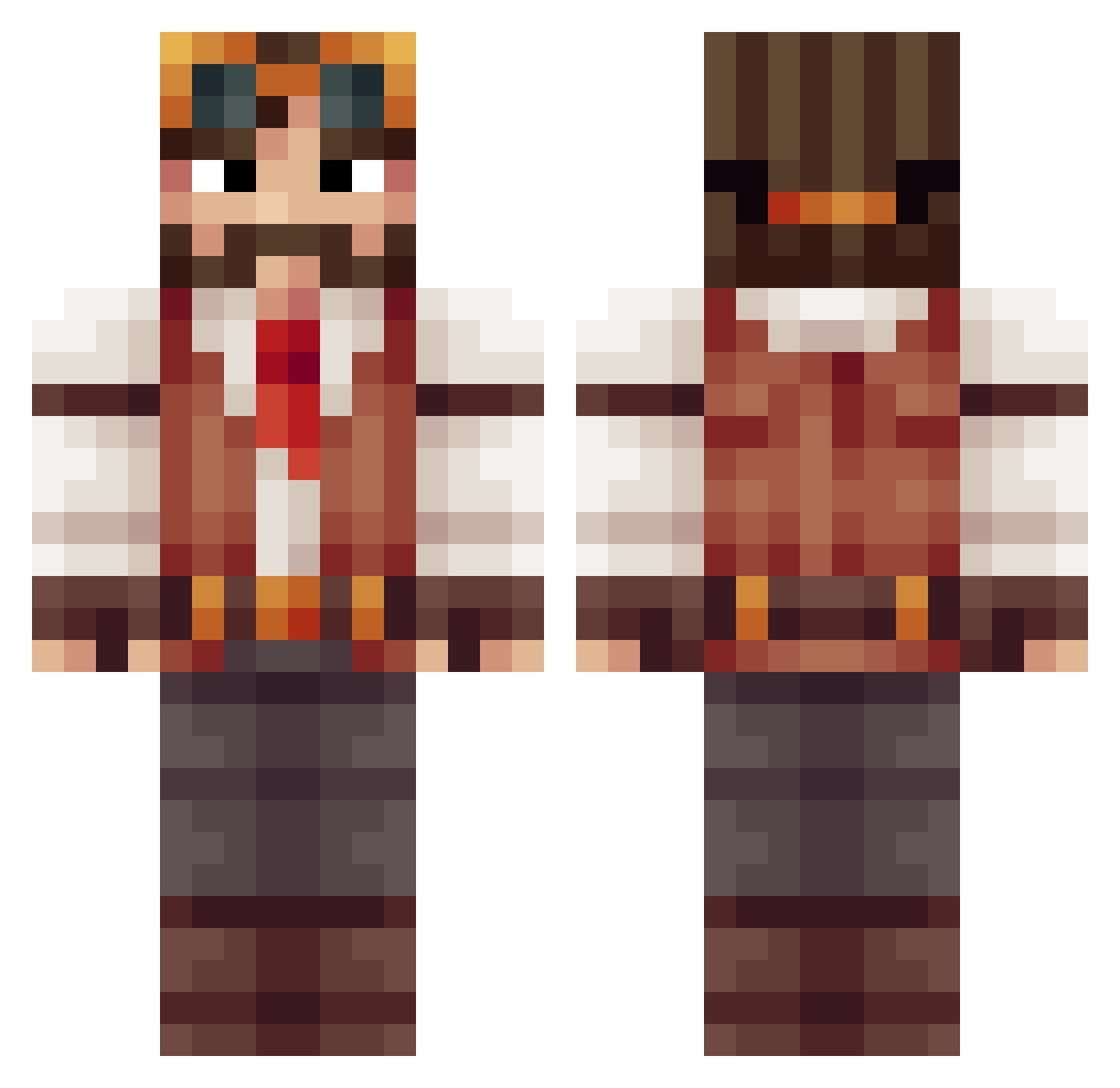
Current Minecraft skin of the player Aidensan, loaded from the official Mojang API. Rotate the 3D model with your mouse or finger, then download the skin as a PNG file and use it in Minecraft: Bedrock Edition or Java Edition for free. When Aidensan changes their skin, this page updates automatically and the old skin stays in the history below.
Other players with this skin (513)
Aidensan was the 57th player we have seen with this skin, first spotted on 07.08.2026. The same skin was seen on these players. Open a nickname to see their current skin and skin history.
 Dephendor MrScore MyrkyllinenV5 InsaneInsanity Bakamori Fallen7496 Draktan GortthauR Muxgux zjonnez kristiensen01 JB_Jam Peacey_P JaysinFeeraz MrFrenchToasts GrandDukeofOwls Rmora28 Maslen1 LRGWika digger23456 Haaps necrosexual SirJesse8 Draphex CallMeTyranny Parcel2 StarRoving Atomic_Redd Leuthi Spoof DioTacchino Rhune07 Traxho victoriajoe Ntedesco55 Tonydeaf whatdatmoufdoo conculator Bzingaz Luminn Minewiz21 FLX_Whiskey Volledig SupaKoopa95 ArcaneAsh Ben_Pie williy90 NinthNova Artifeix Zenso_Si kalmbach Jayclin xav1254 blackholeguy DaxtonIsDaddy snusin thotrap99 MrRooster sierra_seven_ Jahmoo
More Explorer Minecraft skins
How to install the Aidensan skin
- Press the Download button above to save the skin as a PNG file.
- Minecraft: Bedrock Edition (PE): open the Dressing Room from the main menu (or tap your character → Edit Character), go to Classic Skins → Owned, press the + (new skin) button, choose the downloaded PNG and pick the Classic (Steve) model. Works on PC and mobile; consoles cannot import custom skins.
- Minecraft: Java Edition: open the Minecraft Launcher, go to the Skins tab, click New Skin, load the PNG, pick the Classic (Steve) model and press Save & Use. You can also upload it at minecraft.net → Profile → Change Skin.
The skin does not show up after import - what should I do?
Restart Minecraft and open the Dressing Room again - imported skins sometimes appear only after a restart. Also make sure you selected the imported skin and picked the Classic (Steve) model.
Which model should I choose, Classic or Slim?
This skin is designed for the Classic (Steve) model. If you pick the wrong model, the arms of the skin will look stretched or squeezed.
Is the skin of Aidensan free to download?
Yes. Press Download, save the PNG file and use it in Minecraft: Bedrock Edition or Java Edition - no payment or registration needed. The skin also works on multiplayer servers and Realms.
More skins
Looking for more? Go back to all Minecraft skins and check the top skins of the week, month and all time, or find any player's skin by nickname.