
AdSkiN - Minecraft Skins & Skin History
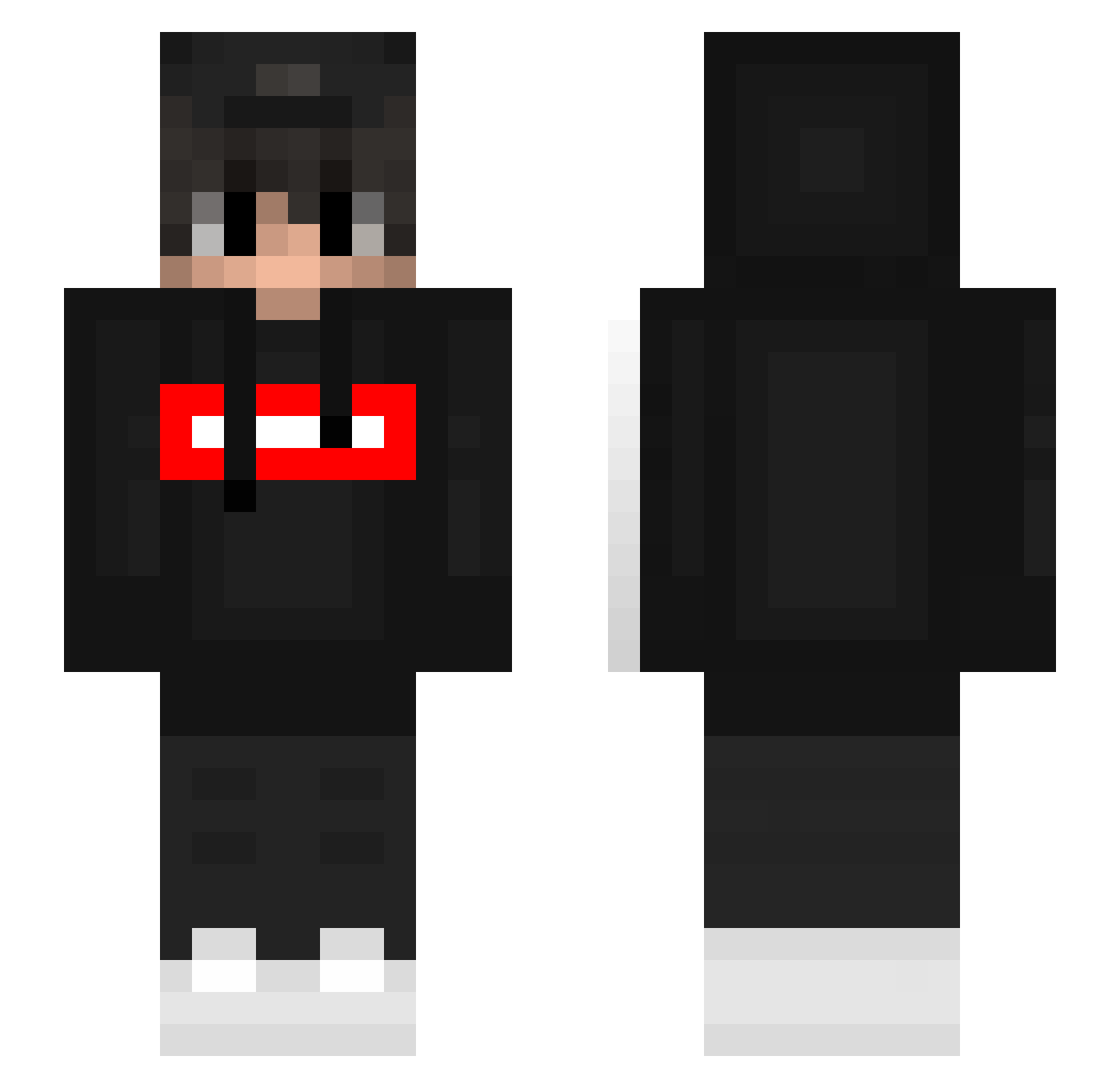
Current Minecraft skin of the player AdSkiN, loaded from the official Mojang API. Rotate the 3D model with your mouse or finger, then download the skin as a PNG file and use it in Minecraft: Bedrock Edition or Java Edition for free. When AdSkiN changes their skin, this page updates automatically and the old skin stays in the history below.
Other players with this skin (443)
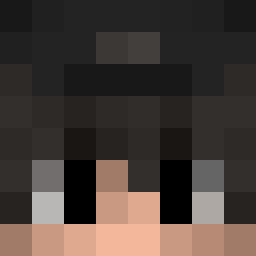
AdSkiN was the 407th player we have seen with this skin, first spotted on 09.11.2026. The same skin was seen on these players. Open a nickname to see their current skin and skin history.
 NYTommy07 Kapix_XDD planfluiter JuanP_Algarete_ PrYzZ_ KnBnS gho0ooost La1m3sas daminatopro xXCarboxylXx geve_ M1h0zy YuhTl golden797 edcdecl KyoukoM handtemple itsurboitom RMaker Serbiano92i D4rklion TryThisIdiots Ties3004 emilossl xdarkinsx Celestrial manito_supreme Short_Dog2 xskibsonik Yogi_123 Sakuraback SithKitten07 _Timid kimchoen502 _Danner Shorteeey xSyaz Alessio_ez Zurm_ AlexDMI DeryY17 Piratt1412 har731 _pepo_24 N1lo_ Natsu160 Mi5ia nitane Jonas_werner2011 Al_kujira Mr_reaper03 Szamann NebRevod Loxpreme chs8 CORVIN09 Dar_pepito Scofield40 _Mehmet_G Enesmk5
More Streetwear Minecraft skins
How to install the AdSkiN skin
- Press the Download button above to save the skin as a PNG file.
- Minecraft: Bedrock Edition (PE): open the Dressing Room from the main menu (or tap your character → Edit Character), go to Classic Skins → Owned, press the + (new skin) button, choose the downloaded PNG and pick the Slim (Alex) model. Works on PC and mobile; consoles cannot import custom skins.
- Minecraft: Java Edition: open the Minecraft Launcher, go to the Skins tab, click New Skin, load the PNG, pick the Slim (Alex) model and press Save & Use. You can also upload it at minecraft.net → Profile → Change Skin.
The skin does not show up after import - what should I do?
Restart Minecraft and open the Dressing Room again - imported skins sometimes appear only after a restart. Also make sure you selected the imported skin and picked the Slim (Alex) model.
Which model should I choose, Classic or Slim?
This skin is designed for the Slim (Alex) model. If you pick the wrong model, the arms of the skin will look stretched or squeezed.
Is the skin of AdSkiN free to download?
Yes. Press Download, save the PNG file and use it in Minecraft: Bedrock Edition or Java Edition - no payment or registration needed. The skin also works on multiplayer servers and Realms.
More skins
Looking for more? Go back to all Minecraft skins and check the top skins of the week, month and all time, or find any player's skin by nickname.