
Abdel60180 - Minecraft Skins & Skin History
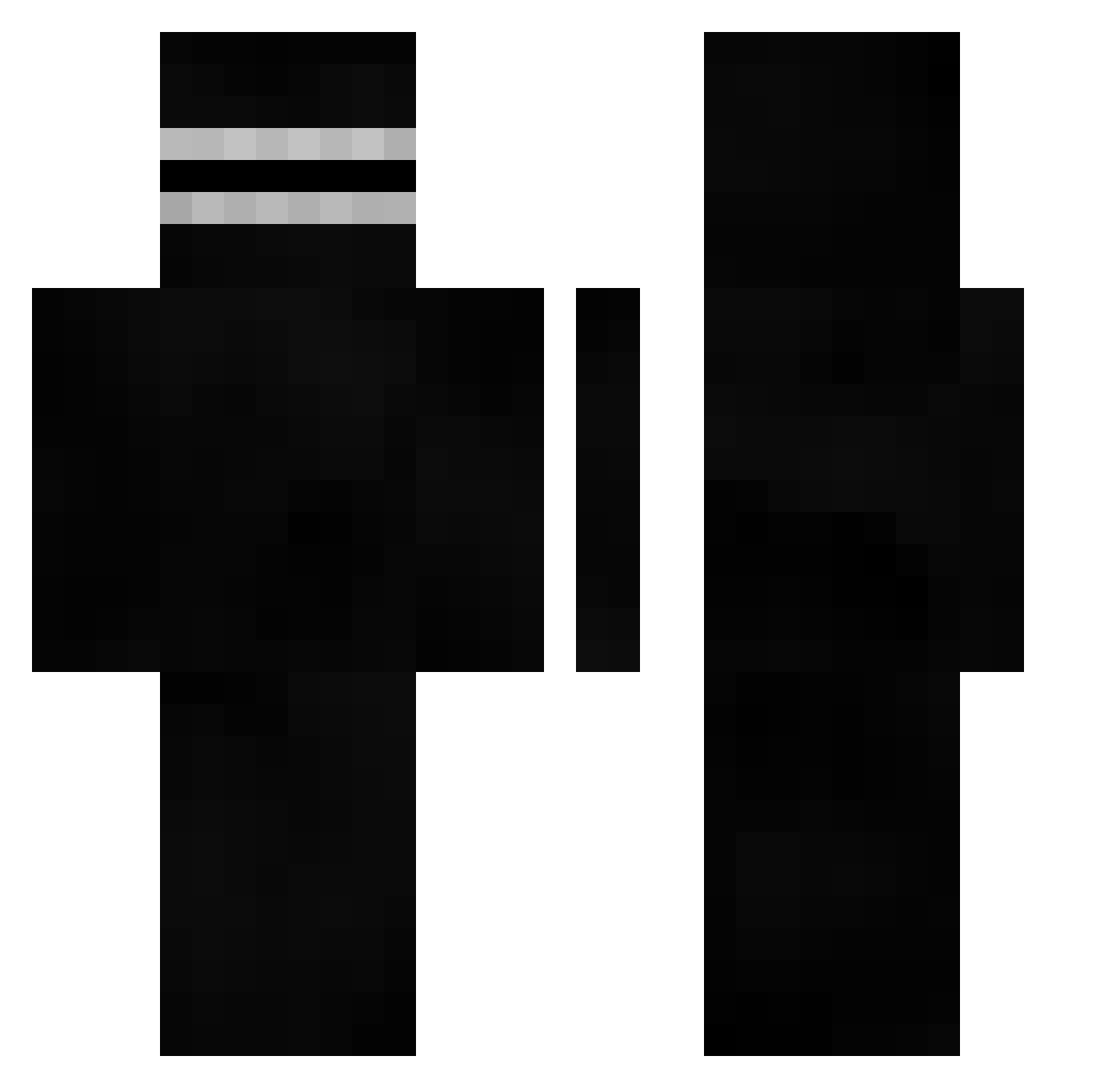
Current Minecraft skin of the player Abdel60180, loaded from the official Mojang API. Rotate the 3D model with your mouse or finger, then download the skin as a PNG file and use it in Minecraft: Bedrock Edition or Java Edition for free. When Abdel60180 changes their skin, this page updates automatically and the old skin stays in the history below.
Other players with this skin (466)
Abdel60180 was the 227th player we have seen with this skin, first spotted on 17.09.2026. The same skin was seen on these players. Open a nickname to see their current skin and skin history.
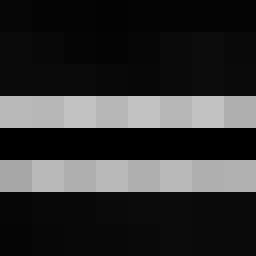 cl3m3nt_b cioata_a happyman923 ___SJ___ nifuroksazynator Hlebdalf_White ejames56 JCRUZIEEE byfrankz Umz10 KeRtOiP1 Enrac mediano228 raghav4014w quartersnorter25 Klopsiix OmarTaher200 Mike070j79 dohyun0525 kirito93202 Dusty_Dirty zZyrOx1 GGMen324 IAmInYourCeiling _Nessun0_ lucasbuenosmomos INDUUU ToastHack cengx L00M4R ErkaPerka FunkyDonkey LemonDucky4999 Chermit02 pvpbot11 Mathias181 LEMONDEMONNN Gali_Mali soo_min05 SlpperyBeef baboucheeeuh MarkBaBark SeuPai1234 __ob CusimanoJr Lachlan2727 Leonidas1452 han_jun1221 Vladimir _Kardus_ Quertsd rladbqls21 OleMassa Kowzyyy_ YaroslavTop1 xXBATTLEBEASTXx Miverus JoeyBamboni Ylalalala Mkaygrande
How to install the Abdel60180 skin
- Press the Download button above to save the skin as a PNG file.
- Minecraft: Bedrock Edition (PE): open the Dressing Room from the main menu (or tap your character → Edit Character), go to Classic Skins → Owned, press the + (new skin) button, choose the downloaded PNG and pick the Classic (Steve) model. Works on PC and mobile; consoles cannot import custom skins.
- Minecraft: Java Edition: open the Minecraft Launcher, go to the Skins tab, click New Skin, load the PNG, pick the Classic (Steve) model and press Save & Use. You can also upload it at minecraft.net → Profile → Change Skin.
The skin does not show up after import - what should I do?
Restart Minecraft and open the Dressing Room again - imported skins sometimes appear only after a restart. Also make sure you selected the imported skin and picked the Classic (Steve) model.
Which model should I choose, Classic or Slim?
This skin is designed for the Classic (Steve) model. If you pick the wrong model, the arms of the skin will look stretched or squeezed.
Is the skin of Abdel60180 free to download?
Yes. Press Download, save the PNG file and use it in Minecraft: Bedrock Edition or Java Edition - no payment or registration needed. The skin also works on multiplayer servers and Realms.
More skins
Looking for more? Go back to all Minecraft skins and check the top skins of the week, month and all time, or find any player's skin by nickname.