
Aadrii - Minecraft Skins & Skin History
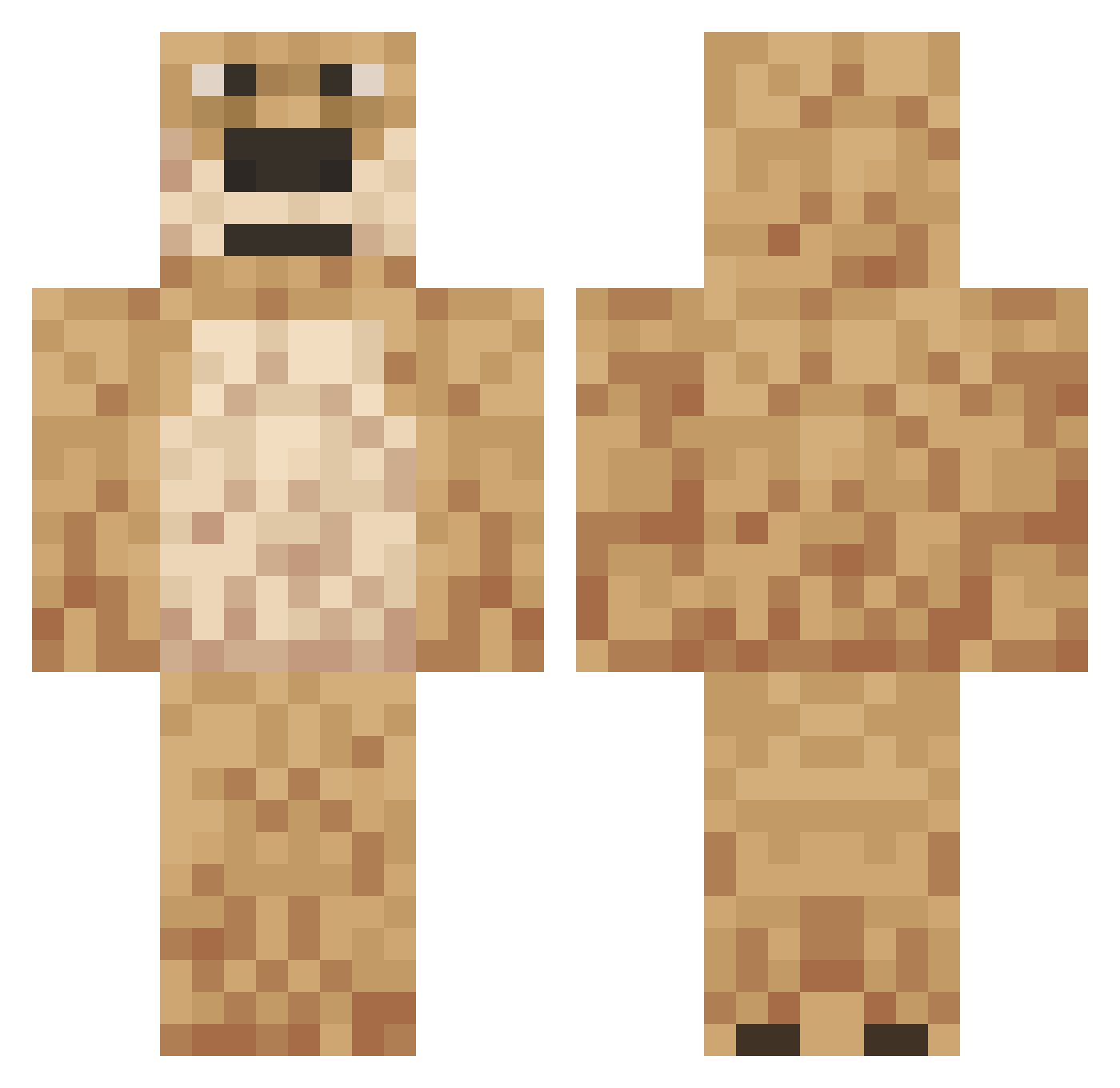
Current Minecraft skin of the player Aadrii, loaded from the official Mojang API. Rotate the 3D model with your mouse or finger, then download the skin as a PNG file and use it in Minecraft: Bedrock Edition or Java Edition for free. When Aadrii changes their skin, this page updates automatically and the old skin stays in the history below.
Other players with this skin (558)
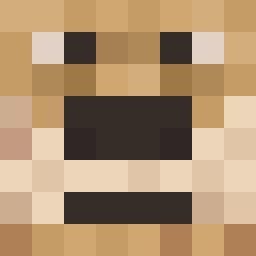
Aadrii was the 166th player we have seen with this skin, first spotted on 28.08.2026. The same skin was seen on these players. Open a nickname to see their current skin and skin history.
 ItsArmor ObeseMonkeyMan29 DRiginn Zerur Chris941116 basarfidan adopted757 Gachu1 Elf___ winzdegamer aykut0666 cool_l_73 MiniBambini SunFeatJul ProficBuzz juuzinho Morrizzo RER4IK032 Javra_de_Ben Spanhoggi monkeymane_ _chajzer Tometo_ joseph201038 NclFedor ChiliPepper_345 sircwisp torrac0 xxTypophobia69xx Pekfinger ZachAndCheese08 archer_john OgerpDaddy DaddyBennV5 Ducktails1 L4ttenrost Julesily iJoee Dream_American egebashar07 j3r7 Flor3nz1 Neutering ChaIawan Your_Local_Poop Eriq2711 Wattasan Arrudaa KenzoAymane kerestewi Lawreniko ReinerZufall1 BabellNator CHAINNNNNNNNNNN4 nayRx BakaCoom dogedogbar Tarzasz IronCrayonMan OdaliaBlight
More Talking Ben Minecraft skins
How to install the Aadrii skin
- Press the Download button above to save the skin as a PNG file.
- Minecraft: Bedrock Edition (PE): open the Dressing Room from the main menu (or tap your character → Edit Character), go to Classic Skins → Owned, press the + (new skin) button, choose the downloaded PNG and pick the Classic (Steve) model. Works on PC and mobile; consoles cannot import custom skins.
- Minecraft: Java Edition: open the Minecraft Launcher, go to the Skins tab, click New Skin, load the PNG, pick the Classic (Steve) model and press Save & Use. You can also upload it at minecraft.net → Profile → Change Skin.
The skin does not show up after import - what should I do?
Restart Minecraft and open the Dressing Room again - imported skins sometimes appear only after a restart. Also make sure you selected the imported skin and picked the Classic (Steve) model.
Which model should I choose, Classic or Slim?
This skin is designed for the Classic (Steve) model. If you pick the wrong model, the arms of the skin will look stretched or squeezed.
Is the skin of Aadrii free to download?
Yes. Press Download, save the PNG file and use it in Minecraft: Bedrock Edition or Java Edition - no payment or registration needed. The skin also works on multiplayer servers and Realms.
More skins
Looking for more? Go back to all Minecraft skins and check the top skins of the week, month and all time, or find any player's skin by nickname.