
 PyScxre_ Diesel10801 menace_12 buvvv FGAmericana NINJA585 lolbadlolV34 chickanisse13 glockfa1ry Karloss9 69_thejoker_69 GlossyMoon46837 Tanthalas lolbadlolV56 Jemers Itzmatilde Benjoza dogpeen MrKrabsIsThicc TBExplosion Sumufukora Cakesniffer131 GucciTwinkleToes Karmidios Hazzxry TheBladeOfDeath ALETTRRO Tugou666 Frankenj Bennplus by_Nan1021 mngGoat _Drxpz itz_daylab Regolioz Beansco BenTenLaZone Tk_Nooko _Mez_ qwuak_ momrider69 BenOnTopV47 duzybolec2015 CanadianCactus7 Gacus321 Superprosper420 koqaru RussianBen dhend03 lolbadloldlpv121 ugghhhhh AntiQZN Bennybob9387 yungrizzy 60usd nakogre BenPlaysStuff3 joame BubbaBulk talkingben88
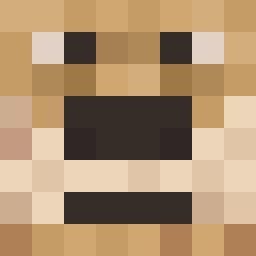
Minecraft skin of LimKush. Rotate the 3D model with your mouse or finger to view the skin from every angle, then download it as a PNG file and use it in Minecraft: Bedrock Edition or Java Edition for free. Rate the skin with stars to help other players find the best skins in our collection.
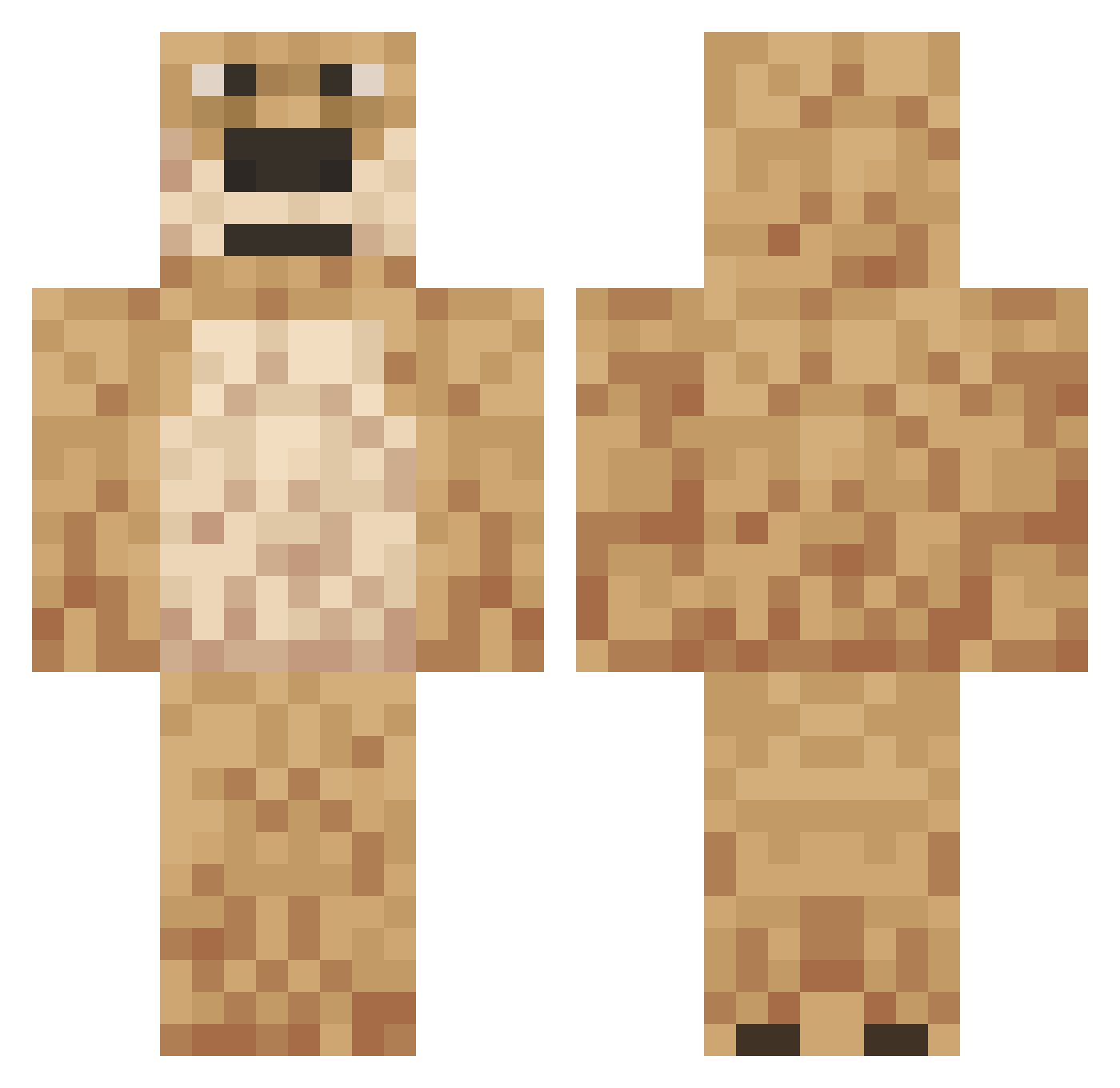
How to install the LimKush skin
- Press the Download button above to save the skin as a PNG file.
- Minecraft: Bedrock Edition (PE): open the Dressing Room from the main menu (or tap your character → Edit Character), go to Classic Skins → Owned, press the + (new skin) button, choose the downloaded PNG and pick the Classic (Steve) model. Works on PC and mobile; consoles cannot import custom skins.
- Minecraft: Java Edition: open the Minecraft Launcher, go to the Skins tab, click New Skin, load the PNG, pick the Classic (Steve) model and press Save & Use. You can also upload it at minecraft.net → Profile → Change Skin.
The skin does not show up after import - what should I do?
Restart Minecraft and open the Dressing Room again - imported skins sometimes appear only after a restart. Also make sure you selected the imported skin and picked the Classic (Steve) model.
Which model should I choose, Classic or Slim?
This skin is designed for the Classic (Steve) model. If you pick the wrong model, the arms of the skin will look stretched or squeezed.
Is this skin free to use?
Yes. Press Download, save the PNG file and use it in Minecraft: Bedrock Edition or Java Edition - no payment or registration needed. The skin also works on multiplayer servers and Realms.
More Talking Ben Minecraft skins
More skins
Looking for more? Go back to all Minecraft skins and check the top skins of the week, month and all time, or find any player's skin by nickname.