
AUTUMNBUG417759 - Minecraft Skins & Skin History
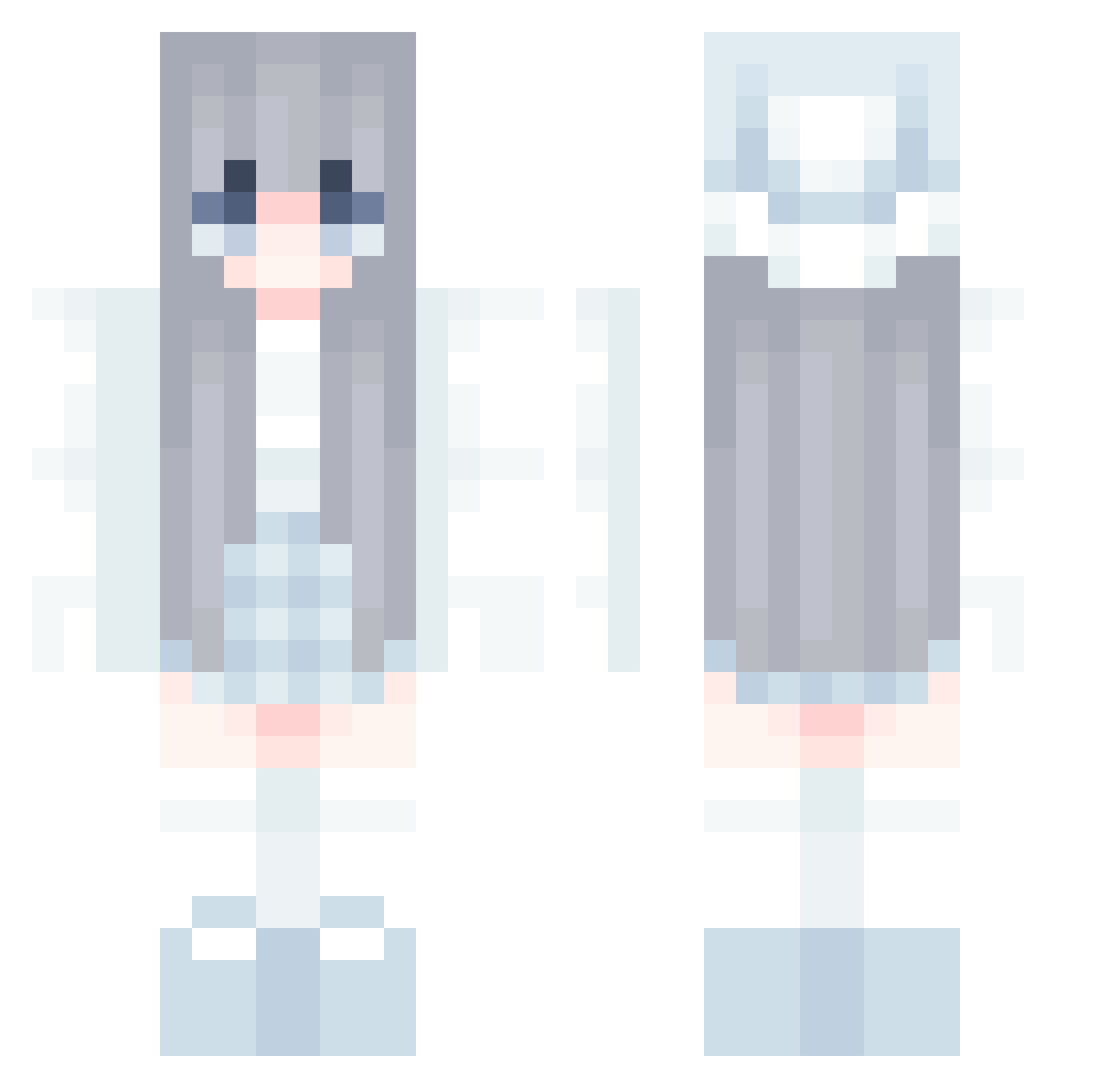
Current Minecraft skin of the player AUTUMNBUG417759, loaded from the official Mojang API. Rotate the 3D model with your mouse or finger, then download the skin as a PNG file and use it in Minecraft: Bedrock Edition or Java Edition for free. When AUTUMNBUG417759 changes their skin, this page updates automatically and the old skin stays in the history below.
Other players with this skin (580)
AUTUMNBUG417759 was the 494th player we have seen with this skin, first spotted on 20.10.2026. The same skin was seen on these players. Open a nickname to see their current skin and skin history.
 ChestarS qaqok JuliaMine9173 CyberMochiko BobaTeaMC pixiethegreatcat Tsuki_x_ Nemezis12 kyxqd SolinaEdward Katokichika panda98624 aalle358 jejdjed river006 hiyoko_72 HannahCheng LenaKaktus dayangge lll010 Athena4528 PurpleConverse woo0314jin Cople_69 akksm Yuirin1 zaktela RNDM_Jordan XHX_91 domatessadam stinaboom KikiRitter_ lunnn_ ARYA_TNS chaelim 12kuncat kkm0123 autumnokk erinsheehan vxanny RyoLambert ABCDEFGNH MALLUZITA Bomba20981 nekoru___ BT_p0pCoRn Ibacat Adorablebubu Monstersge97 XING369 pebble_13 joliee_ Johanna9911 nedosuper magiskaZ WaterFish597 Riacha97 Hannah425 ghisxs D4nyFunko32
More Winter Minecraft skins
How to install the AUTUMNBUG417759 skin
- Press the Download button above to save the skin as a PNG file.
- Minecraft: Bedrock Edition (PE): open the Dressing Room from the main menu (or tap your character → Edit Character), go to Classic Skins → Owned, press the + (new skin) button, choose the downloaded PNG and pick the Classic (Steve) model. Works on PC and mobile; consoles cannot import custom skins.
- Minecraft: Java Edition: open the Minecraft Launcher, go to the Skins tab, click New Skin, load the PNG, pick the Classic (Steve) model and press Save & Use. You can also upload it at minecraft.net → Profile → Change Skin.
The skin does not show up after import - what should I do?
Restart Minecraft and open the Dressing Room again - imported skins sometimes appear only after a restart. Also make sure you selected the imported skin and picked the Classic (Steve) model.
Which model should I choose, Classic or Slim?
This skin is designed for the Classic (Steve) model. If you pick the wrong model, the arms of the skin will look stretched or squeezed.
Is the skin of AUTUMNBUG417759 free to download?
Yes. Press Download, save the PNG file and use it in Minecraft: Bedrock Edition or Java Edition - no payment or registration needed. The skin also works on multiplayer servers and Realms.
More skins
Looking for more? Go back to all Minecraft skins and check the top skins of the week, month and all time, or find any player's skin by nickname.