
AROCKETHUNTER - Minecraft Skins & Skin History
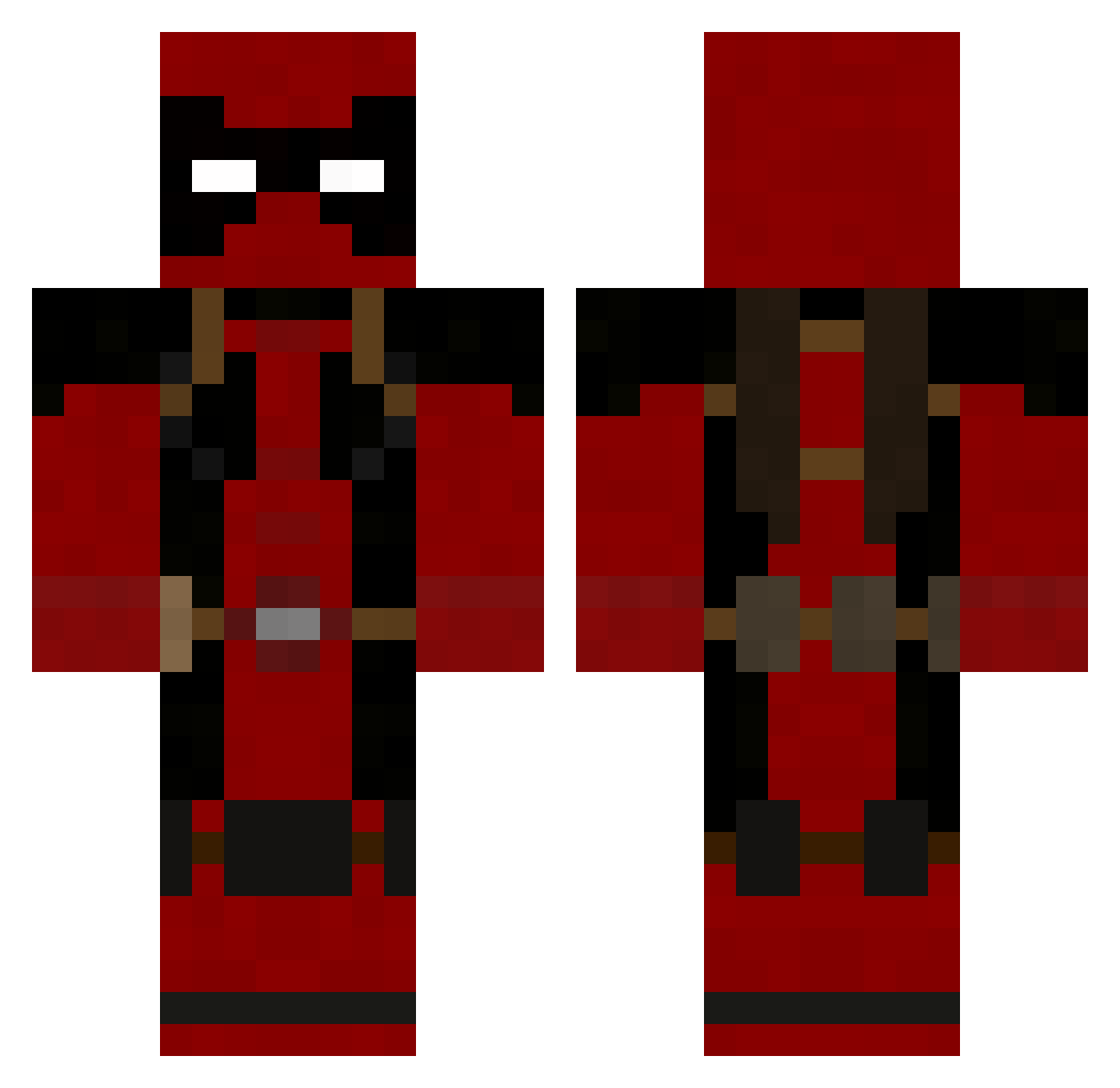
Current Minecraft skin of the player AROCKETHUNTER, loaded from the official Mojang API. Rotate the 3D model with your mouse or finger, then download the skin as a PNG file and use it in Minecraft: Bedrock Edition or Java Edition for free. When AROCKETHUNTER changes their skin, this page updates automatically and the old skin stays in the history below.
Other players with this skin (190)
AROCKETHUNTER was the 70th player we have seen with this skin, first spotted on 23.08.2026. The same skin was seen on these players. Open a nickname to see their current skin and skin history.
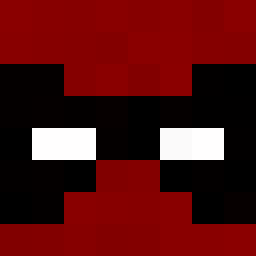 Jaconinja Mavros2000 Xenon57 SHIYI348 Deadpoolremix D_anggeun RODNY_925 archangelo1o Pieter_N Bobmclovin127 Krimzxn soybeans1231 minidozer12 BufordTHarness onyxd23 ChodyGay bustersfuneral Zatux plokecraft im_a_noob_12 mayarau T2831x Colonel_Sanders2 ZeroKage Varcan59 ElGrillo1999 Quyitz Hypocritex xShaNayNay Stompy007 essentra ChristopherBruh DarkSimon18 VALOOSE Derechino Holmannn TwistdRabbit StemisS Redwarr65 Blastaxe Vengeance1996 MOUNTAIN_609 YungParker The_Cre8r Jupiter_B9 PonchyOtter Ciccio00 xHooligans Reaver16 timaxou Lordjaw
 veginesi LMIF_L3xus CEVIXERO Gamefroz Bennywise
 Ogg2104 Anemone_93 dnwk012 erento14
More Deadpool Minecraft skins
How to install the AROCKETHUNTER skin
- Press the Download button above to save the skin as a PNG file.
- Minecraft: Bedrock Edition (PE): open the Dressing Room from the main menu (or tap your character → Edit Character), go to Classic Skins → Owned, press the + (new skin) button, choose the downloaded PNG and pick the Classic (Steve) model. Works on PC and mobile; consoles cannot import custom skins.
- Minecraft: Java Edition: open the Minecraft Launcher, go to the Skins tab, click New Skin, load the PNG, pick the Classic (Steve) model and press Save & Use. You can also upload it at minecraft.net → Profile → Change Skin.
The skin does not show up after import - what should I do?
Restart Minecraft and open the Dressing Room again - imported skins sometimes appear only after a restart. Also make sure you selected the imported skin and picked the Classic (Steve) model.
Which model should I choose, Classic or Slim?
This skin is designed for the Classic (Steve) model. If you pick the wrong model, the arms of the skin will look stretched or squeezed.
Is the skin of AROCKETHUNTER free to download?
Yes. Press Download, save the PNG file and use it in Minecraft: Bedrock Edition or Java Edition - no payment or registration needed. The skin also works on multiplayer servers and Realms.
More skins
Looking for more? Go back to all Minecraft skins and check the top skins of the week, month and all time, or find any player's skin by nickname.