
AKAMAKOTO - Minecraft Skins & Skin History
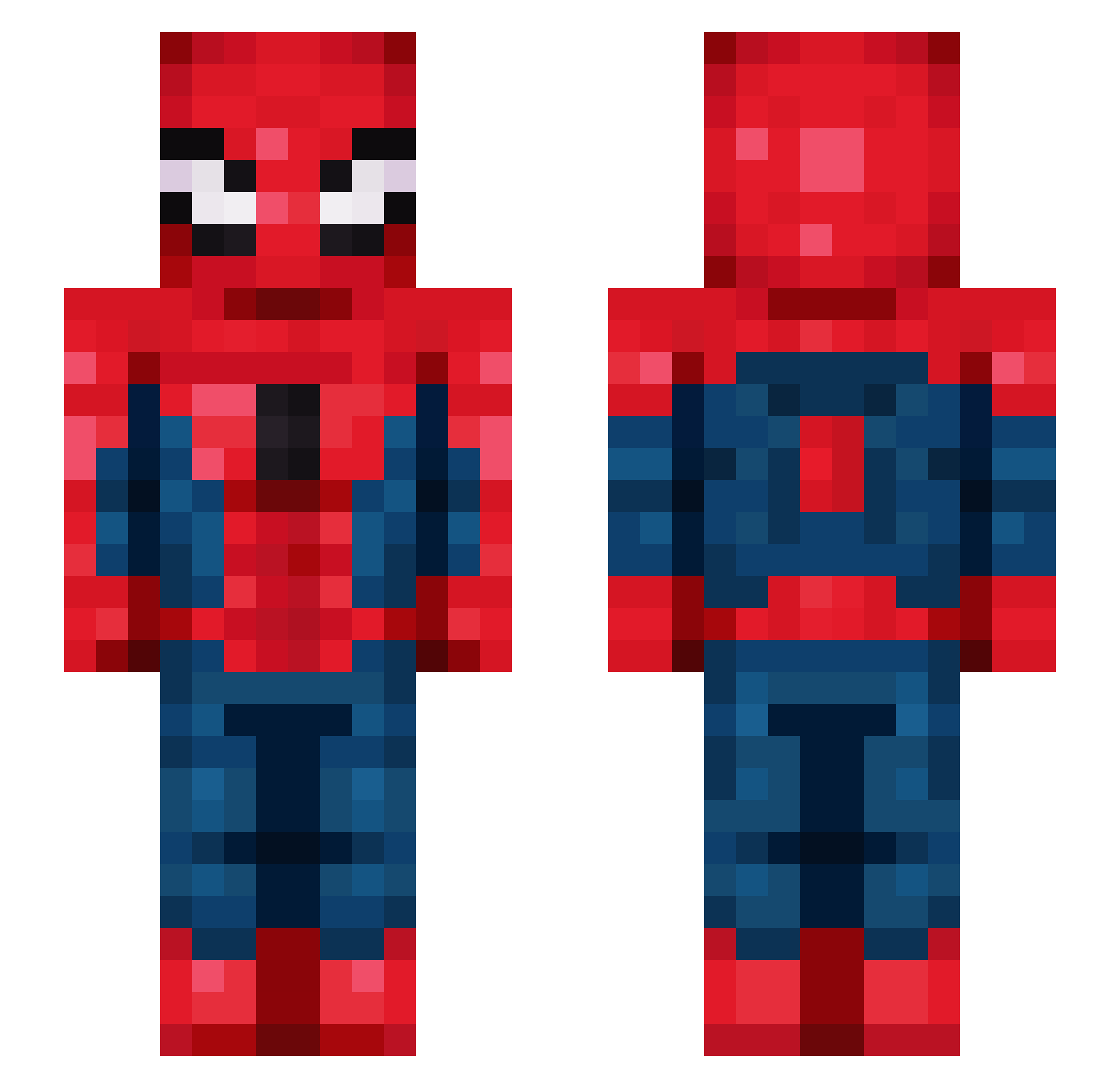
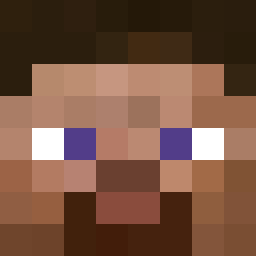
Current Minecraft skin of the player AKAMAKOTO, loaded from the official Mojang API. Rotate the 3D model with your mouse or finger, then download the skin as a PNG file and use it in Minecraft: Bedrock Edition or Java Edition for free. When AKAMAKOTO changes their skin, this page updates automatically and the old skin stays in the history below.
Other players with this skin (138)
AKAMAKOTO was the 49th player we have seen with this skin, first spotted on 30.08.2026. The same skin was seen on these players. Open a nickname to see their current skin and skin history.
 itskrvpt superdog1974 MstrTheGame Thechomania PointPrkr felpsinsider
 Puzzledz Fxbyy_ onthetrail
 darksouls212 imkingzzang p4ivaa
 The_chosenLenda concon20128153 Aroaa27 MaybeClouds magrimfps H0ckey_ odasu
 Pudimzinho1 PanZiemniak123 DieserNico Oskuuur G_JOSEPH_ ImYourWin Wayne_wei pybala
 wo_dye 3asd90345asd6 ShadowAssault ohseojune110111
 muckwormPC Quasar09 odatetsuo
 tomato0607 sylrde nogasek KykyDeBondy MorrisBenjamin Smart14z 17Shady 07_kim
 kdh0426 CxMlqex_ ISAKgaming67_
 ehdrhsdl catryce thebigapplee MrEskrow CrepperPau
 yujun6767 splash1490 HanSeorin
 Drimber 1Foot1Zyad_ Deyegeo XTTVOpticX
 Violin_Arthur Vickeman07
 LuisDXY
More Spider-Man Minecraft skins
How to install the AKAMAKOTO skin
- Press the Download button above to save the skin as a PNG file.
- Minecraft: Bedrock Edition (PE): open the Dressing Room from the main menu (or tap your character → Edit Character), go to Classic Skins → Owned, press the + (new skin) button, choose the downloaded PNG and pick the Slim (Alex) model. Works on PC and mobile; consoles cannot import custom skins.
- Minecraft: Java Edition: open the Minecraft Launcher, go to the Skins tab, click New Skin, load the PNG, pick the Slim (Alex) model and press Save & Use. You can also upload it at minecraft.net → Profile → Change Skin.
The skin does not show up after import - what should I do?
Restart Minecraft and open the Dressing Room again - imported skins sometimes appear only after a restart. Also make sure you selected the imported skin and picked the Slim (Alex) model.
Which model should I choose, Classic or Slim?
This skin is designed for the Slim (Alex) model. If you pick the wrong model, the arms of the skin will look stretched or squeezed.
Is the skin of AKAMAKOTO free to download?
Yes. Press Download, save the PNG file and use it in Minecraft: Bedrock Edition or Java Edition - no payment or registration needed. The skin also works on multiplayer servers and Realms.
More skins
Looking for more? Go back to all Minecraft skins and check the top skins of the week, month and all time, or find any player's skin by nickname.