
A3War - Minecraft Skins & Skin History
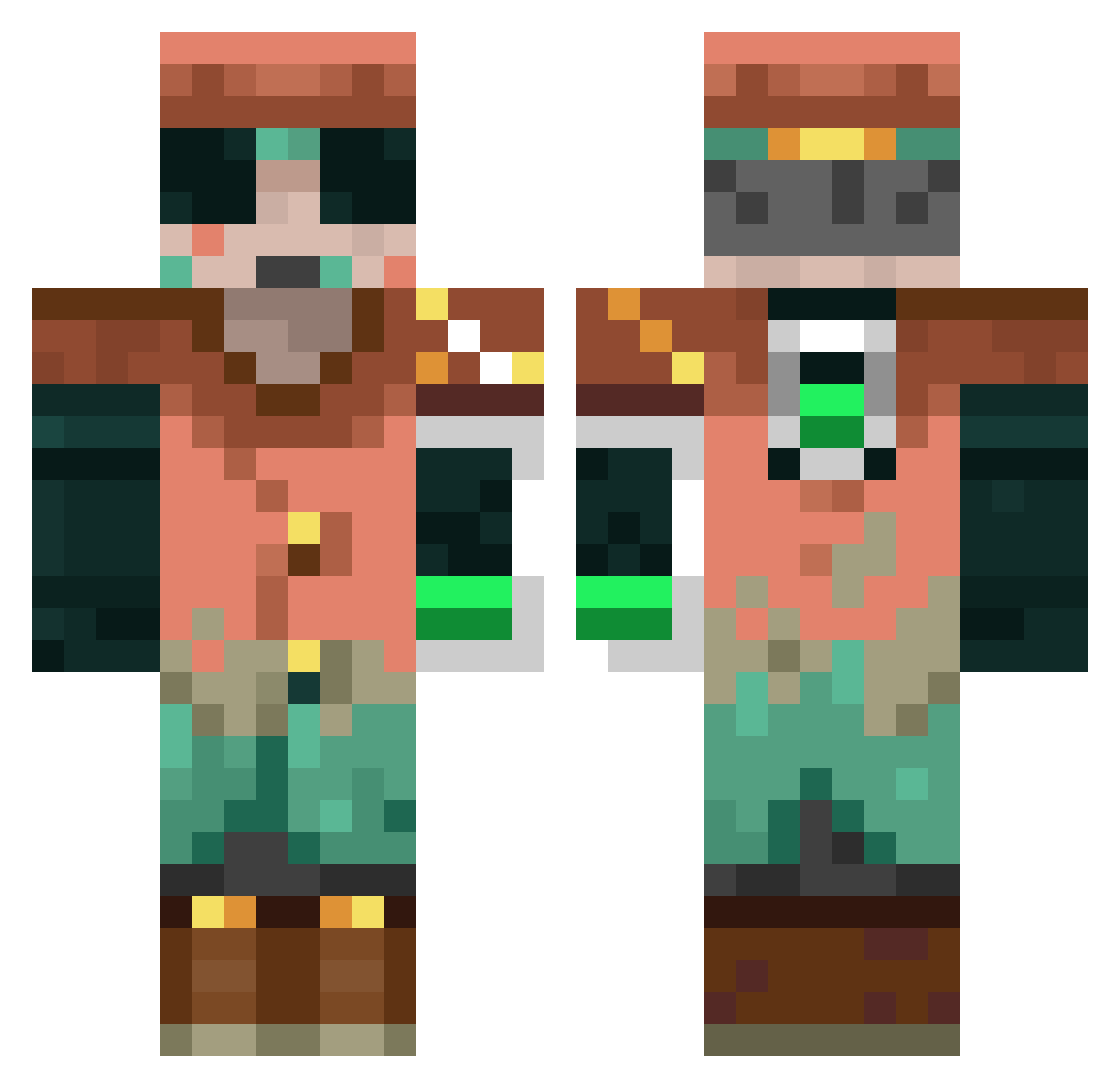
Current Minecraft skin of the player A3War, loaded from the official Mojang API. Rotate the 3D model with your mouse or finger, then download the skin as a PNG file and use it in Minecraft: Bedrock Edition or Java Edition for free. When A3War changes their skin, this page updates automatically and the old skin stays in the history below.
Other players with this skin (68)
A3War was the 31st player we have seen with this skin, first spotted on 04.09.2026. The same skin was seen on these players. Open a nickname to see their current skin and skin history.
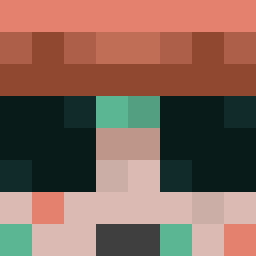 Dy_Cros
 rubbson33 gumstrudel DINODANNY1234567 T123J321 ChicagoJoe 1shkur baklavapower TripleWCM shizicc Theollie1232
 majkeljordan2 lolyuyo haru4so Ndcho MerOu0 GandalfTheCool72 SpaceRunner7 snabbabaas N514CP er28fan ChaoS_Trigga ILoveYouIsabela saluxyz Uggzbtw TheAntonioCR _rainyy_ The_hobby_master MammutJunior xianxyu AmitBhandari6284 XIAdler Builder582 Periweenkle CombatArc1903 Minnie015 Tartrate Hendrik__J HSSyyds LOUIS_KR Kerrigan6
 LOLJA14
 Underrated056 Craw337
 yappymc agujon momo292
 Danrod1 gandalfone
 lanine LSHLDJ 9Black_Night pinchukminkraft Jxss_K
 harybalsonya69 Rayanilli EpicGamerJosh EXOTIC0905 Rubble109 VapingPastaa
More Scavenger Minecraft skins
How to install the A3War skin
- Press the Download button above to save the skin as a PNG file.
- Minecraft: Bedrock Edition (PE): open the Dressing Room from the main menu (or tap your character → Edit Character), go to Classic Skins → Owned, press the + (new skin) button, choose the downloaded PNG and pick the Classic (Steve) model. Works on PC and mobile; consoles cannot import custom skins.
- Minecraft: Java Edition: open the Minecraft Launcher, go to the Skins tab, click New Skin, load the PNG, pick the Classic (Steve) model and press Save & Use. You can also upload it at minecraft.net → Profile → Change Skin.
The skin does not show up after import - what should I do?
Restart Minecraft and open the Dressing Room again - imported skins sometimes appear only after a restart. Also make sure you selected the imported skin and picked the Classic (Steve) model.
Which model should I choose, Classic or Slim?
This skin is designed for the Classic (Steve) model. If you pick the wrong model, the arms of the skin will look stretched or squeezed.
Is the skin of A3War free to download?
Yes. Press Download, save the PNG file and use it in Minecraft: Bedrock Edition or Java Edition - no payment or registration needed. The skin also works on multiplayer servers and Realms.
More skins
Looking for more? Go back to all Minecraft skins and check the top skins of the week, month and all time, or find any player's skin by nickname.