
5a1t - Minecraft Skins & Skin History
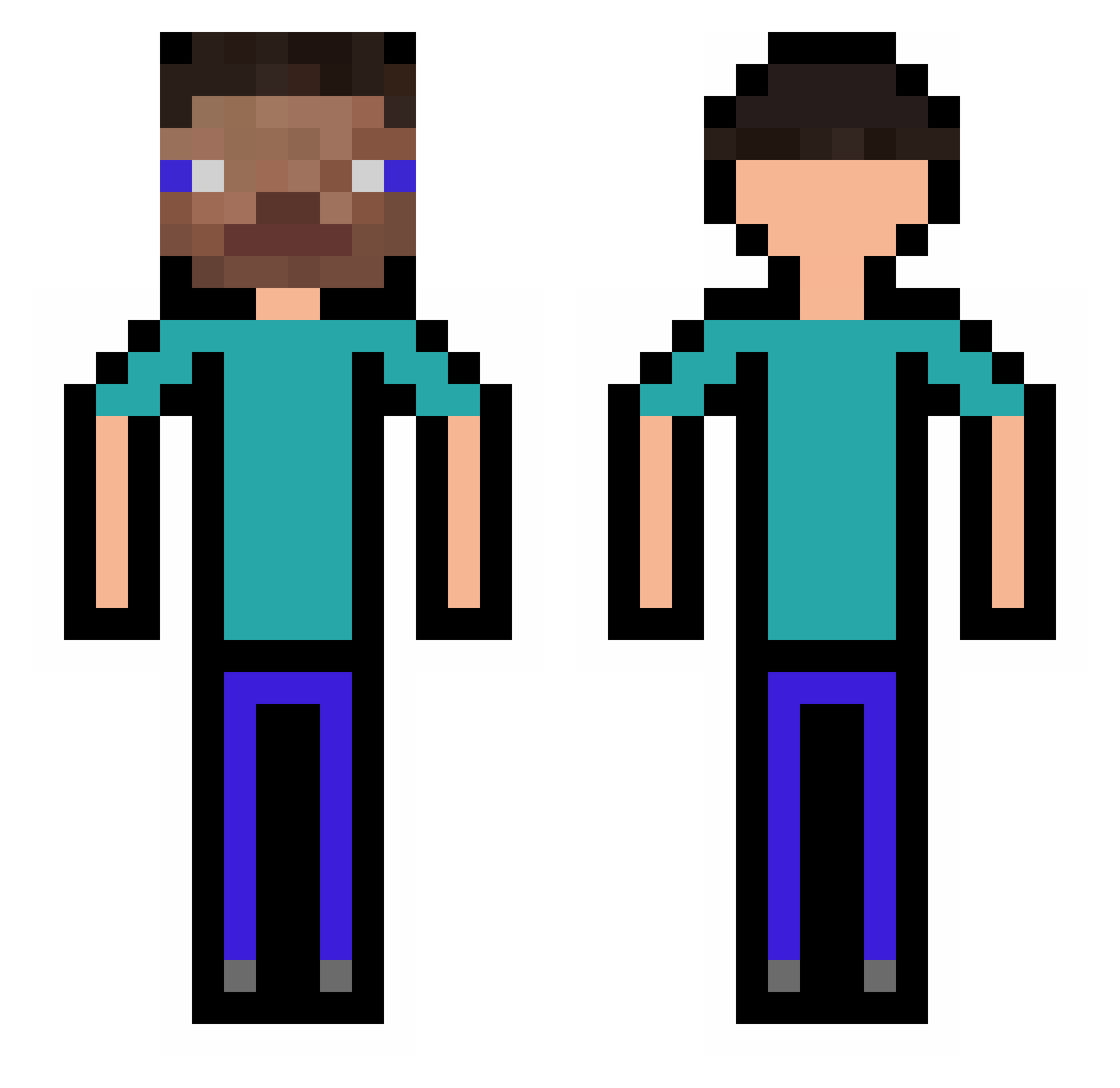
Current Minecraft skin of the player 5a1t, loaded from the official Mojang API. Rotate the 3D model with your mouse or finger, then download the skin as a PNG file and use it in Minecraft: Bedrock Edition or Java Edition for free. When 5a1t changes their skin, this page updates automatically and the old skin stays in the history below.
Other players with this skin (318)
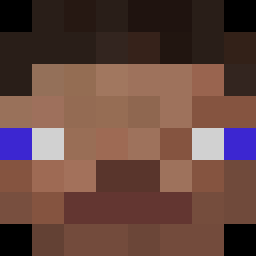
5a1t was the 199th player we have seen with this skin, first spotted on 08.10.2026. The same skin was seen on these players. Open a nickname to see their current skin and skin history.
 PacoPorros27 Lapislazuzuly BulentErsoy Zebalruk makethemjump dominos089 lino7563 Amitng TONETS QR0W Crispyy dayu6 etnikoo Rorrock09 anddreii lilTR shannonkampa Karkelis GTicole me25 wcmc666 bary325 ThreeGees oxtle kaxes22 mutodigital Min_Yun BBlocky MeemoShmeemo Jorgeaarana Leinyolo _cyh__ bigdnik1 GHOST14107 NerfSniper1 dawoodd senorscoots Sveext XSidedX Grandmattis llPIPE chc2 TacoRex publicg tavomocia69 Veixlyyy Pixeldonky Mesztre wanlox JhojanFA COMEBACKKENNY Luck_01 _ArschMitOhren_ ItsMrsLunettaToU Kiss_Me_ ferrazon109 Fuse_Sutart xiangsui6 Skyasgg Jarvis463
How to install the 5a1t skin
- Press the Download button above to save the skin as a PNG file.
- Minecraft: Bedrock Edition (PE): open the Dressing Room from the main menu (or tap your character → Edit Character), go to Classic Skins → Owned, press the + (new skin) button, choose the downloaded PNG and pick the Classic (Steve) model. Works on PC and mobile; consoles cannot import custom skins.
- Minecraft: Java Edition: open the Minecraft Launcher, go to the Skins tab, click New Skin, load the PNG, pick the Classic (Steve) model and press Save & Use. You can also upload it at minecraft.net → Profile → Change Skin.
The skin does not show up after import - what should I do?
Restart Minecraft and open the Dressing Room again - imported skins sometimes appear only after a restart. Also make sure you selected the imported skin and picked the Classic (Steve) model.
Which model should I choose, Classic or Slim?
This skin is designed for the Classic (Steve) model. If you pick the wrong model, the arms of the skin will look stretched or squeezed.
Is the skin of 5a1t free to download?
Yes. Press Download, save the PNG file and use it in Minecraft: Bedrock Edition or Java Edition - no payment or registration needed. The skin also works on multiplayer servers and Realms.
More skins
Looking for more? Go back to all Minecraft skins and check the top skins of the week, month and all time, or find any player's skin by nickname.