
3ayo - Minecraft Skins & Skin History
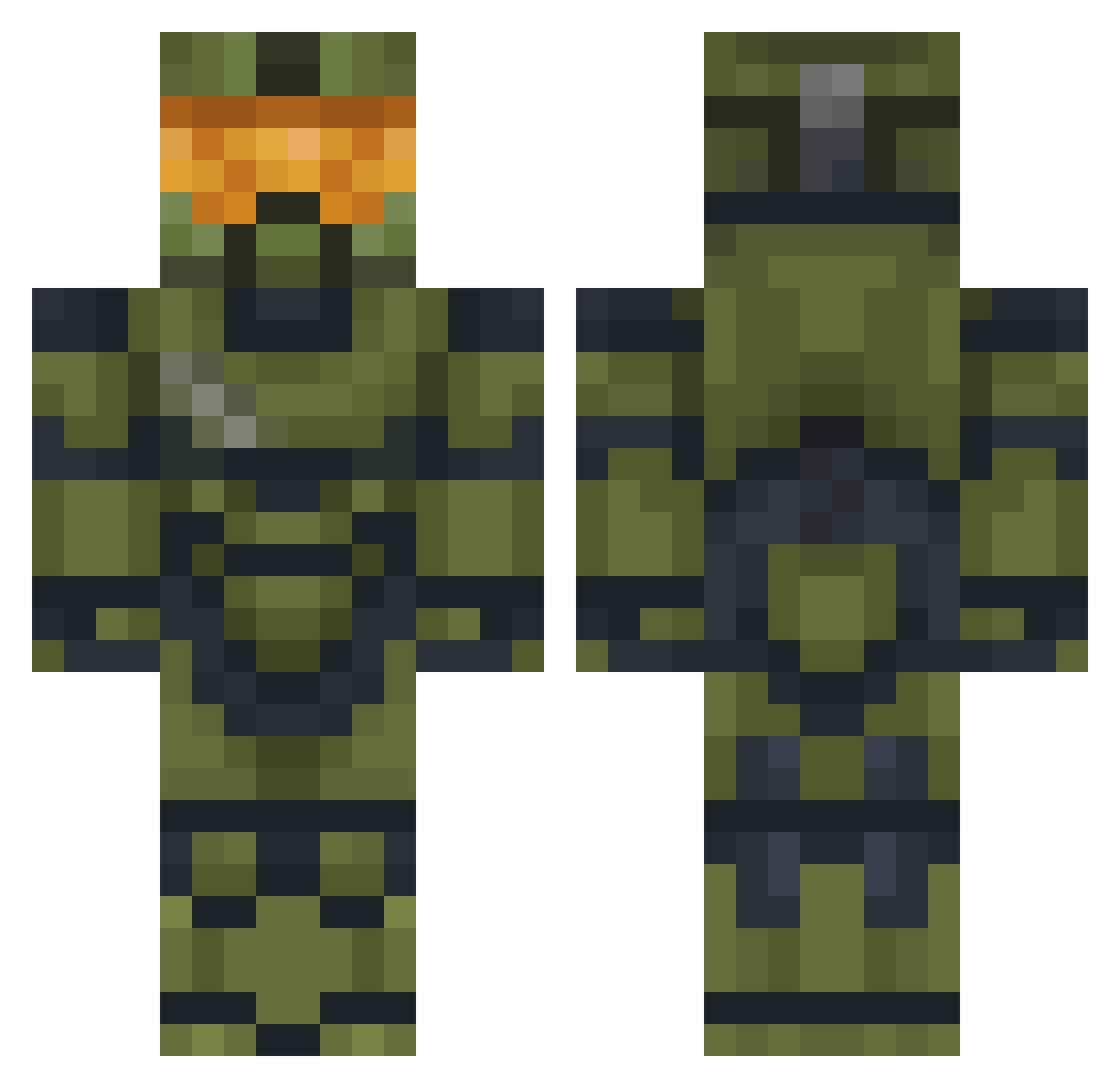
Current Minecraft skin of the player 3ayo, loaded from the official Mojang API. Rotate the 3D model with your mouse or finger, then download the skin as a PNG file and use it in Minecraft: Bedrock Edition or Java Edition for free. When 3ayo changes their skin, this page updates automatically and the old skin stays in the history below.
Other players with this skin (477)
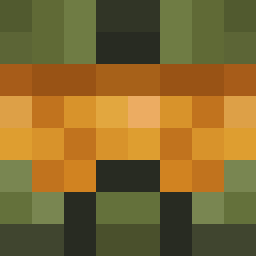
3ayo was the 241st player we have seen with this skin, first spotted on 20.09.2026. The same skin was seen on these players. Open a nickname to see their current skin and skin history.
 IsaiasChuck knegen GF_ALFA 0rbiit fox5218 HavenHalo master_m39 WeAreWafle bob59999 BollyBoy312 AlexCeBG Ars_NotFound LastCrusader12 Mattycakez Penguenn Melofonek WAB2K08 N00BMT2 captcouch SPITP51 Ider117 Wallander_25 BramFlakes Ghiodude Shrubs311 Morrisonmob RGHDUCKY1 yuyuyomu slimeking10 ButteryWaffle14 McSweattyballs bluelake479 JIMBO73SV Kallowski BGCSEVA Killboxio Goldenelephent Awesomecool11 _Ap0logize novateaa Foloni TommySalamiTV beetle321 JasonGrant EmptyApollo4030 smilinryan Kiwi_Indy Fartsplosion BrotmitButter Sismon40000 Noobhunt3r100 GoldenSnake7 Axe_Pegase14 Haggas_Basher GoldenNinjaStarX CoiledCobra98 royalrumpus arminBBM El_Vago Bowl_MW
More Master Chief Minecraft skins
See all 527 Master Chief skins
How to install the 3ayo skin
- Press the Download button above to save the skin as a PNG file.
- Minecraft: Bedrock Edition (PE): open the Dressing Room from the main menu (or tap your character → Edit Character), go to Classic Skins → Owned, press the + (new skin) button, choose the downloaded PNG and pick the Classic (Steve) model. Works on PC and mobile; consoles cannot import custom skins.
- Minecraft: Java Edition: open the Minecraft Launcher, go to the Skins tab, click New Skin, load the PNG, pick the Classic (Steve) model and press Save & Use. You can also upload it at minecraft.net → Profile → Change Skin.
The skin does not show up after import - what should I do?
Restart Minecraft and open the Dressing Room again - imported skins sometimes appear only after a restart. Also make sure you selected the imported skin and picked the Classic (Steve) model.
Which model should I choose, Classic or Slim?
This skin is designed for the Classic (Steve) model. If you pick the wrong model, the arms of the skin will look stretched or squeezed.
Is the skin of 3ayo free to download?
Yes. Press Download, save the PNG file and use it in Minecraft: Bedrock Edition or Java Edition - no payment or registration needed. The skin also works on multiplayer servers and Realms.
More skins
Looking for more? Go back to all Minecraft skins and check the top skins of the week, month and all time, or find any player's skin by nickname.