
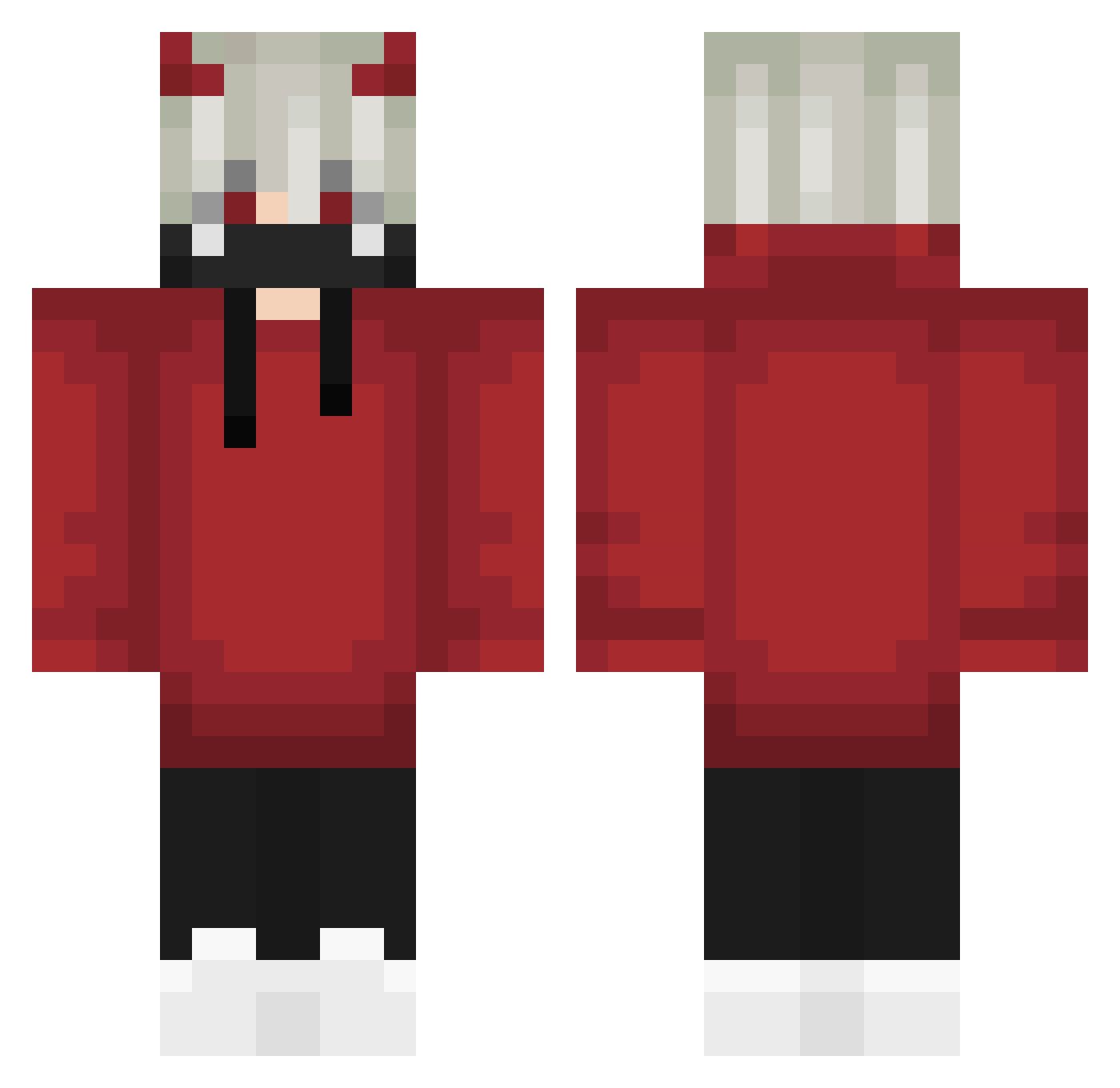
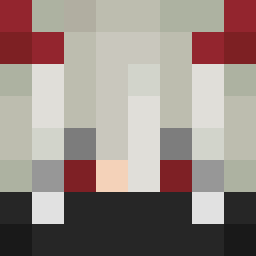
Current Minecraft skin of the player 1NotDemon, loaded from the official Mojang API. Rotate the 3D model with your mouse or finger, then download the skin as a PNG file and use it in Minecraft: Bedrock Edition or Java Edition for free. When 1NotDemon changes their skin, this page updates automatically and the old skin stays in the history below.
Other players with this skin (571)
1NotDemon was the 491st player we have seen with this skin, first spotted on 06.10.2026. The same skin was seen on these players. Open a nickname to see their current skin and skin history.
 The_First_Dario Condernight seonghasin Akai_Demon_ yuluo123 Sp4ce2402 Peammm Neun_Artiglio DigmirGG INeedahelp diego729 GachiBlock koneko0205 It_Is_Agent_Fifo R_Shanks Rip_Skib Kenedcam lebendsssss JXQ_ DirefulThyme990 BlazeAssasin69 Jaeone R3GICID3 Lumaah_ NeuO_DL Whataredos20 ianBeckler WLGZackary kagka John_Andrew HIROSHI41 LukeKonradek JustWin4ik Lihone MrFill44 wolfty878 Anox141251 DvAstro KenKan3ki OmegaFoxxx oHUAo Ilovedajin Dreadfxl changzazitur xXLord_LuciferXx rozagel DKoldcat Linor_x RamazanBeyGG Daragon86 vanyatopmine LandoNorr1s Pistachio_1016 Davidosdoritos carryPottterrr leososo906 Ye_Sakura ShiRozCatTH Layeer_iq AllSkillNoPing
More Demon Horns Minecraft skins
How to install the 1NotDemon skin
- Press the Download button above to save the skin as a PNG file.
- Minecraft: Bedrock Edition (PE): open the Dressing Room from the main menu (or tap your character → Edit Character), go to Classic Skins → Owned, press the + (new skin) button, choose the downloaded PNG and pick the Classic (Steve) model. Works on PC and mobile; consoles cannot import custom skins.
- Minecraft: Java Edition: open the Minecraft Launcher, go to the Skins tab, click New Skin, load the PNG, pick the Classic (Steve) model and press Save & Use. You can also upload it at minecraft.net → Profile → Change Skin.
The skin does not show up after import - what should I do?
Restart Minecraft and open the Dressing Room again - imported skins sometimes appear only after a restart. Also make sure you selected the imported skin and picked the Classic (Steve) model.
Which model should I choose, Classic or Slim?
This skin is designed for the Classic (Steve) model. If you pick the wrong model, the arms of the skin will look stretched or squeezed.
Is the skin of 1NotDemon free to download?
Yes. Press Download, save the PNG file and use it in Minecraft: Bedrock Edition or Java Edition - no payment or registration needed. The skin also works on multiplayer servers and Realms.
More skins
Looking for more? Go back to all Minecraft skins and check the top skins of the week, month and all time, or find any player's skin by nickname.