
11_s - Minecraft Skins & Skin History
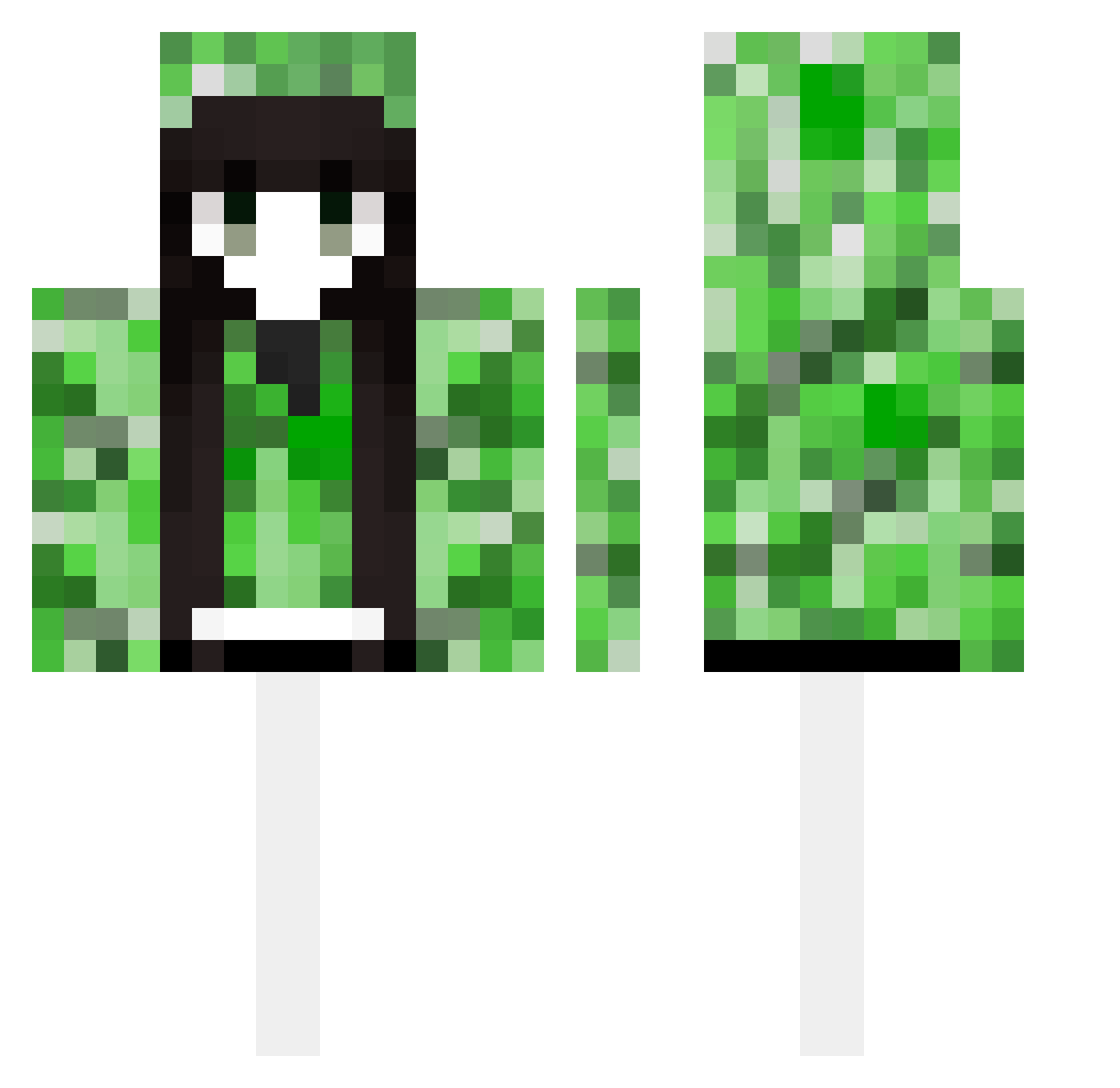
Current Minecraft skin of the player 11_s, loaded from the official Mojang API. Rotate the 3D model with your mouse or finger, then download the skin as a PNG file and use it in Minecraft: Bedrock Edition or Java Edition for free. When 11_s changes their skin, this page updates automatically and the old skin stays in the history below.
Other players with this skin (489)
11_s was the 453rd player we have seen with this skin, first spotted on 26.10.2026. The same skin was seen on these players. Open a nickname to see their current skin and skin history.
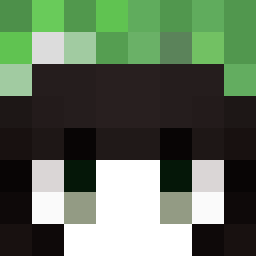 vega9500 dsadd aki0525 kaya_126 llt2004 FangYs Fairyxi PPt_sword Bobik221 BREADER123 _Zawarudo__ OtovonBismarck togearitogenashi drekc LoveRain7 Genicur unhappychen _QIANT_ ENMA_0927 Glenxuan wikusia2705 yye11 YIEren Samsarak Blueforget Bedrock1289 FieryEssence IYGNEHZ wnnn2_1 Checkdown qihaimu Gaoao7 _tian_yu_ wzu0125 COUNTING123 yxred dcayed smirkingcatface7 Anssssly kimsso_ todigress Jv_che TVgirl777 Stive2077 ZJJNZ isiita Kozulya EXK8887 nanabre4d XOOCM Jacases dovishopportuni mashiro2333 jacksexy MINECLOSE lianfeng79 DragonSin3 Arletaaa shirou778 __Suzuran
More Creeper Minecraft skins
How to install the 11_s skin
- Press the Download button above to save the skin as a PNG file.
- Minecraft: Bedrock Edition (PE): open the Dressing Room from the main menu (or tap your character → Edit Character), go to Classic Skins → Owned, press the + (new skin) button, choose the downloaded PNG and pick the Classic (Steve) model. Works on PC and mobile; consoles cannot import custom skins.
- Minecraft: Java Edition: open the Minecraft Launcher, go to the Skins tab, click New Skin, load the PNG, pick the Classic (Steve) model and press Save & Use. You can also upload it at minecraft.net → Profile → Change Skin.
The skin does not show up after import - what should I do?
Restart Minecraft and open the Dressing Room again - imported skins sometimes appear only after a restart. Also make sure you selected the imported skin and picked the Classic (Steve) model.
Which model should I choose, Classic or Slim?
This skin is designed for the Classic (Steve) model. If you pick the wrong model, the arms of the skin will look stretched or squeezed.
Is the skin of 11_s free to download?
Yes. Press Download, save the PNG file and use it in Minecraft: Bedrock Edition or Java Edition - no payment or registration needed. The skin also works on multiplayer servers and Realms.
More skins
Looking for more? Go back to all Minecraft skins and check the top skins of the week, month and all time, or find any player's skin by nickname.