
JetPack (Command System/Beta) Map
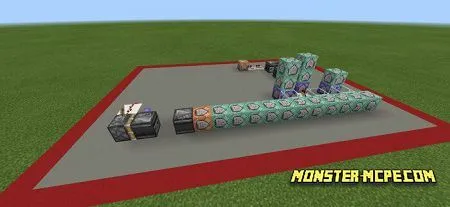
A great map for fans of Redstone and various functional commands. What does he do and how does he work? Players can use commands that will simulate the presence of a jet-pack on your character!
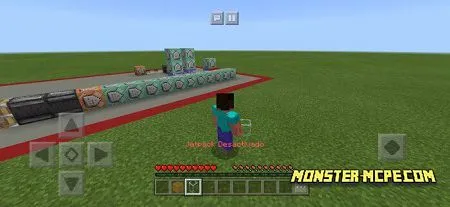
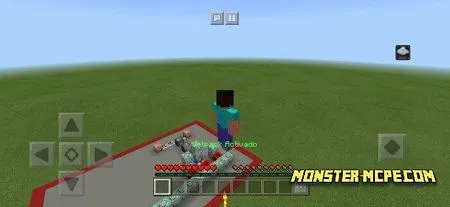
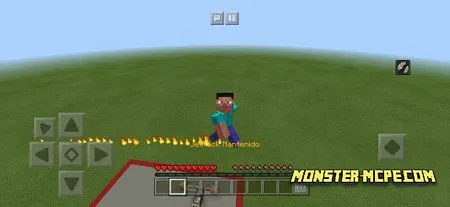
All you need for this is just to open the Quick Access Toolbar and select a specific slot.
In general, there are three of them, it can be a rise, turn off or stay, three slots one of which should be chosen for further interaction.
All that was used here is only Redstone and commands, there are no additions, mods or add-ons. This gives players the opportunity to take a fresh look at the mechanics of Minecraft.
How to install JetPack (Command System/Beta) Map
- Download the file below.
- Open it - Minecraft imports the pack by itself.
- Activate the pack in the world you want to play in.
Download JetPack (Command System/Beta) Map
Related News:
 SCP Site - 42 Map
 Tag and Run Map
 Five Nights At Freddy’s Ultimate Custom Night Map
 Mega Redstone House Map
 Hide And Seek Desert Map
 100% Functional CAR Map (Redstone)
Comments (0)