
Cloudy Shader
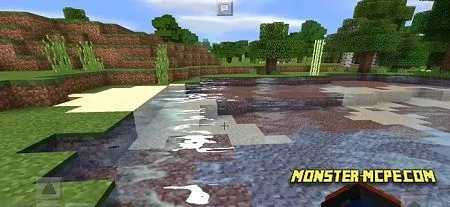
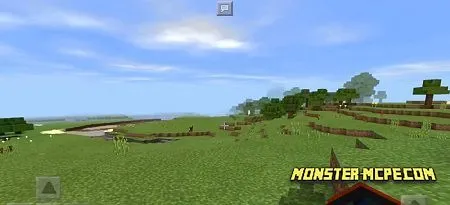
Meet the excinting and truly amazing shaders of clouds for MCBE. They add more realistic view, but at the same time, it needs more power of your device! There are a lot of functionality and more realistic structure of shaders.
Here a list of special features
- Perhaps the best shader for clouds in game
- 3D graphic of blocks was improved
- New sand and liquid textures
- Updated background and graphical user interface
- New icons for items
- Each phase of the moon from now more realistic
- Updated colors
- Modified render
Also, it has additional textures of vanilla for better quality of textures. It works with Windows 10, Android and IOS (under question).


How to install Cloudy Shader
- Download the file below.
- Open it - Minecraft imports the pack by itself.
- Activate the pack in the world you want to play in.
Download Cloudy Shader
Related News:
 Enlight Shader
 Truly Vanilla RTX Texture Pack
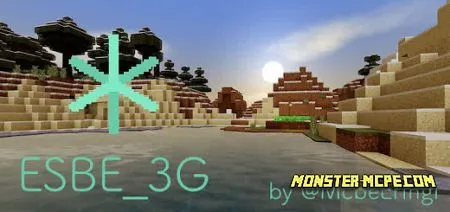 ESBE 3G Shader
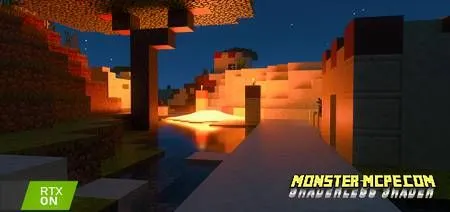 Shaderless Shader
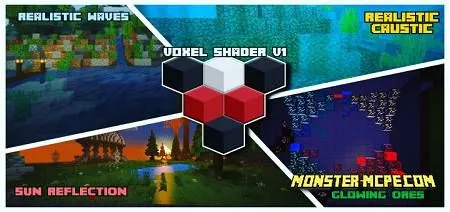 Voxel Shaders
 Improved Vanilla Texture Pack
Comments (0)