
Color Lights Shader
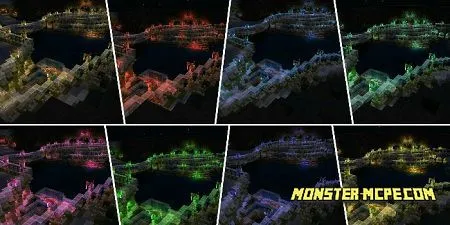
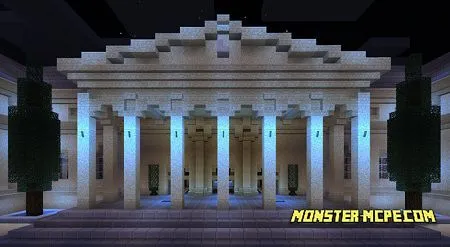
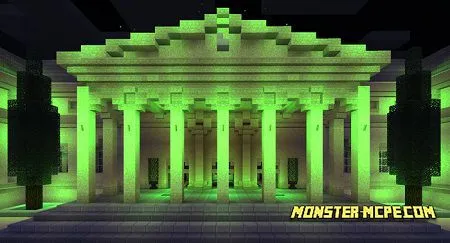
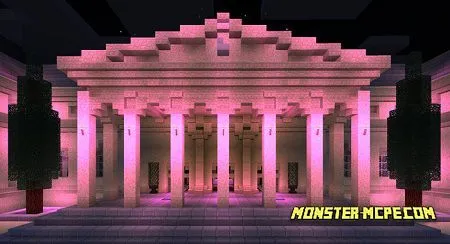
This texture pack gives you opportunity to change color of lights. Here you can choose one of 8 available colors. You can use these colors to all things which has light emitting, such as lanterns, torches etc. In order to see how it will be reflected in your world, just install and choose one color you like.
All colors you can use:
red;
blue;
(standard) warm light;
light blue;
yellow;
emerald;
green;
purple.
How to install Color Lights Shader
- Download the file below.
- Open it - Minecraft imports the pack by itself.
- Activate the pack in the world you want to play in.
Download Color Lights Shader
Related News:
 Enlight Shader
 Purple Emitter Default Edit Texture Pack
 Fairly Purple Texture Pack
 Custom Lanterns Texture Pack
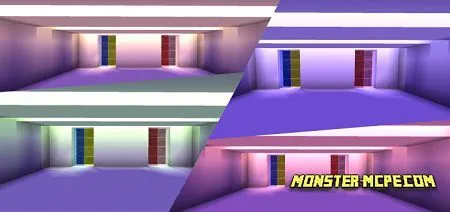 Colored Lights Shader
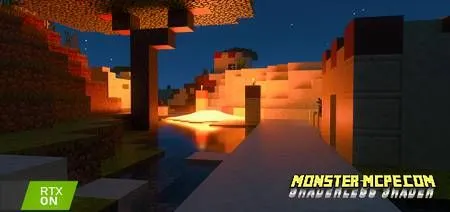 Shaderless Shader
Comments (0)