
Tint Shader (Windows 10)
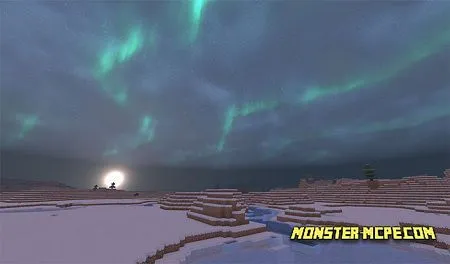
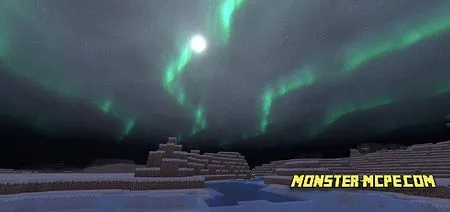
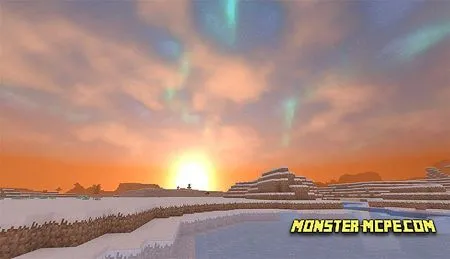
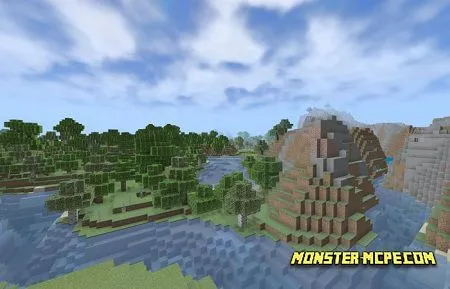
For those who really like a beautiful textures in game, for those who likes to play in good mood and beautiful atmosphere. Tint shaders — includes amazing sky with northern lights during nighttime. Except new sky, you can see here new lighting and shadows for MCPE world. These textures will additionally help you discover this amazing world with much interest.
Useful to know: unfortunately for now, textures available only for pc devices on windows 10.
How to install Tint Shader (Windows 10)
- Download the file below.
- Open it - Minecraft imports the pack by itself.
- Activate the pack in the world you want to play in.
Download Tint Shader (Windows 10)
Related News:
 Enlight Shader
 Osc Shaders v1.4
 Pisces PE Shaders
 Colored Lights Shader
 Rupse Shaders
 Voxel Shaders
Comments (0)