
Blackout Texture Pack
We present to you a new pack of textures for those who would like to change their PvP environment and also make black cool. Using this pack of textures, ore textures will look brighter, namely, they will be outlined, which will make it easier for you to find them, the size of swords will be reduced, and much more. You can see how all this looks in the game below or after you use this texture pack.
Below you can see examples of how it will look:
Armor and weapons:
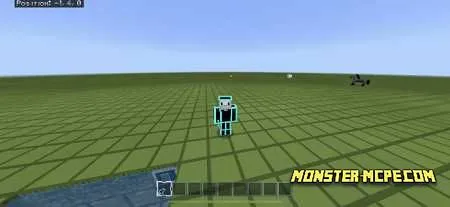
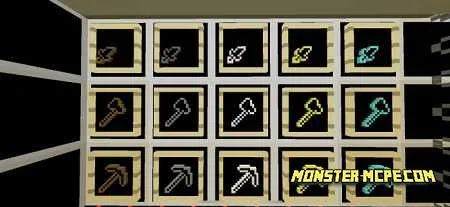
Dungeons:
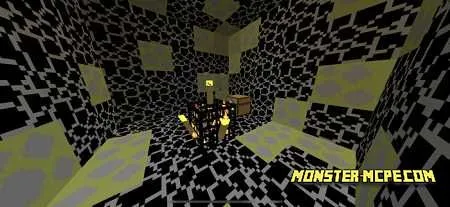
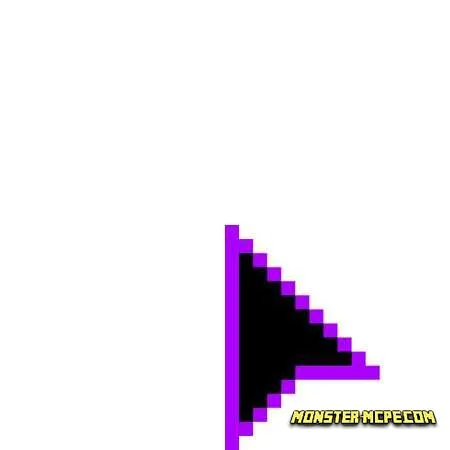
Cursor:
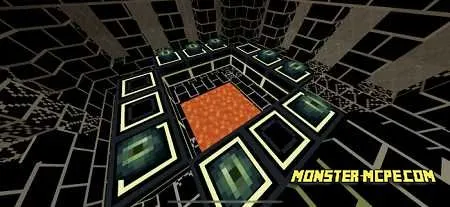
End Portal:
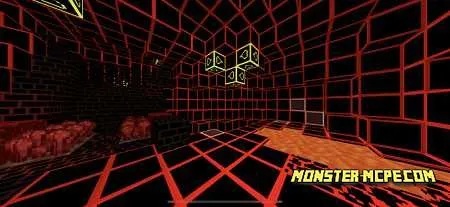
Nether world:
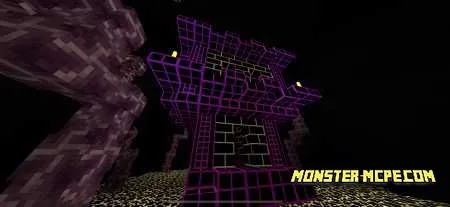
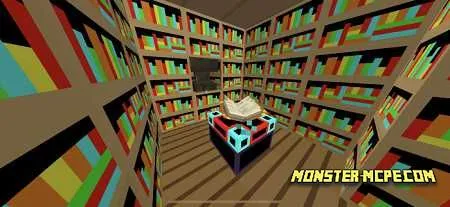
Library:
How to install Blackout Texture Pack
- Download the file below.
- Open it - Minecraft imports the pack by itself.
- Activate the pack in the world you want to play in.
Download Blackout Texture Pack
Related News:
 Fade PvP Texture Pack
 Rainbow Nether Portal Texture Pack
 Electro Games 10k PVP Texture Pack
 Merciless PvP Texture Pack
 Vanilla PVP Texture Pack
 PatarHD 100k PvP Texture Pack
Comments (0)