
 Balluh Dieguchu11 Sismouss Cyro_p Linye_Y NocturnalInk ItsShellsStoopet NoT_DeFo JPelcrackYT Solitaryrj Xerou MagicBull5 SniperOmega Pokerfeice Jasonfung330 Hexadecene IHaveToasterPC FallenJudge030 kinder123 KraigeR ArkturMalvo WHITEGUN1234 Floosh_ Cizhen1231 Saulo19vc RapBoy_27 okstress 2115_butla Avan_de MrL1mon4ik__ Taozero0 CX96 Koksu232Elo Azgar27 toby0306 Instressful nininho2001 tyro_n TR0xuuu ayteecepesbum KellYX007 HurensohnJames Kubstertron martamwinner lapapaloca321 PnJacKeT leogznl SusurratE_004 StavroNik Orangiog xSvGxStealth thomaspasia2 ___Floris___ Mike5021 JustSilex heygini minesize Christinayo_ Etachie Dank_Rice
Minecraft skin of nicknose21. Rotate the 3D model with your mouse or finger to view the skin from every angle, then download it as a PNG file and use it in Minecraft: Bedrock Edition or Java Edition for free. Rate the skin with stars to help other players find the best skins in our collection.
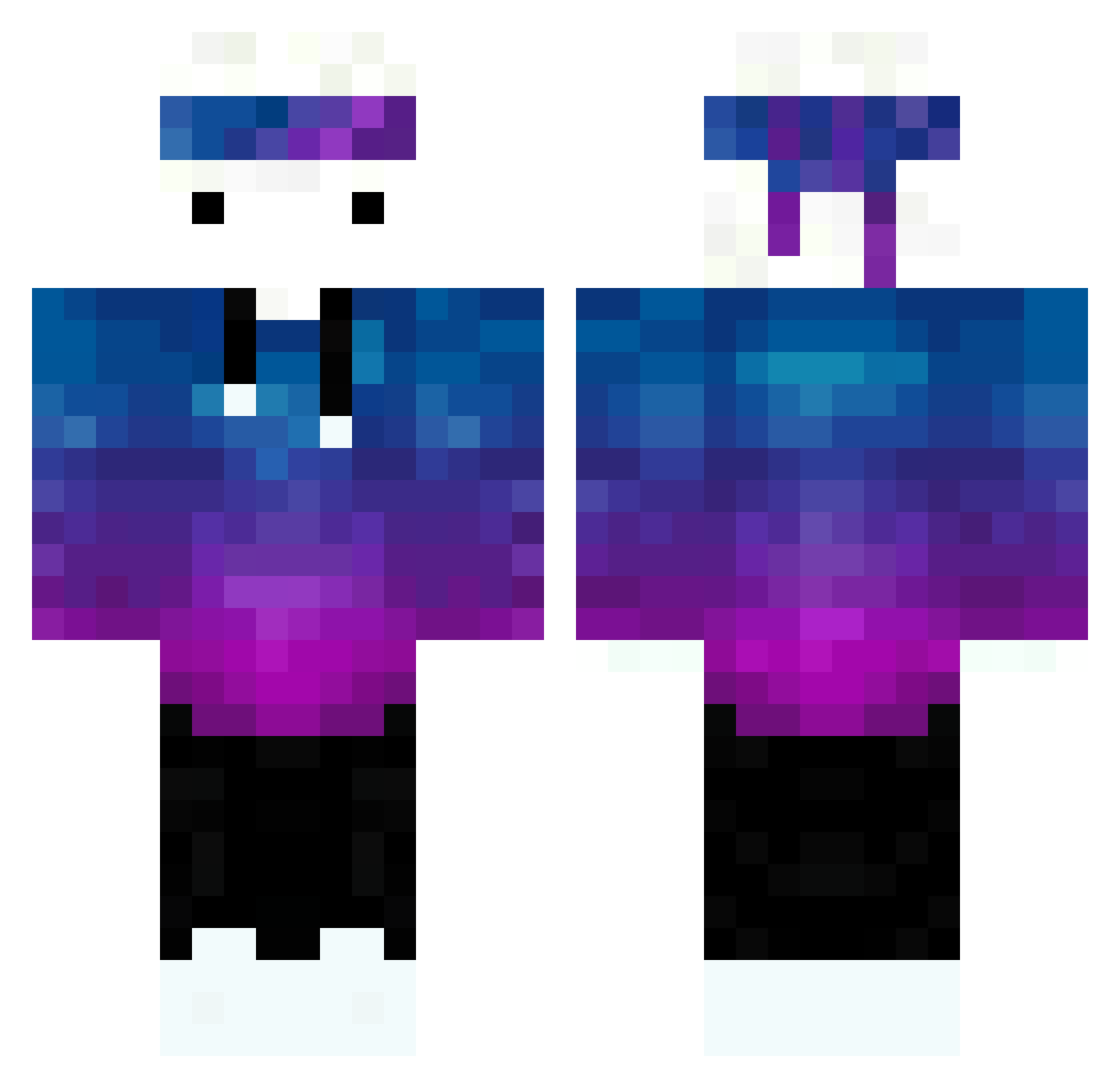
How to install the nicknose21 skin
- Press the Download button above to save the skin as a PNG file.
- Minecraft: Bedrock Edition (PE): open the Dressing Room from the main menu (or tap your character → Edit Character), go to Classic Skins → Owned, press the + (new skin) button, choose the downloaded PNG and pick the Classic (Steve) model. Works on PC and mobile; consoles cannot import custom skins.
- Minecraft: Java Edition: open the Minecraft Launcher, go to the Skins tab, click New Skin, load the PNG, pick the Classic (Steve) model and press Save & Use. You can also upload it at minecraft.net → Profile → Change Skin.
The skin does not show up after import — what should I do?
Restart Minecraft and open the Dressing Room again — imported skins sometimes appear only after a restart. Also make sure you selected the imported skin and picked the Classic (Steve) model.
Which model should I choose, Classic or Slim?
This skin is designed for the Classic (Steve) model. If you pick the wrong model, the arms of the skin will look stretched or squeezed.
Is this skin free to use?
Yes. Press Download, save the PNG file and use it in Minecraft: Bedrock Edition or Java Edition — no payment or registration needed. The skin also works on multiplayer servers and Realms.
More skins
Looking for more? Go back to all Minecraft skins and check the top skins of the week, month and all time, or find any player's skin by nickname.