
Jamie_Y - Minecraft Skins & Skin History
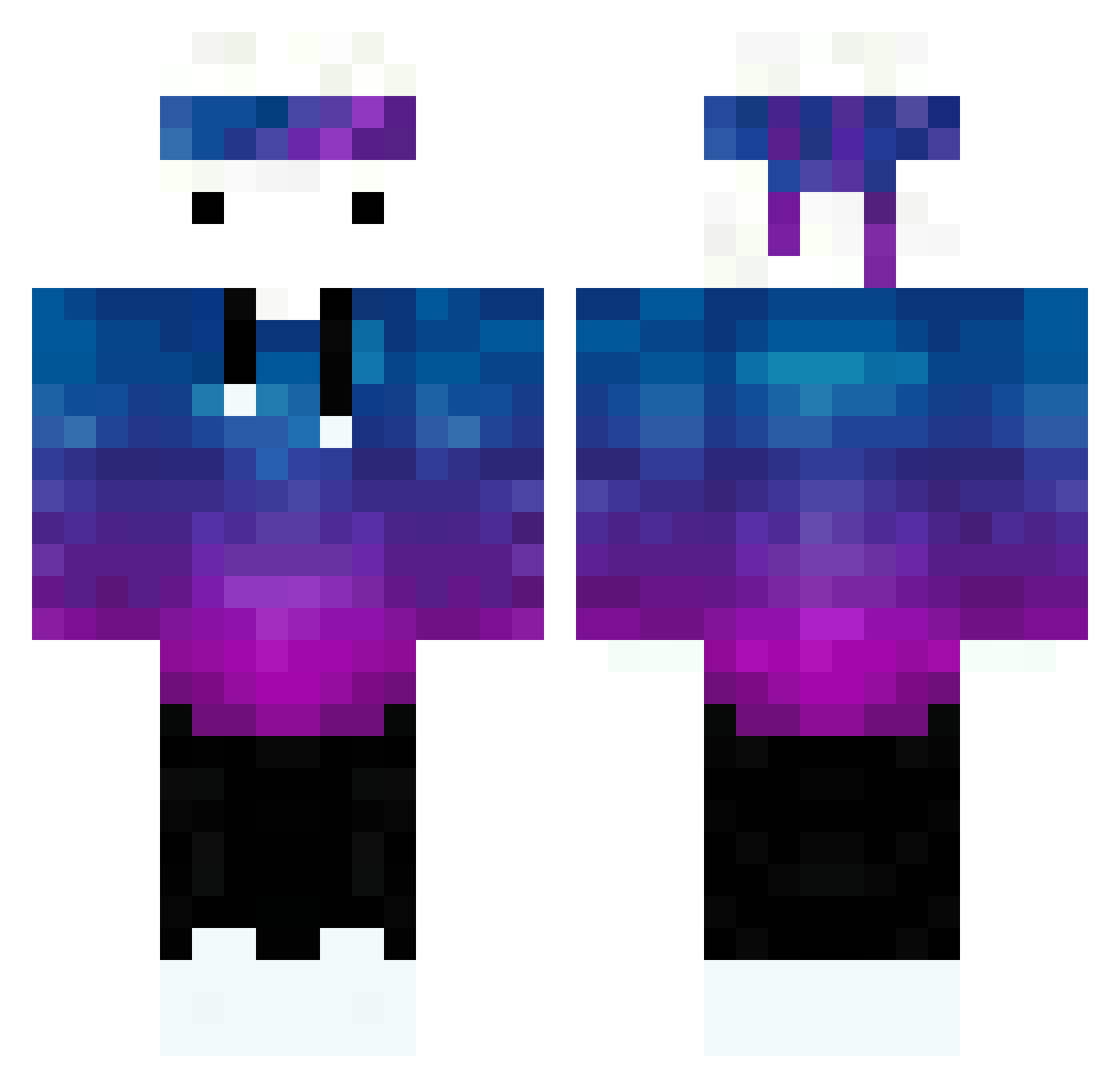
Current Minecraft skin of the player Jamie_Y, loaded from the official Mojang API. Rotate the 3D model with your mouse or finger, then download the skin as a PNG file and use it in Minecraft: Bedrock Edition or Java Edition for free. When Jamie_Y changes their skin, this page updates automatically and the old skin stays in the history below.
Other players with this skin (266)
Jamie_Y was the 237th player we have seen with this skin, first spotted on 27.10.2026. The same skin was seen on these players. Open a nickname to see their current skin and skin history.
 Fammok tui7597 azazik Exilon64 TyRacerX Cometrue CertainZero Joshea_ Satoshi1305 Reikyabiku SIJ06 MihajelBobicanec aliciazou isaacbuckley luisa1414 navipro76 ykyking iGrano KiwiHeureux BoiBandido MasnySonik ChapischXD S_V_Simple Sungmin17 SaberOFC Klepsio ynw_r3m Nea1o L0mbre fantastic1109 iamhammer1 zShio_ wenhi1 Kosmonaut123 LLLto FloresFlowers UzumakiNaruto69 loopiop Jacob1002 FakeKlaoude_ FurGamer Jimmyk58 Tanithil15 TLDYD ellawally julianbscr7 Kefirchic xKrahst3r PatinIntelectual kolopiko33 zMoonLighttx MeninuEnzo TheFreshka oleg_325 dummgefahren CubedTemp v3n1 Tsirc Merlin_98 Mergeee
How to install the Jamie_Y skin
- Press the Download button above to save the skin as a PNG file.
- Minecraft: Bedrock Edition (PE): open the Dressing Room from the main menu (or tap your character → Edit Character), go to Classic Skins → Owned, press the + (new skin) button, choose the downloaded PNG and pick the Classic (Steve) model. Works on PC and mobile; consoles cannot import custom skins.
- Minecraft: Java Edition: open the Minecraft Launcher, go to the Skins tab, click New Skin, load the PNG, pick the Classic (Steve) model and press Save & Use. You can also upload it at minecraft.net → Profile → Change Skin.
The skin does not show up after import - what should I do?
Restart Minecraft and open the Dressing Room again - imported skins sometimes appear only after a restart. Also make sure you selected the imported skin and picked the Classic (Steve) model.
Which model should I choose, Classic or Slim?
This skin is designed for the Classic (Steve) model. If you pick the wrong model, the arms of the skin will look stretched or squeezed.
Is the skin of Jamie_Y free to download?
Yes. Press Download, save the PNG file and use it in Minecraft: Bedrock Edition or Java Edition - no payment or registration needed. The skin also works on multiplayer servers and Realms.
More skins
Looking for more? Go back to all Minecraft skins and check the top skins of the week, month and all time, or find any player's skin by nickname.