
 King_BenjaMC XLPC Joey_white17 TheAngel333 Xenox_es hsddhh Querencia KoKsCooKie Allenw10 Stunzs satoloimo Mr_Bot1 97Damy capitanostefano Nobys_Nutz Izaakmm17 Tfiros FarmermanMayhem jackpwarheads tt12333 frankie698 roki2010 Zhai_Mori Mate0923 StrongKai jaron100 alperenkekilli derdkraftertwix k3nny001 AllieMcLaren Sua_BIO Dzen11 Andreusca23 Texpilot Royal_PlayzYT Enrucett sebwilf Bossfred99 HyperMonkey599 Happy_Bubba MrKaZ Treybear2000 Joshulot DoraemonItachi NewbiePro a158732 Chase1234 328dragonkiller coolio123 Were_wolf2002 Jusawtf Hi_whoshi87 XX_MLGdude_XX taylor20040629 zxx123 xxxANDORxxx LuchoPotato Backhaus307 llMyth naulbrg32
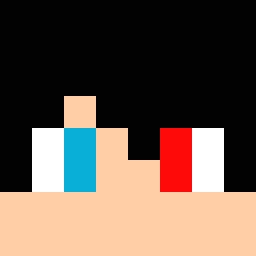
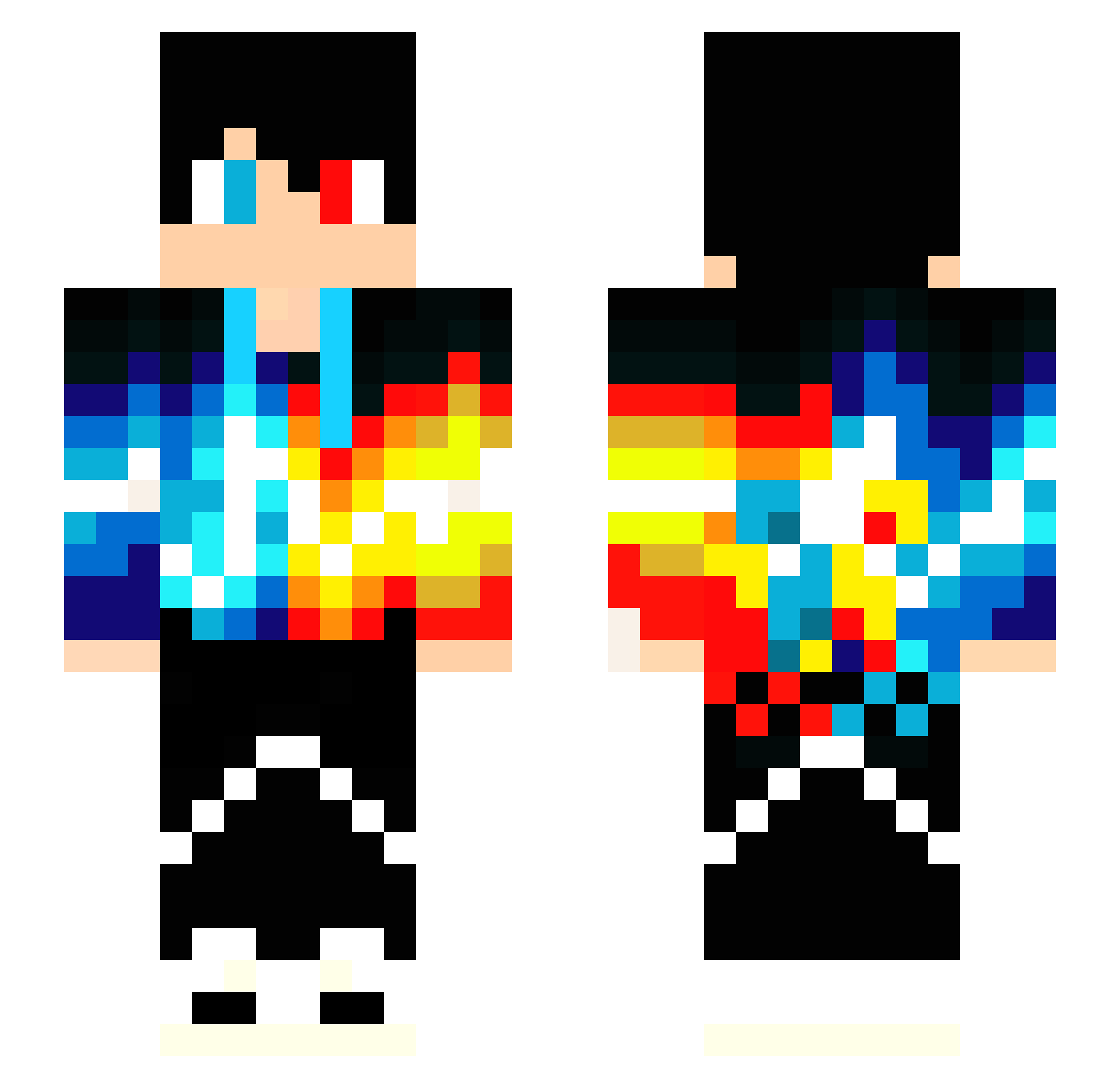
Minecraft skin of VvSnailOuOvV. Rotate the 3D model with your mouse or finger to view the skin from every angle, then download it as a PNG file and use it in Minecraft: Bedrock Edition or Java Edition for free. Rate the skin with stars to help other players find the best skins in our collection.
How to install the VvSnailOuOvV skin
- Press the Download button above to save the skin as a PNG file.
- Minecraft: Bedrock Edition (PE): open the Dressing Room from the main menu (or tap your character → Edit Character), go to Classic Skins → Owned, press the + (new skin) button, choose the downloaded PNG and pick the Slim (Alex) model. Works on PC and mobile; consoles cannot import custom skins.
- Minecraft: Java Edition: open the Minecraft Launcher, go to the Skins tab, click New Skin, load the PNG, pick the Slim (Alex) model and press Save & Use. You can also upload it at minecraft.net → Profile → Change Skin.
The skin does not show up after import - what should I do?
Restart Minecraft and open the Dressing Room again - imported skins sometimes appear only after a restart. Also make sure you selected the imported skin and picked the Slim (Alex) model.
Which model should I choose, Classic or Slim?
This skin is designed for the Slim (Alex) model. If you pick the wrong model, the arms of the skin will look stretched or squeezed.
Is this skin free to use?
Yes. Press Download, save the PNG file and use it in Minecraft: Bedrock Edition or Java Edition - no payment or registration needed. The skin also works on multiplayer servers and Realms.
More Heterochromia Minecraft skins
See all 551 Heterochromia skins
More skins
Looking for more? Go back to all Minecraft skins and check the top skins of the week, month and all time, or find any player's skin by nickname.