
 zatanosaurio _Sniza_ ByNolTeR HenryMitte Jipn OguzhanE boehstev Enertzz Maced424 Dark_WolfYX VoDzEk Transfers Rouen310 Hugooo28 ArCano_93 JBT0115 JaydenPlays0310 hatakesnow B_LOTUS4 kai147 Chreis casscendrillon Pizzas_King SIOBONA PinkyBig MachmalPause Smithsen romainbarbieux crustycrux XD_bobou_60hz oElijah Reque69 MojitoCaramel HOLYMODEE GodKevstah Sylvaincks SleekBlade Lange02 cheng0203 Armen2288 nath723 ImBrito ArticAmbush Yohniii _Quasy_ Sincap_Bey_ AlbinMalva byDrDre_ xMatiLess17 LaTableDeChris GLbandedeLS Skins4 WarOfTheShadows jaminking Tamca HeadRokoko Artelia17 SupremePancake TheKidMurkey sinroon
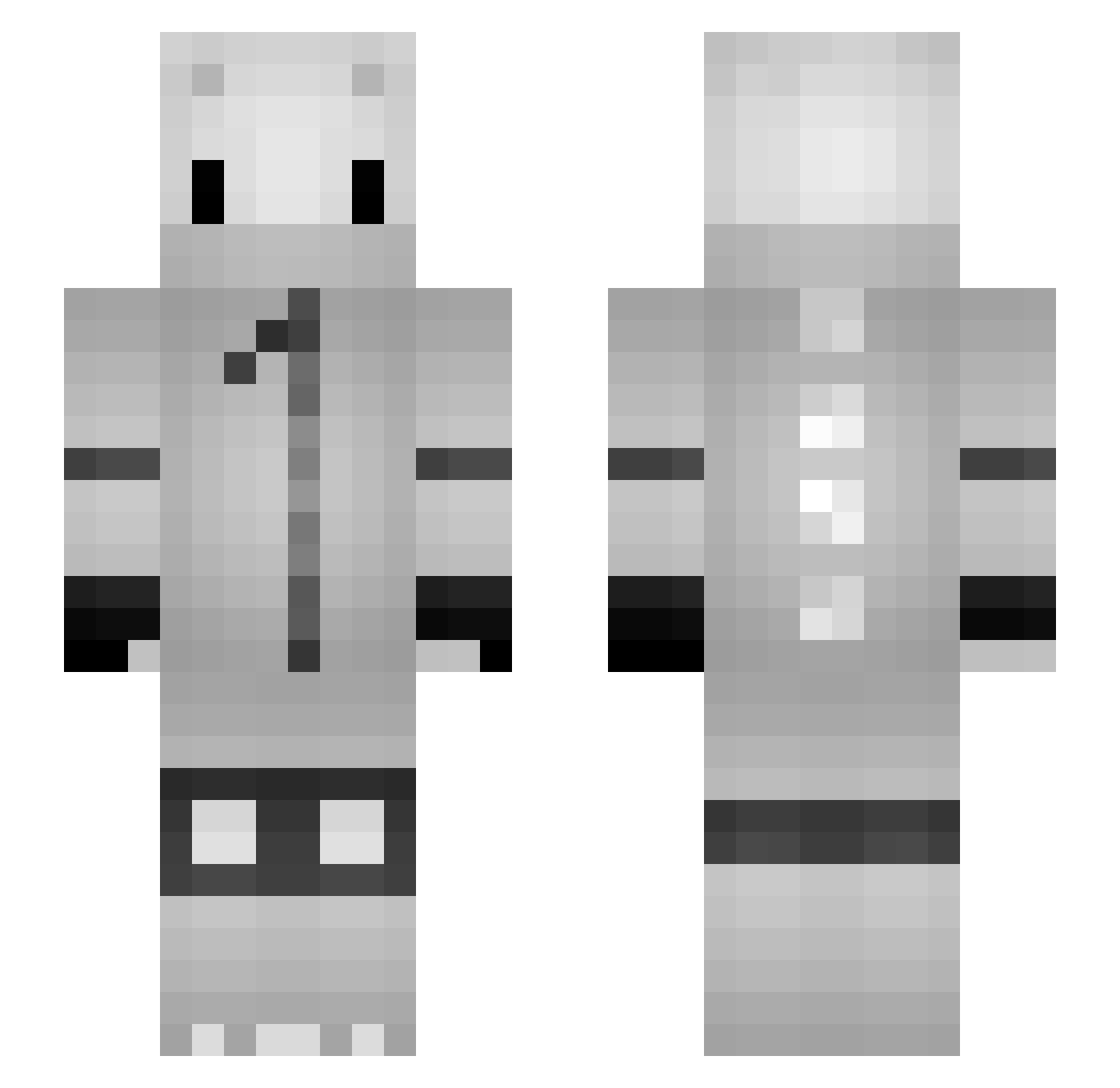
Minecraft skin of pezt. Rotate the 3D model with your mouse or finger to view the skin from every angle, then download it as a PNG file and use it in Minecraft: Bedrock Edition or Java Edition for free. Rate the skin with stars to help other players find the best skins in our collection.
How to install the pezt skin
- Press the Download button above to save the skin as a PNG file.
- Minecraft: Bedrock Edition (PE): open the Dressing Room from the main menu (or tap your character → Edit Character), go to Classic Skins → Owned, press the + (new skin) button, choose the downloaded PNG and pick the Slim (Alex) model. Works on PC and mobile; consoles cannot import custom skins.
- Minecraft: Java Edition: open the Minecraft Launcher, go to the Skins tab, click New Skin, load the PNG, pick the Slim (Alex) model and press Save & Use. You can also upload it at minecraft.net → Profile → Change Skin.
The skin does not show up after import - what should I do?
Restart Minecraft and open the Dressing Room again - imported skins sometimes appear only after a restart. Also make sure you selected the imported skin and picked the Slim (Alex) model.
Which model should I choose, Classic or Slim?
This skin is designed for the Slim (Alex) model. If you pick the wrong model, the arms of the skin will look stretched or squeezed.
Is this skin free to use?
Yes. Press Download, save the PNG file and use it in Minecraft: Bedrock Edition or Java Edition - no payment or registration needed. The skin also works on multiplayer servers and Realms.
More Nagito Komaeda Minecraft skins
See all 58 Nagito Komaeda skins
More skins
Looking for more? Go back to all Minecraft skins and check the top skins of the week, month and all time, or find any player's skin by nickname.