
 cKrissZ1 yaooooos frozt13 reqsik1105 ARI00CH Aidenclo xZiicK Fireknight__1 LaiNzZor KrazyJocky987 cico06 Agamemnon1 DiggerD1 w3_d0 diridoux cloudycat50 66_Nexsiz_99 Patocukk a3_1415926 can_only_find_FE gjpower666 weronikos FortuneDude _Nyam Elliot_Parks Axis94 ElDominguez Heenew Maksgraphique QuickDraw10 jing4378 GUGLIE slash82 mori339 Aorichi_mine Dan_Machi MatiasDs glasspowder ZUDNAZ Latroo Yuumi2347 Kaherga mako5017 LOSTAK7 HeyIamNoobToo LostBirdi rainbowb1tch Ocytocin ICHBINSAMU Teemang Ricky_pode08 dotslashalex 12Danie MUCKCHO NotifieDed Daimisa hammermclaren DarknessP Hoogie13 amobdk
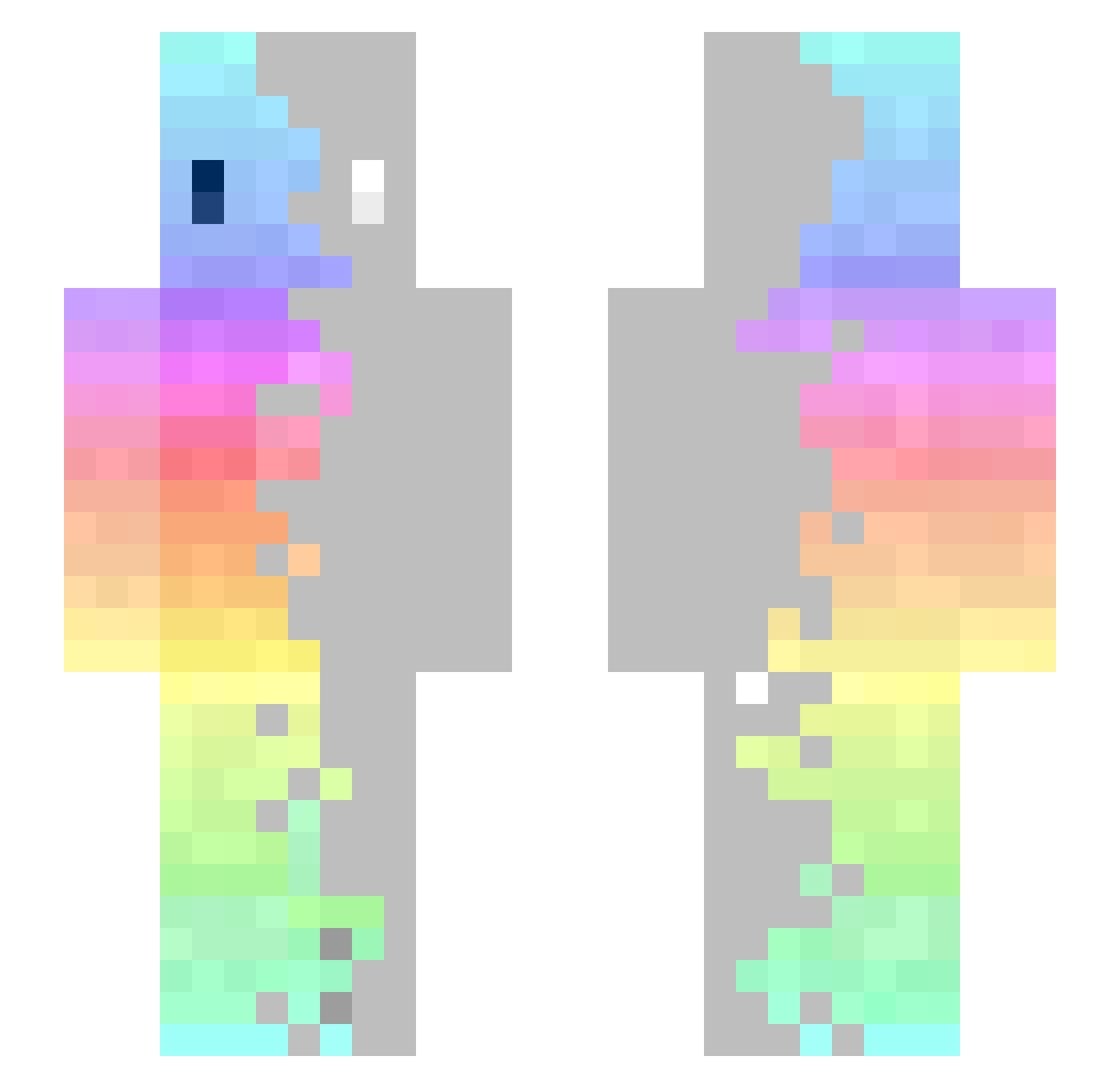
Minecraft skin of BlackienSTS. Rotate the 3D model with your mouse or finger to view the skin from every angle, then download it as a PNG file and use it in Minecraft: Bedrock Edition or Java Edition for free. Rate the skin with stars to help other players find the best skins in our collection.
How to install the BlackienSTS skin
- Press the Download button above to save the skin as a PNG file.
- Minecraft: Bedrock Edition (PE): open the Dressing Room from the main menu (or tap your character → Edit Character), go to Classic Skins → Owned, press the + (new skin) button, choose the downloaded PNG and pick the Slim (Alex) model. Works on PC and mobile; consoles cannot import custom skins.
- Minecraft: Java Edition: open the Minecraft Launcher, go to the Skins tab, click New Skin, load the PNG, pick the Slim (Alex) model and press Save & Use. You can also upload it at minecraft.net → Profile → Change Skin.
The skin does not show up after import — what should I do?
Restart Minecraft and open the Dressing Room again — imported skins sometimes appear only after a restart. Also make sure you selected the imported skin and picked the Slim (Alex) model.
Which model should I choose, Classic or Slim?
This skin is designed for the Slim (Alex) model. If you pick the wrong model, the arms of the skin will look stretched or squeezed.
Is this skin free to use?
Yes. Press Download, save the PNG file and use it in Minecraft: Bedrock Edition or Java Edition — no payment or registration needed. The skin also works on multiplayer servers and Realms.
More skins
Looking for more? Go back to all Minecraft skins and check the top skins of the week, month and all time, or find any player's skin by nickname.