
 The_Square_ DeareCee schnoob Limousine123 H3nd MAKsansan Setarkos WSERX KyunI_02 Mudsyy Benthley _FrutBoy_ EternalCain Skyzouw yukimi3683 1____HELLO____1 topox4475 HaydeNiceDay CreativeSHa HelalsinOluum ichiku04 Arie_ante Kalnalbee012 JereSeven CalebSz_08 GGSmecta Alexxx69 Shmulz95 nam_exe Dekratos kbling10 Gaelsupremo Hagsal CarlaTG Bonkler_007 RainbowPack Mayoneso__ DubstepDave TheGermanCube ArrangedWharf94 NeMoYefomit SS_Joo Akkun0209 YSKpro1232 letsgomasters MachaKa ZERONEED YoungSpicy j4nnxs_ maymoria hAllo_WIN Ateli0615 seanlab12 The_P0TAT0 jan_mon Eatskagg CuzImDiana NM_Mike stracks97 ninjabellybutt
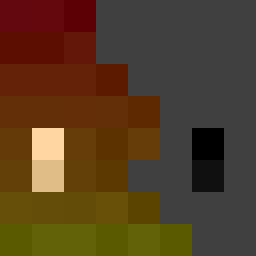
Minecraft skin of MaRiAcM09. Rotate the 3D model with your mouse or finger to view the skin from every angle, then download it as a PNG file and use it in Minecraft: Bedrock Edition or Java Edition for free. Rate the skin with stars to help other players find the best skins in our collection.
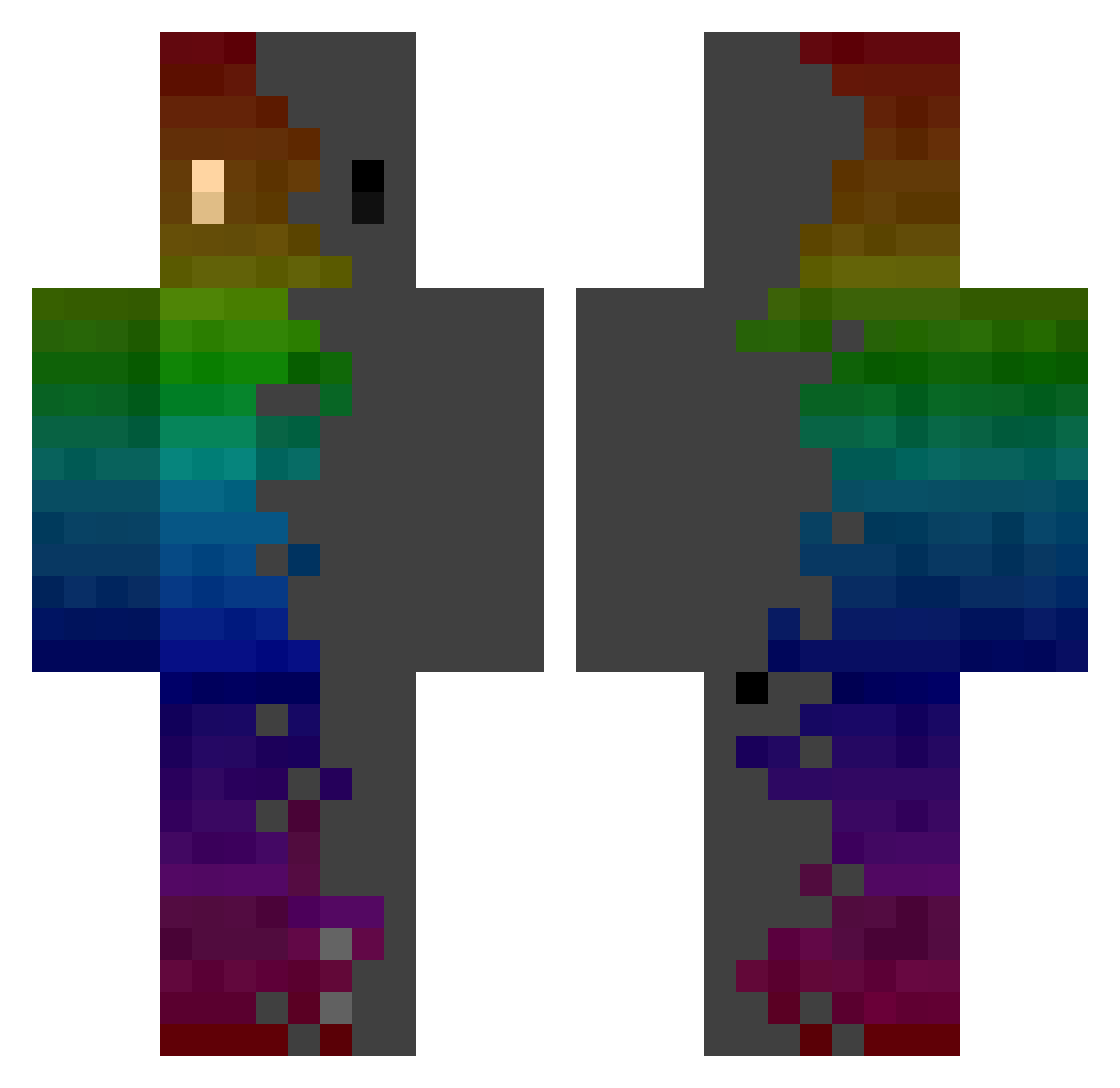
How to install the MaRiAcM09 skin
- Press the Download button above to save the skin as a PNG file.
- Minecraft: Bedrock Edition (PE): open the Dressing Room from the main menu (or tap your character → Edit Character), go to Classic Skins → Owned, press the + (new skin) button, choose the downloaded PNG and pick the Classic (Steve) model. Works on PC and mobile; consoles cannot import custom skins.
- Minecraft: Java Edition: open the Minecraft Launcher, go to the Skins tab, click New Skin, load the PNG, pick the Classic (Steve) model and press Save & Use. You can also upload it at minecraft.net → Profile → Change Skin.
The skin does not show up after import - what should I do?
Restart Minecraft and open the Dressing Room again - imported skins sometimes appear only after a restart. Also make sure you selected the imported skin and picked the Classic (Steve) model.
Which model should I choose, Classic or Slim?
This skin is designed for the Classic (Steve) model. If you pick the wrong model, the arms of the skin will look stretched or squeezed.
Is this skin free to use?
Yes. Press Download, save the PNG file and use it in Minecraft: Bedrock Edition or Java Edition - no payment or registration needed. The skin also works on multiplayer servers and Realms.
More skins
Looking for more? Go back to all Minecraft skins and check the top skins of the week, month and all time, or find any player's skin by nickname.