
 Armadorable iLilLu JF1518 Destazy SPREMI eemelisalmi Sule260 Traveler_369 Izackhamz Viake ZippoStyler monsterchild13 emurockerz Ajar2384 AJBing123 TomAlex spitlock65 RingoMF jly0309 misterri lock2011 GoldenCheeze173 floppsle Zapoxz Felixbcraft Goldengod15 Pipen95 daterminator01 servany gionicou bigH02 Farenaxed Nathan3518 BalliZtiXKid dennisfisk RlyN1ce thecyberprince rubenru22102002 Tinybrave zakattackkk Patrick3216 natedogg1 Chrishero478 redforfun parkjunwoo2 AxelW126 BTime23 jnlmendonca 87685 AnkieDK GammaSparkk ChrisMM6CLM VSXxGhost Xiaogao32 wchauwingin CHEECHRIS BMG_Krazykane Chris08088 gman1984 Lax_Ant3
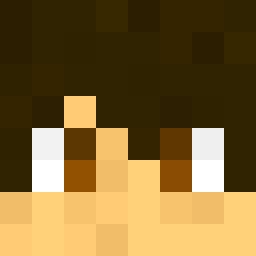
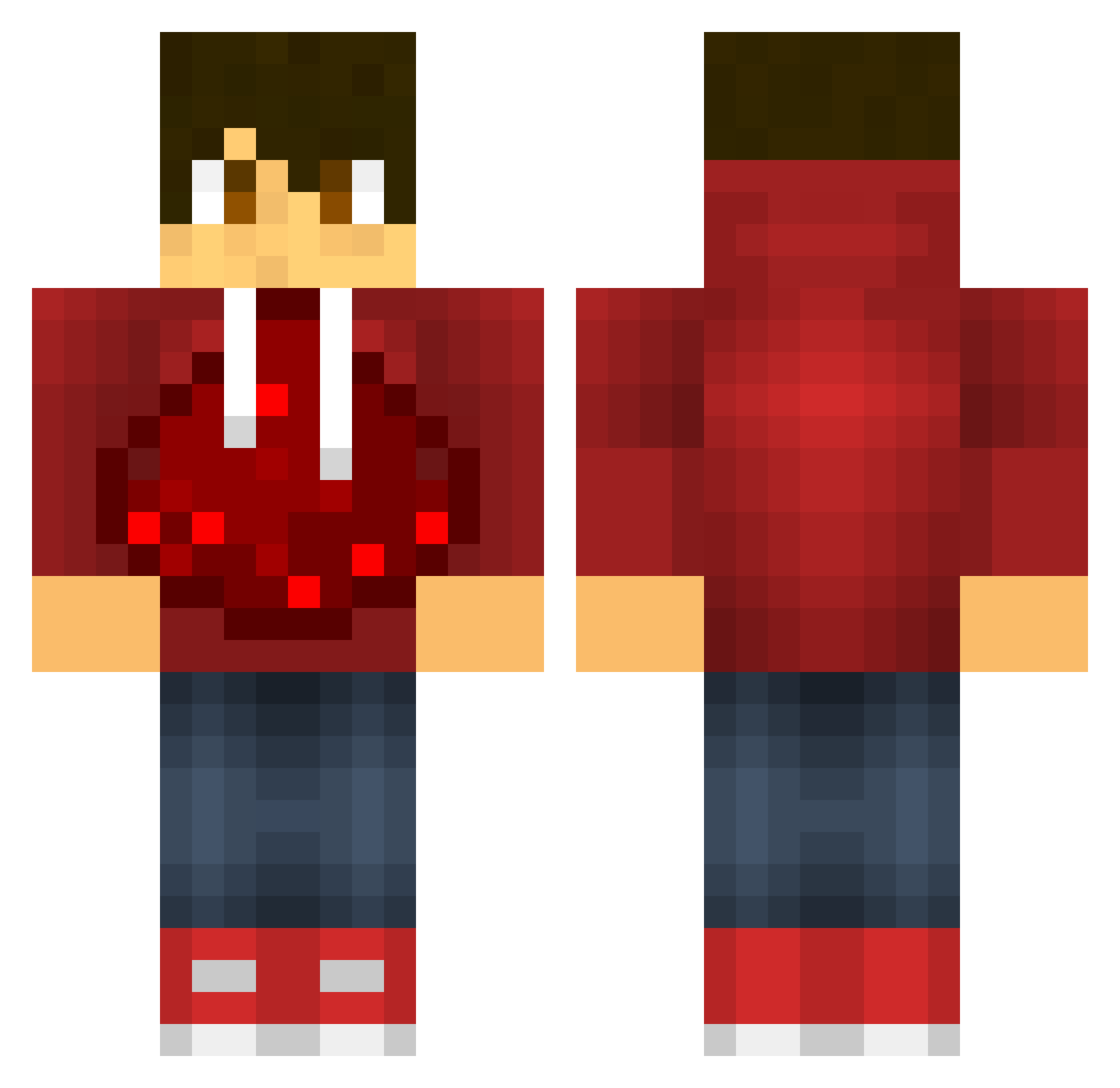
Minecraft skin of Minty214. Rotate the 3D model with your mouse or finger to view the skin from every angle, then download it as a PNG file and use it in Minecraft: Bedrock Edition or Java Edition for free. Rate the skin with stars to help other players find the best skins in our collection.
How to install the Minty214 skin
- Press the Download button above to save the skin as a PNG file.
- Minecraft: Bedrock Edition (PE): open the Dressing Room from the main menu (or tap your character → Edit Character), go to Classic Skins → Owned, press the + (new skin) button, choose the downloaded PNG and pick the Classic (Steve) model. Works on PC and mobile; consoles cannot import custom skins.
- Minecraft: Java Edition: open the Minecraft Launcher, go to the Skins tab, click New Skin, load the PNG, pick the Classic (Steve) model and press Save & Use. You can also upload it at minecraft.net → Profile → Change Skin.
The skin does not show up after import - what should I do?
Restart Minecraft and open the Dressing Room again - imported skins sometimes appear only after a restart. Also make sure you selected the imported skin and picked the Classic (Steve) model.
Which model should I choose, Classic or Slim?
This skin is designed for the Classic (Steve) model. If you pick the wrong model, the arms of the skin will look stretched or squeezed.
Is this skin free to use?
Yes. Press Download, save the PNG file and use it in Minecraft: Bedrock Edition or Java Edition - no payment or registration needed. The skin also works on multiplayer servers and Realms.
More Redstone Minecraft skins
More skins
Looking for more? Go back to all Minecraft skins and check the top skins of the week, month and all time, or find any player's skin by nickname.