
 Herr_Abenteuer unnameable0point bibi082 Michelyanngelo ZoNiCaL DarraghFromSNSD CreemyYogurth Adagium42 ksly cciqq Cookingham_01 GrilledToast2848 osatou56 Halfway_Down MMMBAMF MrSnake856 Neeeeeeeeeeess PrinceWakanda JealousBishop bagelsndonuts WiRiHpaFFaMyZ162 Rovertman1000 _nert_ MiniPufferfish CalciumOxyde Ayeetaz omcen KanekiK3I Edeka_Dave M00m4d CmK_ 0yokid Shinatsu04 qBO949 lOC660 PK_Starstorm Tynk_snpy U_denbunkyoku Onefellownewb sasasa328 Babeishere LilFishy555 YUKKUN4126 GOBL1NNNNN FreshB0i01 AimlessSDA mocha_croissant Daerdross DreTank123 Atosmk Freeman1450 MattFonsi lDs627 Rakkun555 jotaaesp Dumidundun Ness_EarthBound Tkitch23 topohop JahCartier
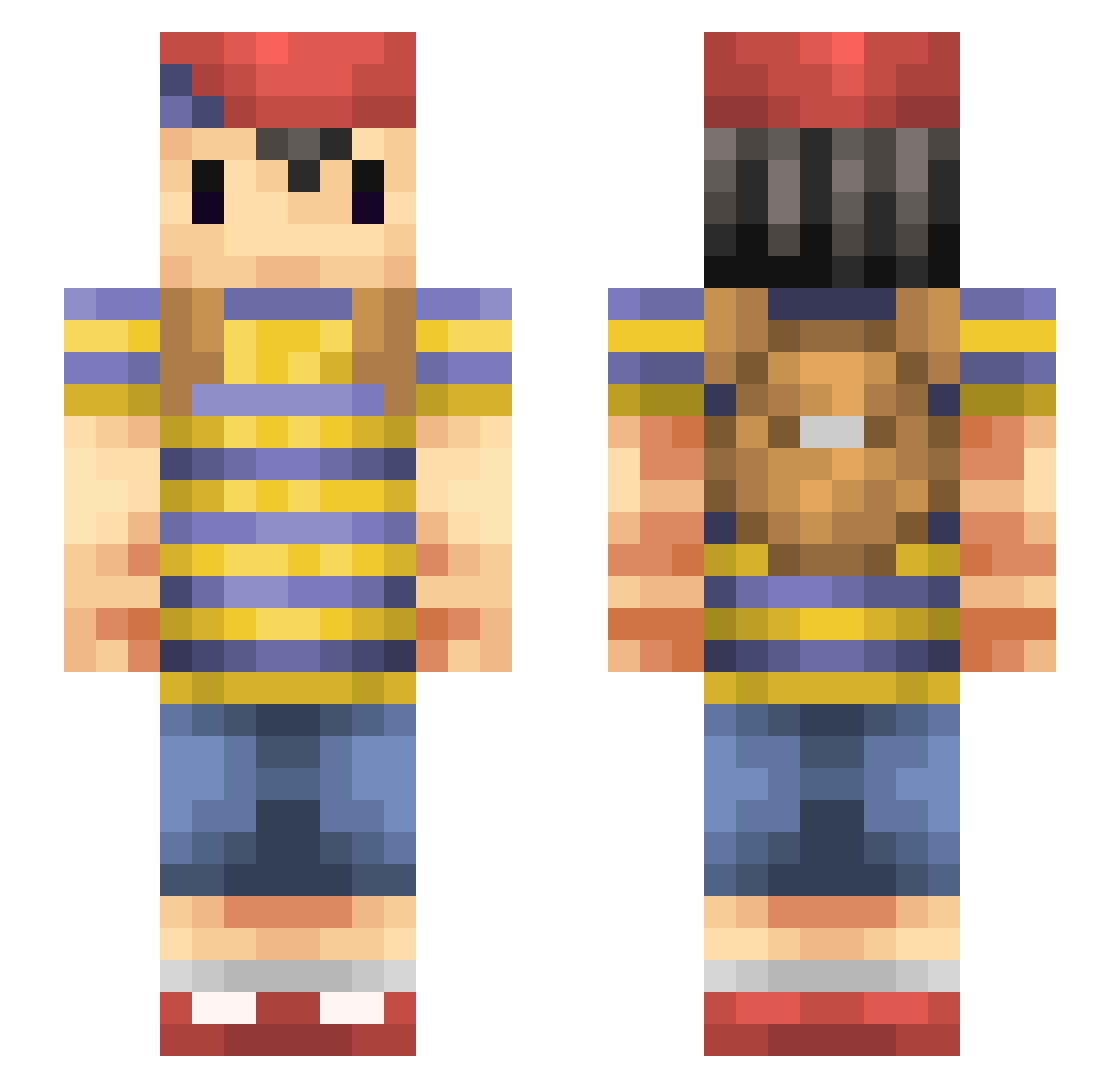
Minecraft skin of mandarine514. Rotate the 3D model with your mouse or finger to view the skin from every angle, then download it as a PNG file and use it in Minecraft: Bedrock Edition or Java Edition for free. Rate the skin with stars to help other players find the best skins in our collection.
How to install the mandarine514 skin
- Press the Download button above to save the skin as a PNG file.
- Minecraft: Bedrock Edition (PE): open the Dressing Room from the main menu (or tap your character → Edit Character), go to Classic Skins → Owned, press the + (new skin) button, choose the downloaded PNG and pick the Slim (Alex) model. Works on PC and mobile; consoles cannot import custom skins.
- Minecraft: Java Edition: open the Minecraft Launcher, go to the Skins tab, click New Skin, load the PNG, pick the Slim (Alex) model and press Save & Use. You can also upload it at minecraft.net → Profile → Change Skin.
The skin does not show up after import - what should I do?
Restart Minecraft and open the Dressing Room again - imported skins sometimes appear only after a restart. Also make sure you selected the imported skin and picked the Slim (Alex) model.
Which model should I choose, Classic or Slim?
This skin is designed for the Slim (Alex) model. If you pick the wrong model, the arms of the skin will look stretched or squeezed.
Is this skin free to use?
Yes. Press Download, save the PNG file and use it in Minecraft: Bedrock Edition or Java Edition - no payment or registration needed. The skin also works on multiplayer servers and Realms.
More Mother Minecraft skins
More skins
Looking for more? Go back to all Minecraft skins and check the top skins of the week, month and all time, or find any player's skin by nickname.