
 Mine_Genius DylanBot9000 davidshark3 Major_Rockstar godofreaper kinggman2 nayje3 imFearqz kwkws overPOWered021 ninjat2013 Xboplayz ZockerHDxx trent076 Ov3rBlaz3 swedviking latestcrayon784 RicoriMiharu yeahbuddy360 captaintotto Spindeln lolguy95 ninjajirat TransNinja igormm25 ejm1238 spoonman_G42 GamerBoy1004 Darkri334 Acholles78 CoopOnMinecraft9 Barca_man Xx_4LT4_xX Ender_Dragon323 JManNo1 Dongsup NeverLackinTitan lucroger Morbidly GeoTheGOAT RichManSquad16 Humpelbumpel 0914SI PVZSlayer1 BWebb1350 Axon1980 DJ_Chante ____4 deathwatcher55 JAKETHESNAKE607 ProStarGame hope92698 ncn04 ZomaTheLegend ButterBoy531 Kman0750 DESTORYERGOD Diaper_rash kingmasonjr Dragon638
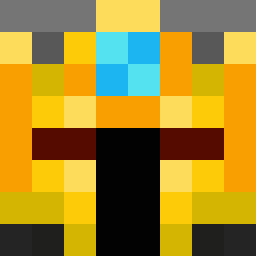
Minecraft skin of Fermi238. Rotate the 3D model with your mouse or finger to view the skin from every angle, then download it as a PNG file and use it in Minecraft: Bedrock Edition or Java Edition for free. Rate the skin with stars to help other players find the best skins in our collection.
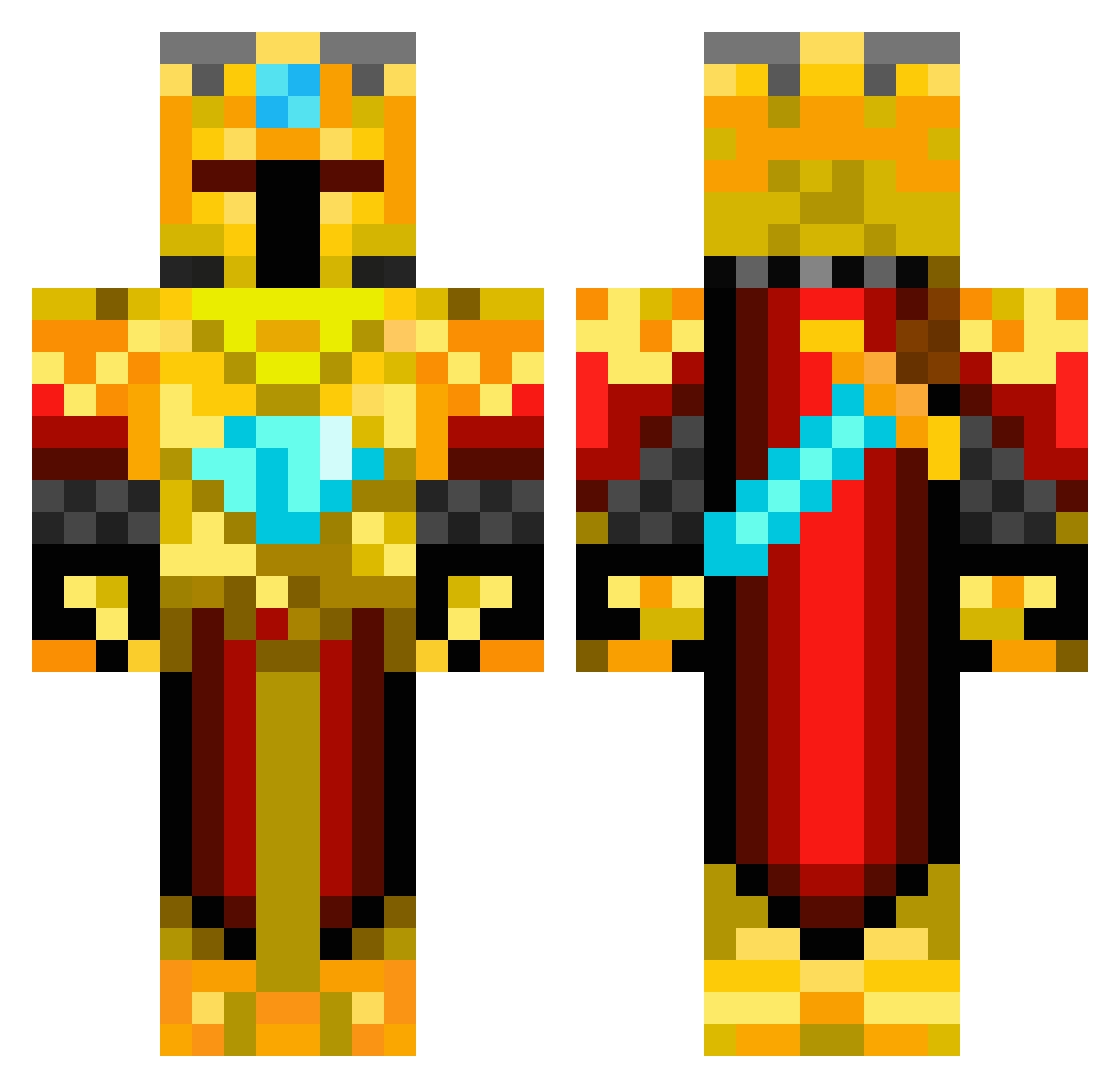
How to install the Fermi238 skin
- Press the Download button above to save the skin as a PNG file.
- Minecraft: Bedrock Edition (PE): open the Dressing Room from the main menu (or tap your character → Edit Character), go to Classic Skins → Owned, press the + (new skin) button, choose the downloaded PNG and pick the Classic (Steve) model. Works on PC and mobile; consoles cannot import custom skins.
- Minecraft: Java Edition: open the Minecraft Launcher, go to the Skins tab, click New Skin, load the PNG, pick the Classic (Steve) model and press Save & Use. You can also upload it at minecraft.net → Profile → Change Skin.
The skin does not show up after import - what should I do?
Restart Minecraft and open the Dressing Room again - imported skins sometimes appear only after a restart. Also make sure you selected the imported skin and picked the Classic (Steve) model.
Which model should I choose, Classic or Slim?
This skin is designed for the Classic (Steve) model. If you pick the wrong model, the arms of the skin will look stretched or squeezed.
Is this skin free to use?
Yes. Press Download, save the PNG file and use it in Minecraft: Bedrock Edition or Java Edition - no payment or registration needed. The skin also works on multiplayer servers and Realms.
More Golden Armor Minecraft skins
See all 170 Golden Armor skins
More skins
Looking for more? Go back to all Minecraft skins and check the top skins of the week, month and all time, or find any player's skin by nickname.