
 PRADOX_130 O_B__ spongybullet01 Casey007 Djesse058 LukisCam Akkaunt228 alex10bdn Unflappedmist jamieboy555 Yoeri_T2004 T2PKoalas SpringHell IlloGuille Netheee xxpumba mack_ca theflyingpig2003 HighRock119 Platinum_wildcat GreenWolf2K17 robottox Rooooyce budgie78 Xenlord7 DylanLiu Murmadel Maddog1901 _jog borgrd Djzarek potte_tan SalvatoreTK DonkeyOMG JavidReturns CaptainWephos TheKing7331 juoda_YT GhostlyObserver5 chugman Neverlosing Starkeviggo Term_14 Littleldea SoggySayo PatriSYT wusoul R8CHO BlueAlakazam7YT LackOfDignity Geographics3 Mr_Mistereo fernandovortex tar0963 KrutJonte Olematon oleisak999 MrShadowHawk Batterfly Freya_Shadow
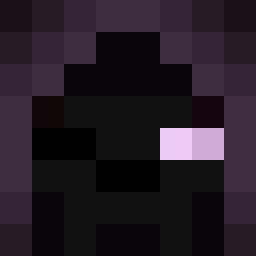
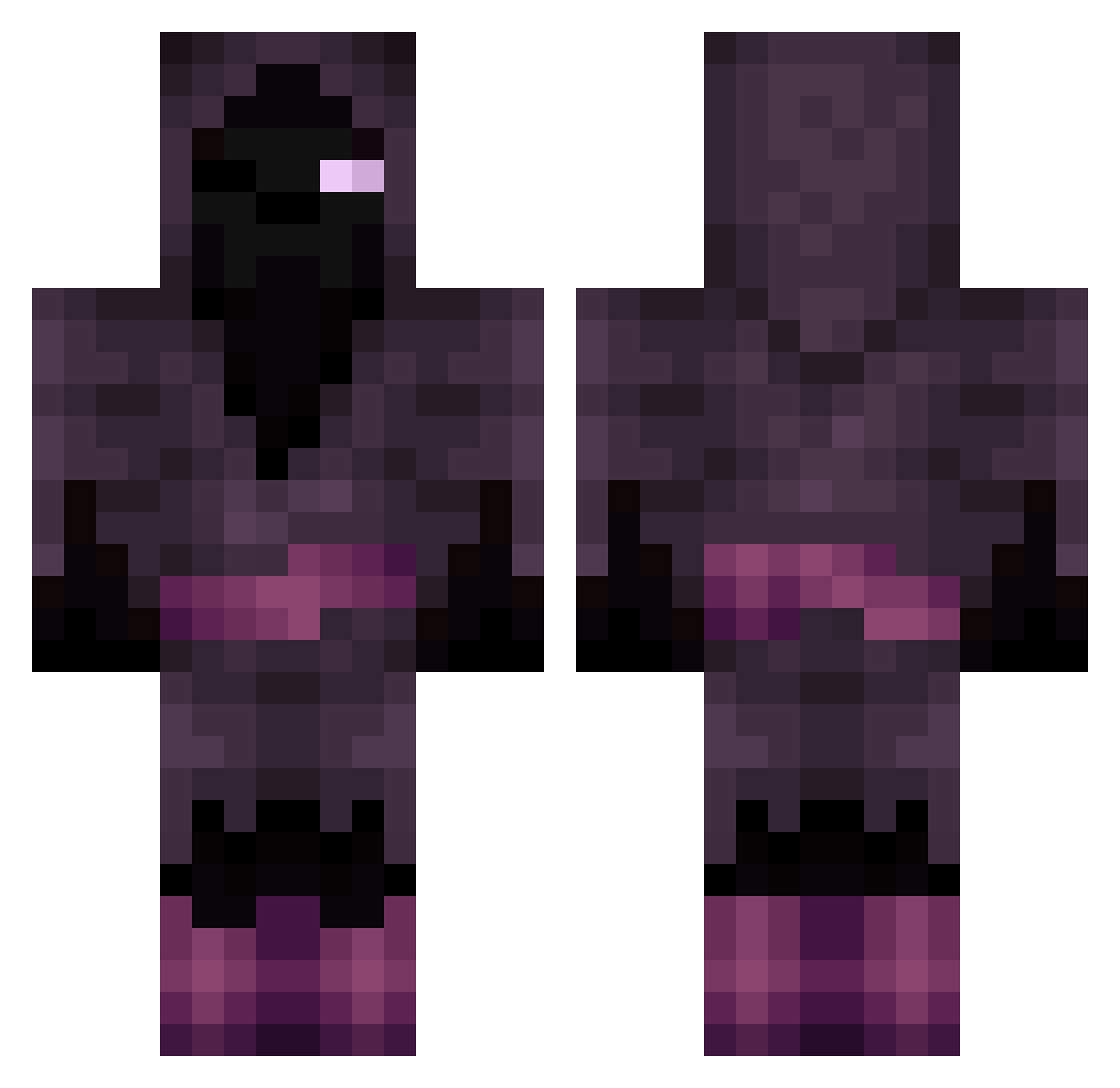
Minecraft skin of Raggyyy. Rotate the 3D model with your mouse or finger to view the skin from every angle, then download it as a PNG file and use it in Minecraft: Bedrock Edition or Java Edition for free. Rate the skin with stars to help other players find the best skins in our collection.
How to install the Raggyyy skin
- Press the Download button above to save the skin as a PNG file.
- Minecraft: Bedrock Edition (PE): open the Dressing Room from the main menu (or tap your character → Edit Character), go to Classic Skins → Owned, press the + (new skin) button, choose the downloaded PNG and pick the Classic (Steve) model. Works on PC and mobile; consoles cannot import custom skins.
- Minecraft: Java Edition: open the Minecraft Launcher, go to the Skins tab, click New Skin, load the PNG, pick the Classic (Steve) model and press Save & Use. You can also upload it at minecraft.net → Profile → Change Skin.
The skin does not show up after import - what should I do?
Restart Minecraft and open the Dressing Room again - imported skins sometimes appear only after a restart. Also make sure you selected the imported skin and picked the Classic (Steve) model.
Which model should I choose, Classic or Slim?
This skin is designed for the Classic (Steve) model. If you pick the wrong model, the arms of the skin will look stretched or squeezed.
Is this skin free to use?
Yes. Press Download, save the PNG file and use it in Minecraft: Bedrock Edition or Java Edition - no payment or registration needed. The skin also works on multiplayer servers and Realms.
More Hooded Figure Minecraft skins
See all 1285 Hooded Figure skins
More skins
Looking for more? Go back to all Minecraft skins and check the top skins of the week, month and all time, or find any player's skin by nickname.