
 maxikingderbeste joquaint9000 Styledtrack64 MashePotato2132 eraykr360 ChrisPaul3333 frazerfreeman Nathaniel_428 realakinori MaxwellSwagems69 Balder111 expurgar Dubalub Franked YoussefOmar 4M8 7LEON7k AveDeusVult OpticalCollapse YVLKaan bundaslayer72 Xi_Jinping_Gami __sampletext__ bornoscarr matuneG mybrainispea o0inkeD_ Meowgul NotHuman404 Bruvzy davidleo2008 Drsnivy1 KillerChromatic KesterLoL _Fluxion_ deltaKILO210 DwarfGaming SplendidFox5701 Jammers_04 SquilliamSquible Acana whitebrosauto727 Stevisnotwise OH7950 SmartFella0 CrayonCruncher21 KultzZ Axo7Loto THE_TRUE_BEAT37 Garnashia 3KoopaaKingZ AsianGamer7168 keeperofeagles CamRay831 Ploopyyyyy IAMZEAS dayfalls Boltonbear EpicWolveman43 DarkenedSlumber
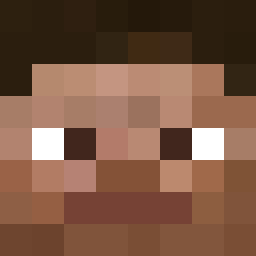
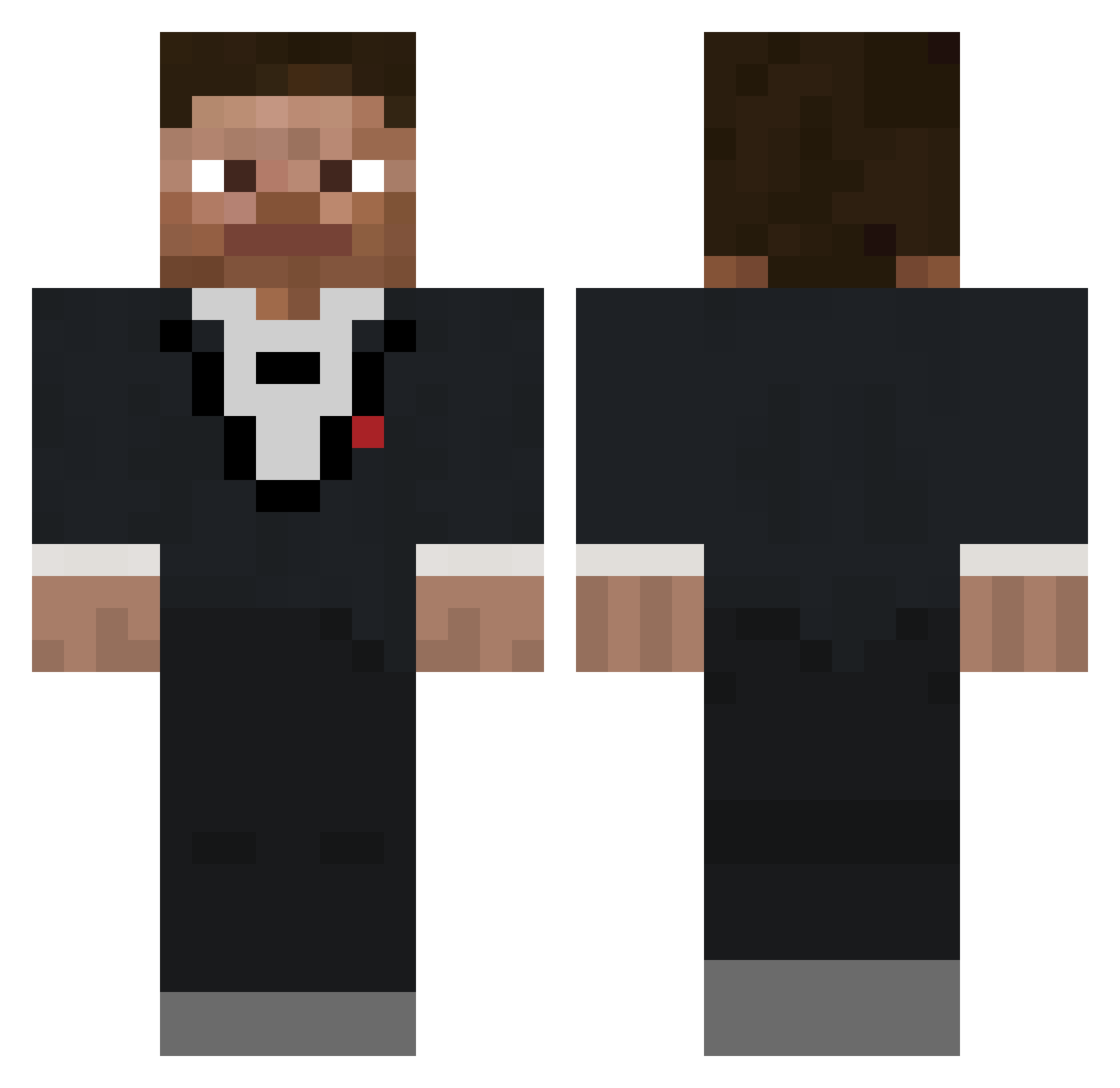
Minecraft skin of DwarfGaming. Rotate the 3D model with your mouse or finger to view the skin from every angle, then download it as a PNG file and use it in Minecraft: Bedrock Edition or Java Edition for free. Rate the skin with stars to help other players find the best skins in our collection.
How to install the DwarfGaming skin
- Press the Download button above to save the skin as a PNG file.
- Minecraft: Bedrock Edition (PE): open the Dressing Room from the main menu (or tap your character → Edit Character), go to Classic Skins → Owned, press the + (new skin) button, choose the downloaded PNG and pick the Classic (Steve) model. Works on PC and mobile; consoles cannot import custom skins.
- Minecraft: Java Edition: open the Minecraft Launcher, go to the Skins tab, click New Skin, load the PNG, pick the Classic (Steve) model and press Save & Use. You can also upload it at minecraft.net → Profile → Change Skin.
The skin does not show up after import - what should I do?
Restart Minecraft and open the Dressing Room again - imported skins sometimes appear only after a restart. Also make sure you selected the imported skin and picked the Classic (Steve) model.
Which model should I choose, Classic or Slim?
This skin is designed for the Classic (Steve) model. If you pick the wrong model, the arms of the skin will look stretched or squeezed.
Is this skin free to use?
Yes. Press Download, save the PNG file and use it in Minecraft: Bedrock Edition or Java Edition - no payment or registration needed. The skin also works on multiplayer servers and Realms.
More skins
Looking for more? Go back to all Minecraft skins and check the top skins of the week, month and all time, or find any player's skin by nickname.