
 Akswe Heyo_Rockbreaker OfficialRuben AndreeW Cornish_potato jabbers67 LegendaryZortax Peter0A Raphomee Daalen JaschaPascha sanlan01 Coolcop011 guilmar1234 burlo420 ChrisEcraft ZombieAttacker99 Tyler2k18 enkayJ forvirret JazzyCats F_H_C Ods JuliadaBomb 27danny TimbroHD jesse2205 Warlion16 MrIcey Aero_Lite H4sman77 DopeGuyNL ColtonFlash Emmy2005 PizzaAke hanisauland Makc03 OnlyLetsGame brendanbergh paknip official_hypeee GetDroppedKid JustLyor marcraft0 RaDziUU Plankzz samfau gilly4life _BHR_ TeknoTH TOM_IS_MOOI SejerIlsoe2007 WillowJ NightmareHan TeichZinkerLP daanstoon falleballle Provake pwtbp tntBigfoot
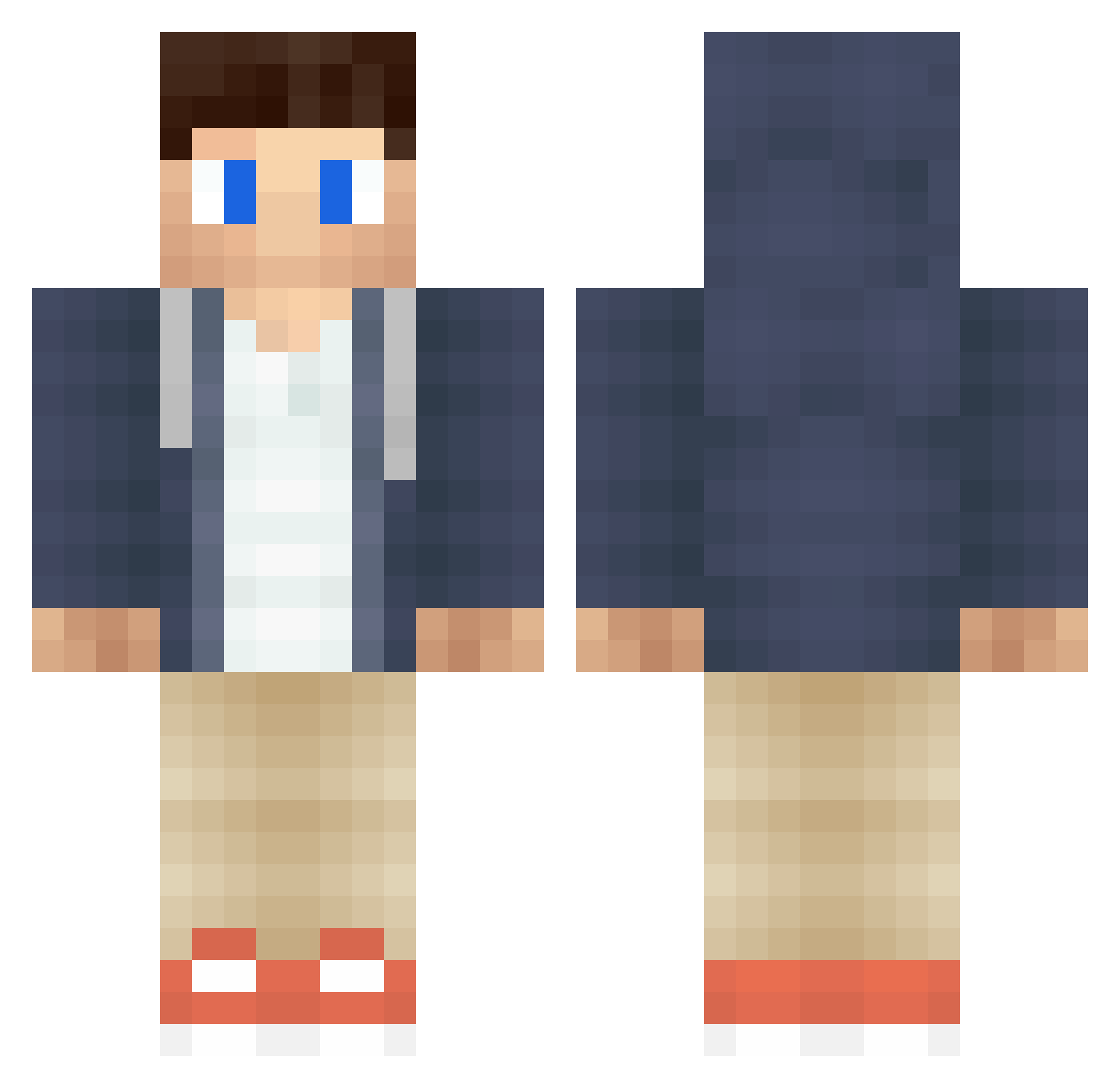
Minecraft skin of xXAlphaX. Rotate the 3D model with your mouse or finger to view the skin from every angle, then download it as a PNG file and use it in Minecraft: Bedrock Edition or Java Edition for free. Rate the skin with stars to help other players find the best skins in our collection.
How to install the xXAlphaX skin
- Press the Download button above to save the skin as a PNG file.
- Minecraft: Bedrock Edition (PE): open the Dressing Room from the main menu (or tap your character → Edit Character), go to Classic Skins → Owned, press the + (new skin) button, choose the downloaded PNG and pick the Classic (Steve) model. Works on PC and mobile; consoles cannot import custom skins.
- Minecraft: Java Edition: open the Minecraft Launcher, go to the Skins tab, click New Skin, load the PNG, pick the Classic (Steve) model and press Save & Use. You can also upload it at minecraft.net → Profile → Change Skin.
The skin does not show up after import - what should I do?
Restart Minecraft and open the Dressing Room again - imported skins sometimes appear only after a restart. Also make sure you selected the imported skin and picked the Classic (Steve) model.
Which model should I choose, Classic or Slim?
This skin is designed for the Classic (Steve) model. If you pick the wrong model, the arms of the skin will look stretched or squeezed.
Is this skin free to use?
Yes. Press Download, save the PNG file and use it in Minecraft: Bedrock Edition or Java Edition - no payment or registration needed. The skin also works on multiplayer servers and Realms.
More Casual Minecraft skins
More skins
Looking for more? Go back to all Minecraft skins and check the top skins of the week, month and all time, or find any player's skin by nickname.