
 Guldorable krizus666 Woodos mixad Harwigs Grizzlebrr Cookie_tw_ eovudth 1yshy ChezbearJ TiMoThYD420 Alessio_kill Pio2029 stardustcupid bays_f Wanglll Shibaroma BeratBaba BaerArms mehmet_can_ ForceAJ hyeok0904 AlinEvil choco398 jerorran _titan3266 Bubyashka Orsetto7 NOOB20231 MrTedBear halebale So4NaYa_P0PkA ddumal_ Koed02 Fhozu hanppes BabyPedro jhi2 Castle902 Hitesu BeerBear80219 Dibowski JTESL_NTF2673 Ahmeow Aricsito CODREEEN1 PoopAndFarts V3reor lou1wnl KaiTzap CalShero eyeoflink Tufffngl kkanbubear Lazjj kilary4prison Exportiles NoteMarcato Bozyla27 Dacicy
Minecraft skin of Wanglll. Rotate the 3D model with your mouse or finger to view the skin from every angle, then download it as a PNG file and use it in Minecraft: Bedrock Edition or Java Edition for free. Rate the skin with stars to help other players find the best skins in our collection.
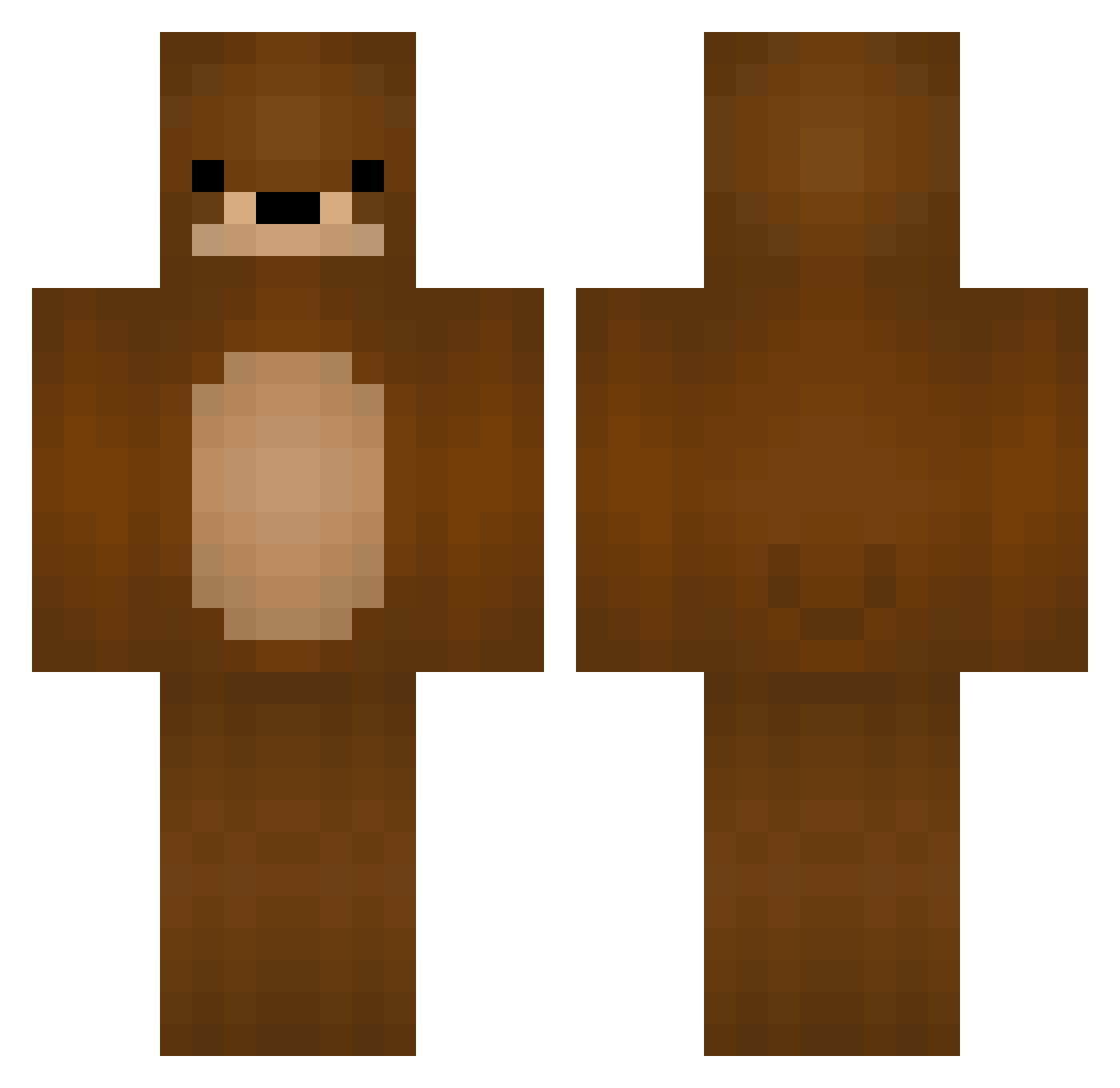
How to install the Wanglll skin
- Press the Download button above to save the skin as a PNG file.
- Minecraft: Bedrock Edition (PE): open the Dressing Room from the main menu (or tap your character → Edit Character), go to Classic Skins → Owned, press the + (new skin) button, choose the downloaded PNG and pick the Classic (Steve) model. Works on PC and mobile; consoles cannot import custom skins.
- Minecraft: Java Edition: open the Minecraft Launcher, go to the Skins tab, click New Skin, load the PNG, pick the Classic (Steve) model and press Save & Use. You can also upload it at minecraft.net → Profile → Change Skin.
The skin does not show up after import - what should I do?
Restart Minecraft and open the Dressing Room again - imported skins sometimes appear only after a restart. Also make sure you selected the imported skin and picked the Classic (Steve) model.
Which model should I choose, Classic or Slim?
This skin is designed for the Classic (Steve) model. If you pick the wrong model, the arms of the skin will look stretched or squeezed.
Is this skin free to use?
Yes. Press Download, save the PNG file and use it in Minecraft: Bedrock Edition or Java Edition - no payment or registration needed. The skin also works on multiplayer servers and Realms.
More Bear Minecraft skins
More skins
Looking for more? Go back to all Minecraft skins and check the top skins of the week, month and all time, or find any player's skin by nickname.