
 TheRolling ChinaZSZ Kit1219 spiderfarts Mol1LLE TawanHoche Felixtom51 MichielReloaded Varioul bennyvolio Spyrouuu TheLostyou jiaheng_lv Johnnytu rararey pxMan79 OmnisAmans BoyJesus02 PngPg Jkedi_ IIstickII Maslooo TheDasta BigD1970 Coolboy_503 TullysTake focusedgolem Master_Jack_1 Jojo044 LatteaOVia Clumsy_20 mc307 bonechills H0LL0WSPIRIT Solowz5 brenbrenbrend crawler_jia bugger897 Antsaboe 0nvo JacksonChen6656 Skull_638 Dextter11 Stinkyboy4 Thewitherstorm1 FriendlyTruth956 Runoper Maxi91King sfbln SumoSamosa Ijedied qlimax420 Narkuda Pantheras86 erom1 MrZeggers dazeng agraph aixiaodeyanzu123 lapetitebaies
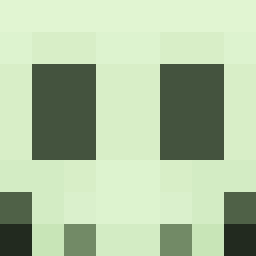
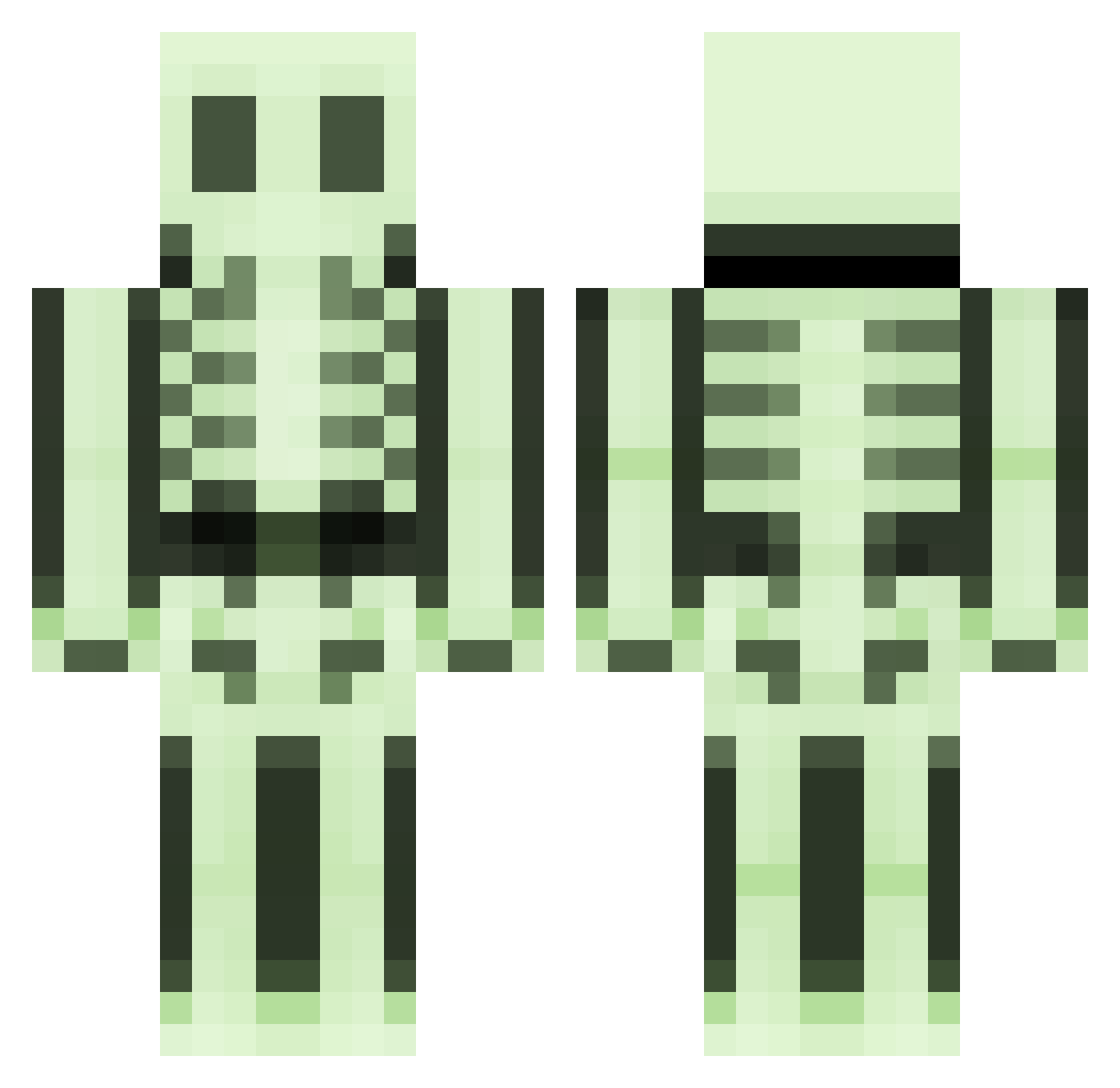
Minecraft skin of WeeSnawin. Rotate the 3D model with your mouse or finger to view the skin from every angle, then download it as a PNG file and use it in Minecraft: Bedrock Edition or Java Edition for free. Rate the skin with stars to help other players find the best skins in our collection.
How to install the WeeSnawin skin
- Press the Download button above to save the skin as a PNG file.
- Minecraft: Bedrock Edition (PE): open the Dressing Room from the main menu (or tap your character → Edit Character), go to Classic Skins → Owned, press the + (new skin) button, choose the downloaded PNG and pick the Classic (Steve) model. Works on PC and mobile; consoles cannot import custom skins.
- Minecraft: Java Edition: open the Minecraft Launcher, go to the Skins tab, click New Skin, load the PNG, pick the Classic (Steve) model and press Save & Use. You can also upload it at minecraft.net → Profile → Change Skin.
The skin does not show up after import - what should I do?
Restart Minecraft and open the Dressing Room again - imported skins sometimes appear only after a restart. Also make sure you selected the imported skin and picked the Classic (Steve) model.
Which model should I choose, Classic or Slim?
This skin is designed for the Classic (Steve) model. If you pick the wrong model, the arms of the skin will look stretched or squeezed.
Is this skin free to use?
Yes. Press Download, save the PNG file and use it in Minecraft: Bedrock Edition or Java Edition - no payment or registration needed. The skin also works on multiplayer servers and Realms.
More Skeleton Minecraft skins
More skins
Looking for more? Go back to all Minecraft skins and check the top skins of the week, month and all time, or find any player's skin by nickname.