
 Vkiller Im_Sorry_I_Brr WhafShow Wizkyll trentk2000 viictor69 t_rock_123 Skythent arttu_ AAAA1342 VTRtt Visi_on javonistrash suzuki67 Alfa53 MattiaTiaa HerrRotti ATL4S_01 guixsz22 eliommort baltyboys7 4g0t10 atakan8183 gt7brs im_not_afk_3 Nardas122 PpangDi WendigerLucas Jiwy03 adamglen Erpipoui Jppedruzzi Flugih SSouza01 Ahzelai Gary0fNivea HaloBest kelwinBr kiffen2 natanel7 ImNotDiagnosed DzodeeZ cjnic01 Foregone75 _altijdjoost_ supergolemomg Kenuka soapinator22 GekoOT Zerav YungSarah sukunalol JulGryn123 xNKSQx ItisJesusDuck Killerbelow101 JoergHaider Marcipoki Jmpr00 ErehYega_
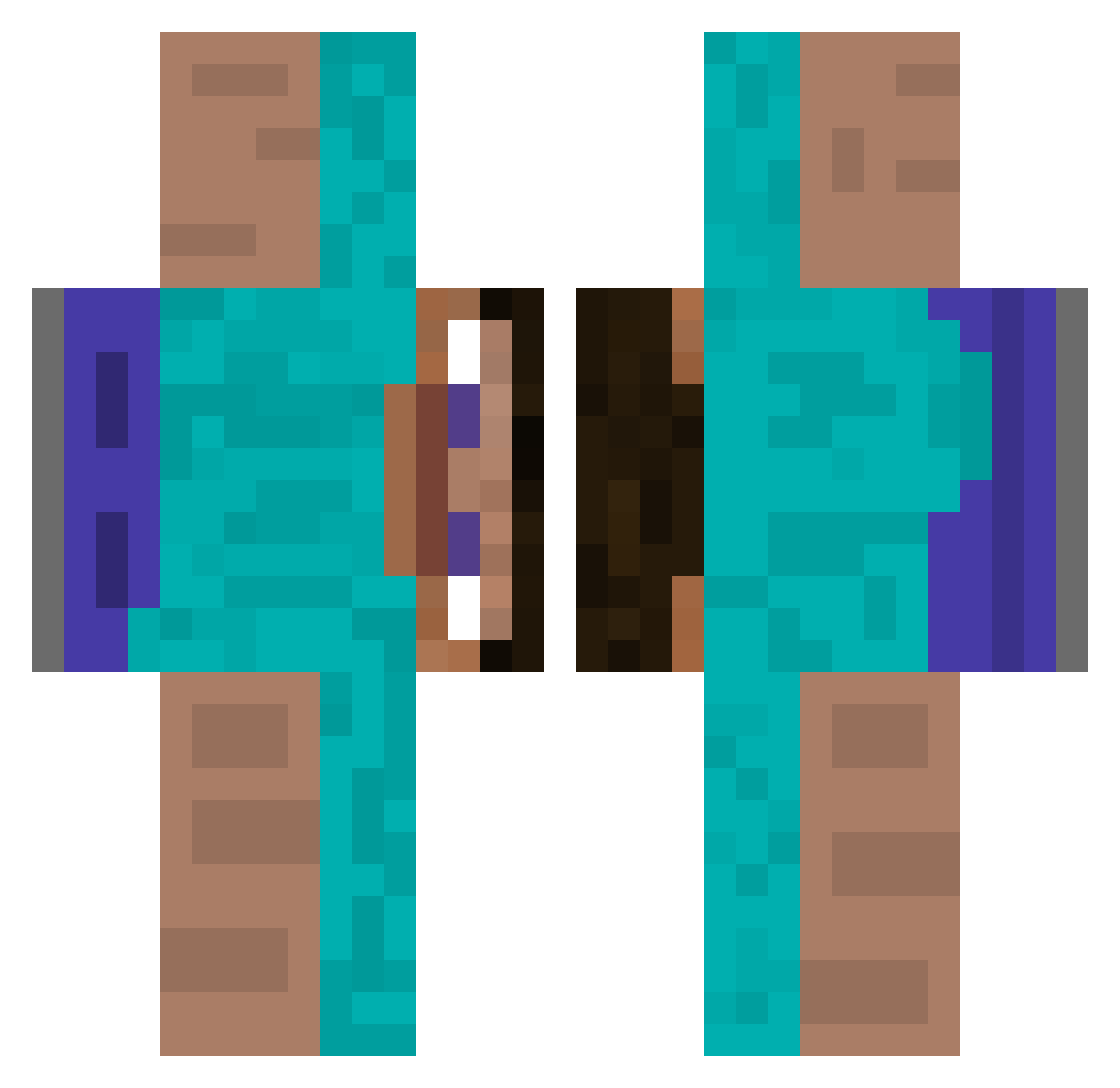
Minecraft skin of BobJoe7593. Rotate the 3D model with your mouse or finger to view the skin from every angle, then download it as a PNG file and use it in Minecraft: Bedrock Edition or Java Edition for free. Rate the skin with stars to help other players find the best skins in our collection.
How to install the BobJoe7593 skin
- Press the Download button above to save the skin as a PNG file.
- Minecraft: Bedrock Edition (PE): open the Dressing Room from the main menu (or tap your character → Edit Character), go to Classic Skins → Owned, press the + (new skin) button, choose the downloaded PNG and pick the Classic (Steve) model. Works on PC and mobile; consoles cannot import custom skins.
- Minecraft: Java Edition: open the Minecraft Launcher, go to the Skins tab, click New Skin, load the PNG, pick the Classic (Steve) model and press Save & Use. You can also upload it at minecraft.net → Profile → Change Skin.
The skin does not show up after import - what should I do?
Restart Minecraft and open the Dressing Room again - imported skins sometimes appear only after a restart. Also make sure you selected the imported skin and picked the Classic (Steve) model.
Which model should I choose, Classic or Slim?
This skin is designed for the Classic (Steve) model. If you pick the wrong model, the arms of the skin will look stretched or squeezed.
Is this skin free to use?
Yes. Press Download, save the PNG file and use it in Minecraft: Bedrock Edition or Java Edition - no payment or registration needed. The skin also works on multiplayer servers and Realms.
More skins
Looking for more? Go back to all Minecraft skins and check the top skins of the week, month and all time, or find any player's skin by nickname.