
 Pls_Killme_lol04 Naciej ls_1601 Alpha9927 Luka_tchi amatomatoes lIllIlIIlIIIlI Bloodpro HaRmFuLlMrKiRa david_0313 SeokJinjara SnowmanCard ahcsim choisugi lolkaboobl yahirqt MLConcha DH_Jeon dmsgur228 AlcyoneMC roheki waavegod SnowF14ke vidiusalfran negi_tarou SoldierBoy9696 ThanosPhrog AJZORO CarlosRich GEMiscobleSTONED SsanDong 451Sonmi Tak0izU 1z_Subhan hyun15 SkyDeff 56taso lomen1 ayoub113 Azmog_007 St0rmZCT sibadikk TOOSWE3T wanda_uganda mur1i Beano5905 LagartijaHD2018 Baertjen Devilscrown Krobyloz Shadow13245 AscendedWaffle puppy_dog_food thomastinky jumpman2300 Freshiii252 StoIkT4 Prostik_ EagleDz BoryVashill
Minecraft skin of vinhd829. Rotate the 3D model with your mouse or finger to view the skin from every angle, then download it as a PNG file and use it in Minecraft: Bedrock Edition or Java Edition for free. Rate the skin with stars to help other players find the best skins in our collection.
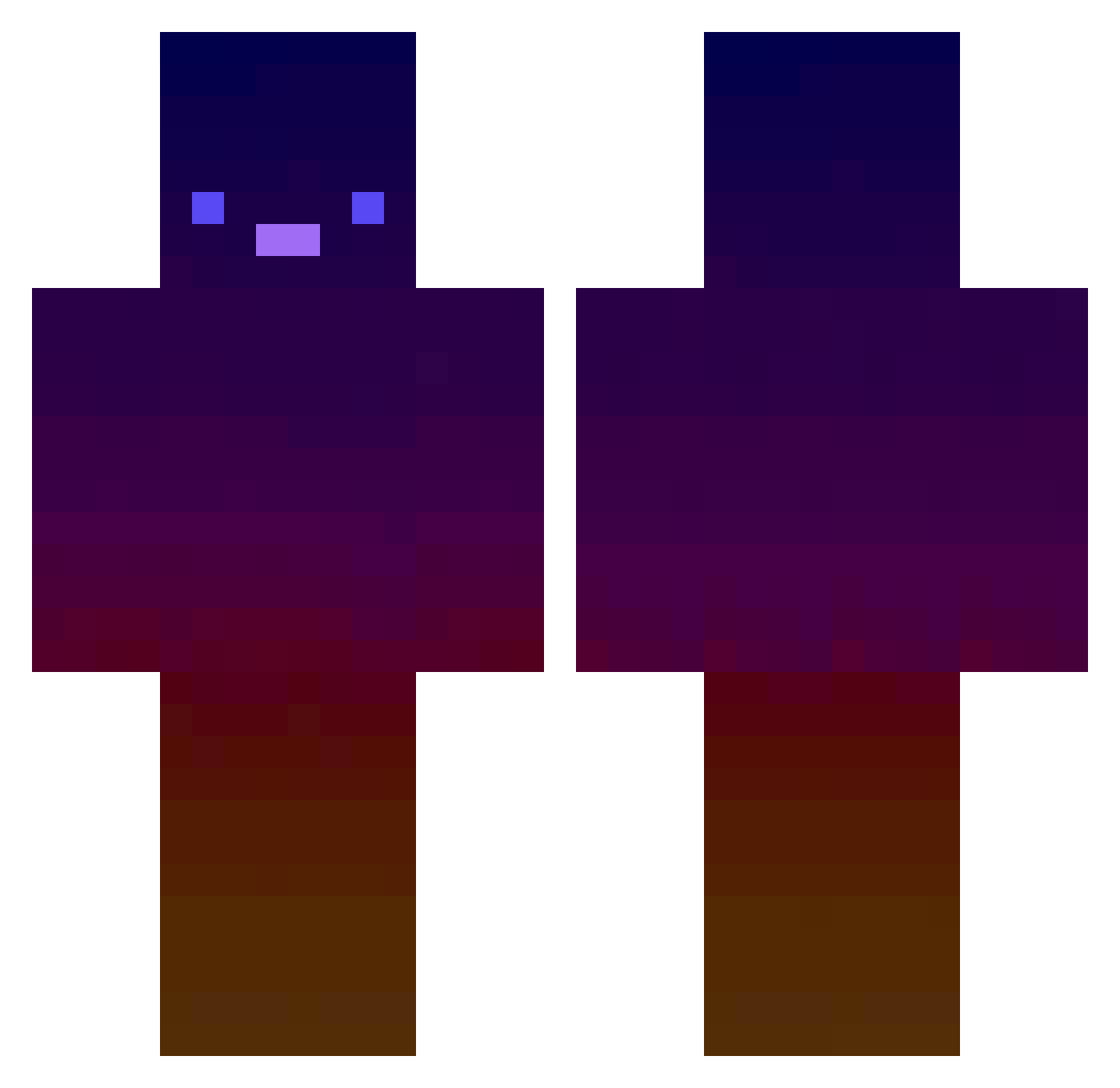
How to install the vinhd829 skin
- Press the Download button above to save the skin as a PNG file.
- Minecraft: Bedrock Edition (PE): open the Dressing Room from the main menu (or tap your character → Edit Character), go to Classic Skins → Owned, press the + (new skin) button, choose the downloaded PNG and pick the Classic (Steve) model. Works on PC and mobile; consoles cannot import custom skins.
- Minecraft: Java Edition: open the Minecraft Launcher, go to the Skins tab, click New Skin, load the PNG, pick the Classic (Steve) model and press Save & Use. You can also upload it at minecraft.net → Profile → Change Skin.
The skin does not show up after import — what should I do?
Restart Minecraft and open the Dressing Room again — imported skins sometimes appear only after a restart. Also make sure you selected the imported skin and picked the Classic (Steve) model.
Which model should I choose, Classic or Slim?
This skin is designed for the Classic (Steve) model. If you pick the wrong model, the arms of the skin will look stretched or squeezed.
Is this skin free to use?
Yes. Press Download, save the PNG file and use it in Minecraft: Bedrock Edition or Java Edition — no payment or registration needed. The skin also works on multiplayer servers and Realms.
More skins
Looking for more? Go back to all Minecraft skins and check the top skins of the week, month and all time, or find any player's skin by nickname.