
Nopi_008 - Minecraft Skins & Skin History
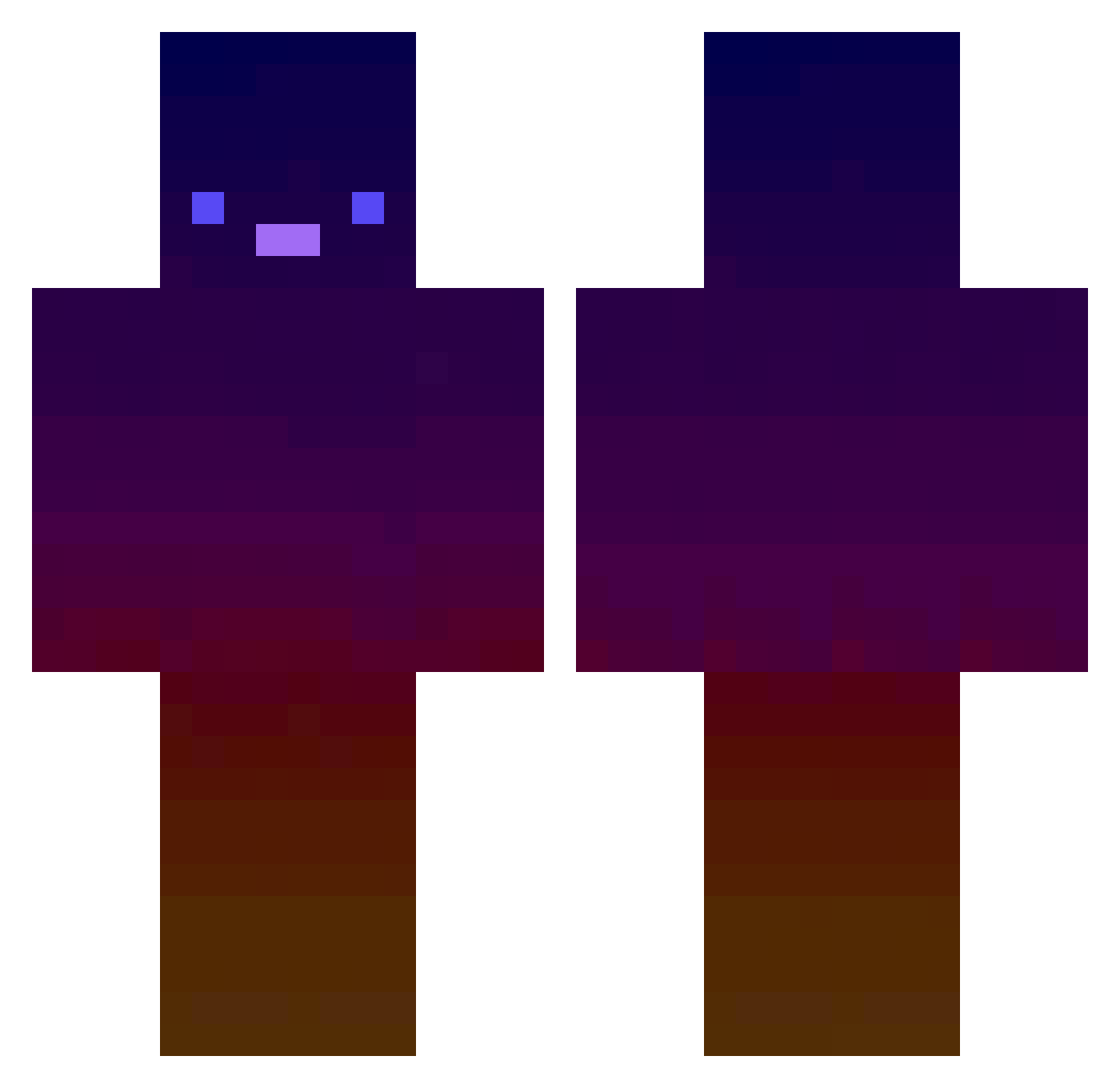
Current Minecraft skin of the player Nopi_008, loaded from the official Mojang API. Rotate the 3D model with your mouse or finger, then download the skin as a PNG file and use it in Minecraft: Bedrock Edition or Java Edition for free. When Nopi_008 changes their skin, this page updates automatically and the old skin stays in the history below.
Other players with this skin (572)
Nopi_008 was the 551st player we have seen with this skin, first spotted on 06.11.2026. The same skin was seen on these players. Open a nickname to see their current skin and skin history.
 LudoIII Mango_dance_ metalpi e2vlone RemAA0216 dydysch Thickkthighs SeongjinU NASA0925 Ethan_10M Plantox NerdNight LilSwitch Hammunition IzuuukunPriv gpfla0108 Zeta2020 sihyeok02 PlumagedCarpet5 d4cr33per Jakobsen918 vursss Cecile_1242 Chamelinct BloodRheina Danjalba Alferado No1youknow34 Salvador20 Sandrooms Trustevil45 Queen_Chips jirka1232 ItsMrJ Liljupiteh lflleje vdkl Guilloch007 MustangLP _kikut_ aleeanne8 yangfan0824 gerue2 EEPIZOP FT118090 baking_duck Kiwijn Seckin Hoduck07 LightingStone gamedist Jun357 wssm0928 Avo354 Lyaree greenskyfighter TOMSN_128 M1sterDragibus AlphawolfgamerYT Woriax
How to install the Nopi_008 skin
- Press the Download button above to save the skin as a PNG file.
- Minecraft: Bedrock Edition (PE): open the Dressing Room from the main menu (or tap your character → Edit Character), go to Classic Skins → Owned, press the + (new skin) button, choose the downloaded PNG and pick the Classic (Steve) model. Works on PC and mobile; consoles cannot import custom skins.
- Minecraft: Java Edition: open the Minecraft Launcher, go to the Skins tab, click New Skin, load the PNG, pick the Classic (Steve) model and press Save & Use. You can also upload it at minecraft.net → Profile → Change Skin.
The skin does not show up after import - what should I do?
Restart Minecraft and open the Dressing Room again - imported skins sometimes appear only after a restart. Also make sure you selected the imported skin and picked the Classic (Steve) model.
Which model should I choose, Classic or Slim?
This skin is designed for the Classic (Steve) model. If you pick the wrong model, the arms of the skin will look stretched or squeezed.
Is the skin of Nopi_008 free to download?
Yes. Press Download, save the PNG file and use it in Minecraft: Bedrock Edition or Java Edition - no payment or registration needed. The skin also works on multiplayer servers and Realms.
More skins
Looking for more? Go back to all Minecraft skins and check the top skins of the week, month and all time, or find any player's skin by nickname.