
 J4R3CKY EpicFloo Oliver98980 boothinn Dr_Bratwurst321 DenyTHEknee Butyoureugly AloneNaal seahawks3fan883 Couscous14 TheEric987 Kaemmus Become1611 OilyKellogs IUSTINCI_ Veckw ZephroT Julyxcv drax3r ChosenRedstoner bloodthirsty20 tiny_kox Jaramay Foksiuu valigg20 Finnschgal AnzaKM queiroz1 Rouver_CZ Smartsam669 ISirGoose babaluga1 shreking_bad Notchocheeze yashraf Kharan_SJet Rotoplas_10 Nev3skey Venice2313 feewings BIRBINGUM Dazuleh theminerrick LorAl2007 omer312 SpacerainRose ReSoJlDa Vallisz krychtor Przemsio orbahGGs David_x LazarHunter21 rikimaruuuu skibbleskobble Magdk01 jpreagan2013 Jakob1612 aloxin TullieWullie
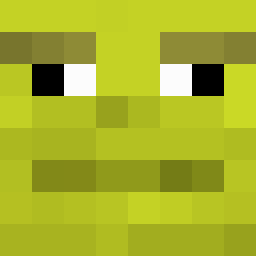
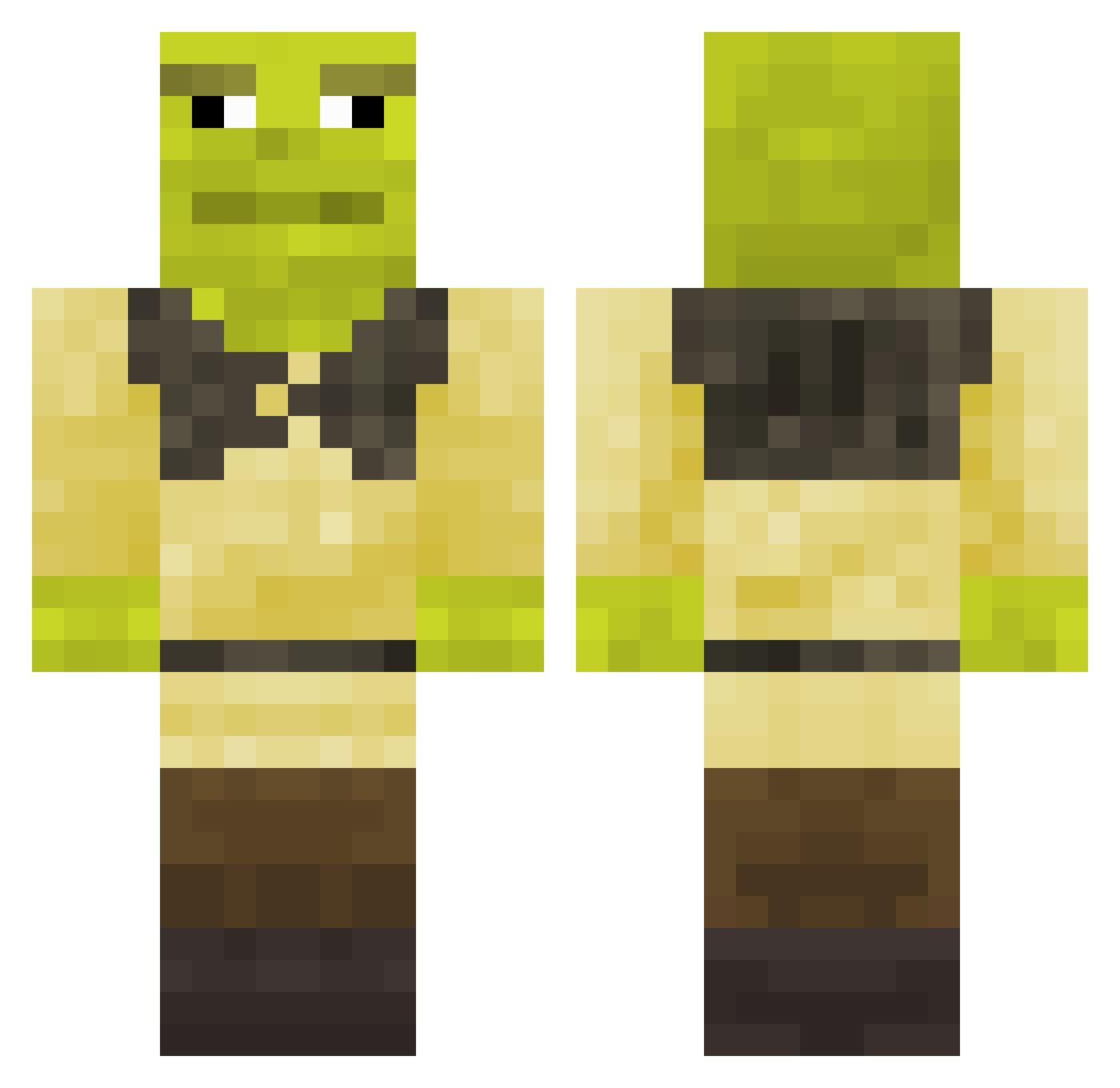
Minecraft skin of Nitivrep. Rotate the 3D model with your mouse or finger to view the skin from every angle, then download it as a PNG file and use it in Minecraft: Bedrock Edition or Java Edition for free. Rate the skin with stars to help other players find the best skins in our collection.
How to install the Nitivrep skin
- Press the Download button above to save the skin as a PNG file.
- Minecraft: Bedrock Edition (PE): open the Dressing Room from the main menu (or tap your character → Edit Character), go to Classic Skins → Owned, press the + (new skin) button, choose the downloaded PNG and pick the Classic (Steve) model. Works on PC and mobile; consoles cannot import custom skins.
- Minecraft: Java Edition: open the Minecraft Launcher, go to the Skins tab, click New Skin, load the PNG, pick the Classic (Steve) model and press Save & Use. You can also upload it at minecraft.net → Profile → Change Skin.
The skin does not show up after import - what should I do?
Restart Minecraft and open the Dressing Room again - imported skins sometimes appear only after a restart. Also make sure you selected the imported skin and picked the Classic (Steve) model.
Which model should I choose, Classic or Slim?
This skin is designed for the Classic (Steve) model. If you pick the wrong model, the arms of the skin will look stretched or squeezed.
Is this skin free to use?
Yes. Press Download, save the PNG file and use it in Minecraft: Bedrock Edition or Java Edition - no payment or registration needed. The skin also works on multiplayer servers and Realms.
More Shrek Minecraft skins
More skins
Looking for more? Go back to all Minecraft skins and check the top skins of the week, month and all time, or find any player's skin by nickname.