
 ObiwanSchmobiwan That1Guy7687 sowmnc Azazel_Blackfire viewyseeker810 crumberoni esenqwunl Creepydemon OmegaPowers24 SirLampost ILoveMiners227 SpecHaxAA MagicFly MattGamer8065 sharml helighast 3r_q p1xlewar KrankGHG MIOKHALIFO PISCOTELUL I_OldFox_I Eztelix FavianZ_ clashmaster6 Silobarn Zzestyyy LargeHumphrey Longward JamesMamaliga SethPrk 20060620 borregooo desalwd DuckiDev 77__ fetodedo Kid64 apfelkuchen69 KazuFuka skvulkin HeyItsFlyde SarMinar Hemooo10 QMB11 patdefrui tsuyuchan01 GuilleGamer13 Reziolutki ArwenTheGhost44 Varations ElDags EvilSullyJr albert3aqaelias Xaoof SortaEthical TheOneTruMyst1c ttimely Defaulting jdchish
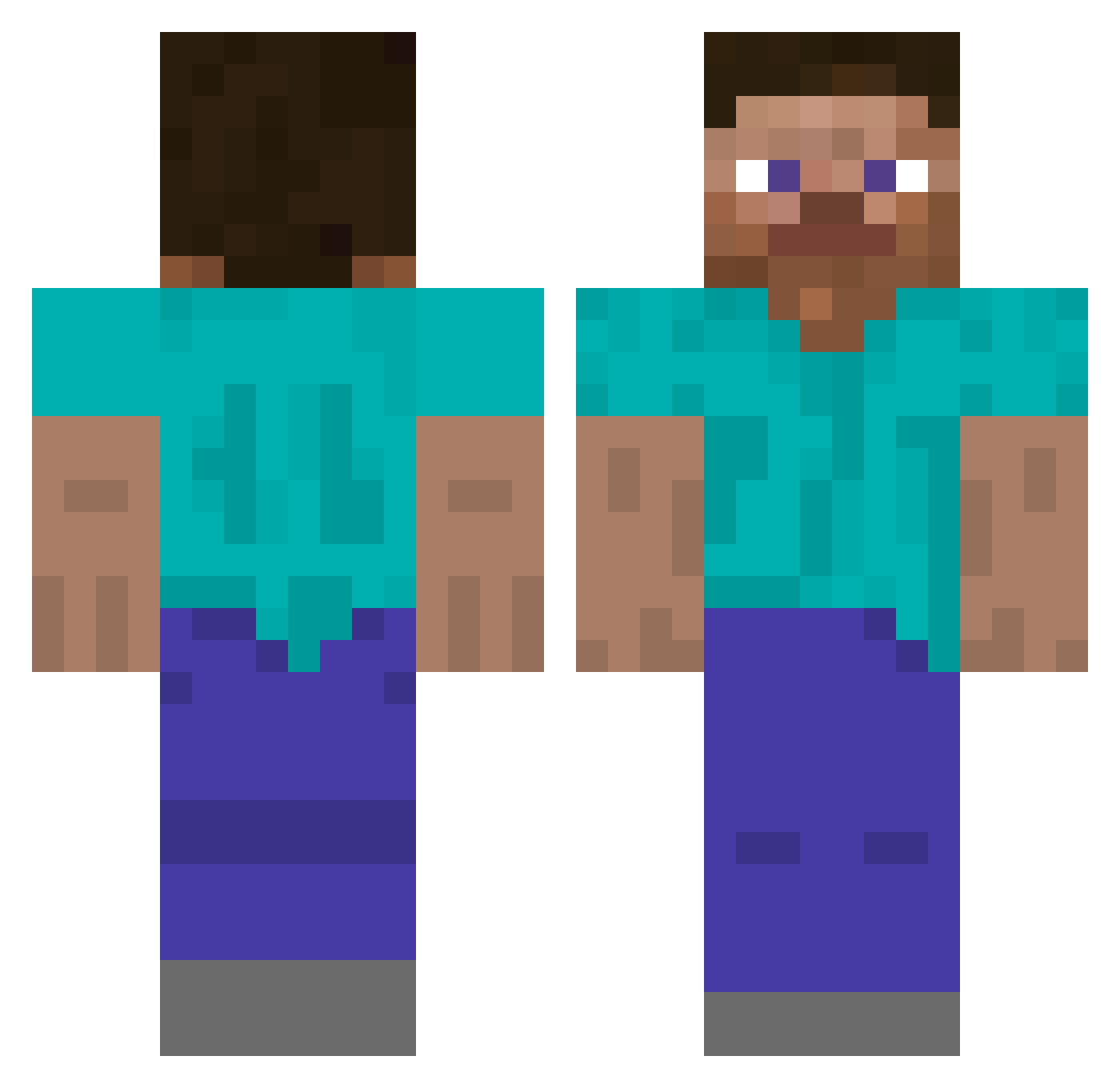
Minecraft skin of FrequentFlyer. Rotate the 3D model with your mouse or finger to view the skin from every angle, then download it as a PNG file and use it in Minecraft: Bedrock Edition or Java Edition for free. Rate the skin with stars to help other players find the best skins in our collection.
How to install the FrequentFlyer skin
- Press the Download button above to save the skin as a PNG file.
- Minecraft: Bedrock Edition (PE): open the Dressing Room from the main menu (or tap your character → Edit Character), go to Classic Skins → Owned, press the + (new skin) button, choose the downloaded PNG and pick the Classic (Steve) model. Works on PC and mobile; consoles cannot import custom skins.
- Minecraft: Java Edition: open the Minecraft Launcher, go to the Skins tab, click New Skin, load the PNG, pick the Classic (Steve) model and press Save & Use. You can also upload it at minecraft.net → Profile → Change Skin.
The skin does not show up after import - what should I do?
Restart Minecraft and open the Dressing Room again - imported skins sometimes appear only after a restart. Also make sure you selected the imported skin and picked the Classic (Steve) model.
Which model should I choose, Classic or Slim?
This skin is designed for the Classic (Steve) model. If you pick the wrong model, the arms of the skin will look stretched or squeezed.
Is this skin free to use?
Yes. Press Download, save the PNG file and use it in Minecraft: Bedrock Edition or Java Edition - no payment or registration needed. The skin also works on multiplayer servers and Realms.
More skins
Looking for more? Go back to all Minecraft skins and check the top skins of the week, month and all time, or find any player's skin by nickname.