
 Seiviii Asaphia rinpatten Cocori13 WeLoveSHINY Just_shine Madziqqa ChaosAlyx Sattirn JO_JH hootpoot RPLL sunshine4268 lala_queen Alec_Ingram_Owen Milyrex_777 UUBK alligatortower pA1gers Kostek123_YT SoapyBloodBear luvevie mistermeep saladetto DarkGalaxy_VN Imjonesii LucaCitron GummiSvans El_Cream OdeToTheSeas CutieCak3 swagclover Beckylovessoup _Myran_ fortheladies69 Gods_Left_Nutt LerkaPeka Julska272 GkcNoHoes chico_construtor Baoook hyo1108 NutellaMAIN macali asleeepybear benny_boy7 ilai_mc SteKor01 TheProJohny225 Skelopup JuliaRene rodentdealer Tayeun soda_162 Littleazul sim_songs jellyjinny emilyisbetter VS5X Badger8878
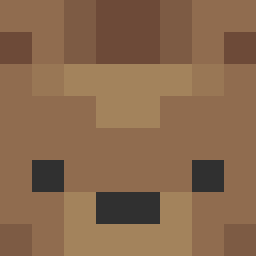
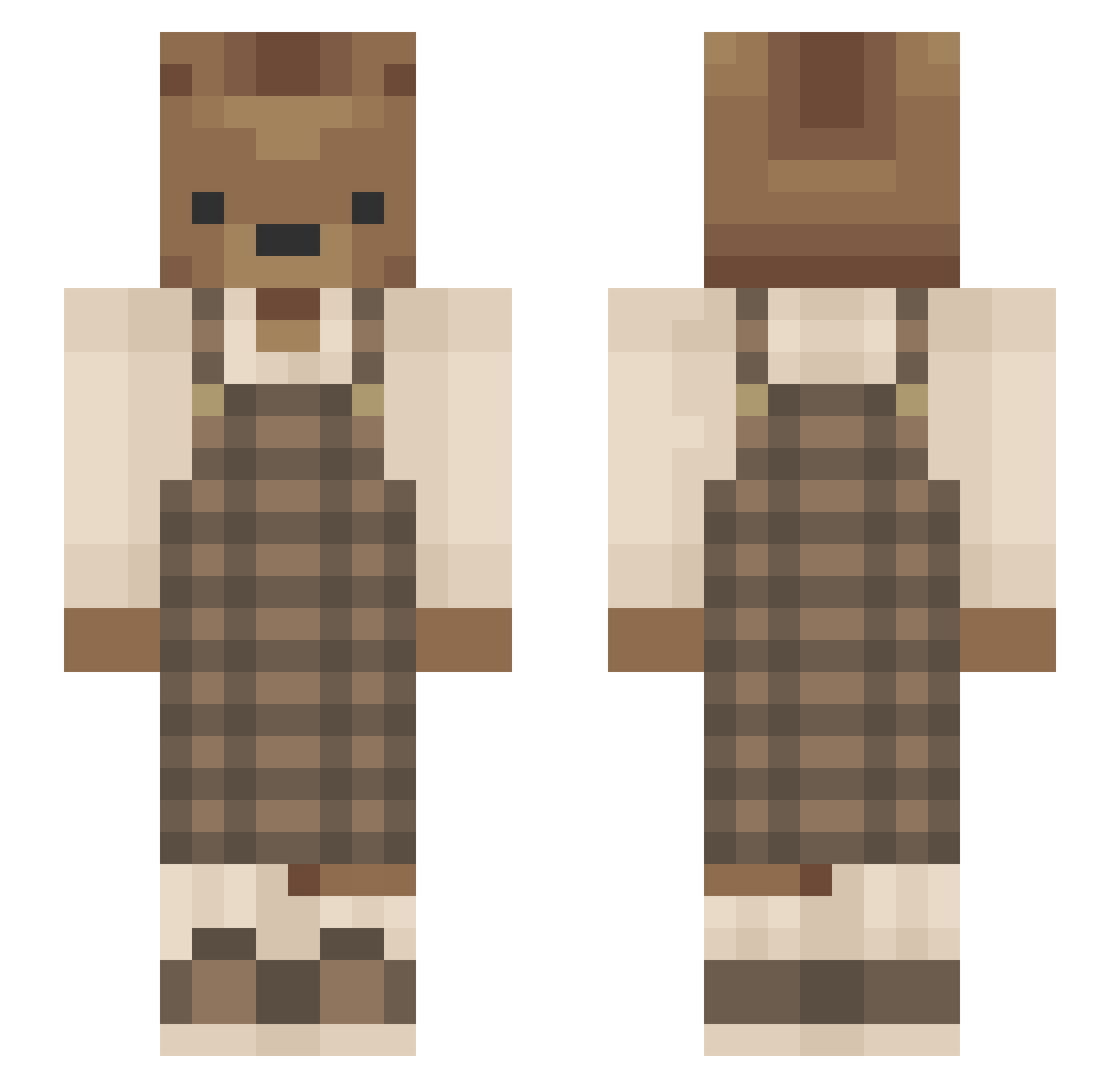
Minecraft skin of star_cattt. Rotate the 3D model with your mouse or finger to view the skin from every angle, then download it as a PNG file and use it in Minecraft: Bedrock Edition or Java Edition for free. Rate the skin with stars to help other players find the best skins in our collection.
How to install the star_cattt skin
- Press the Download button above to save the skin as a PNG file.
- Minecraft: Bedrock Edition (PE): open the Dressing Room from the main menu (or tap your character → Edit Character), go to Classic Skins → Owned, press the + (new skin) button, choose the downloaded PNG and pick the Slim (Alex) model. Works on PC and mobile; consoles cannot import custom skins.
- Minecraft: Java Edition: open the Minecraft Launcher, go to the Skins tab, click New Skin, load the PNG, pick the Slim (Alex) model and press Save & Use. You can also upload it at minecraft.net → Profile → Change Skin.
The skin does not show up after import - what should I do?
Restart Minecraft and open the Dressing Room again - imported skins sometimes appear only after a restart. Also make sure you selected the imported skin and picked the Slim (Alex) model.
Which model should I choose, Classic or Slim?
This skin is designed for the Slim (Alex) model. If you pick the wrong model, the arms of the skin will look stretched or squeezed.
Is this skin free to use?
Yes. Press Download, save the PNG file and use it in Minecraft: Bedrock Edition or Java Edition - no payment or registration needed. The skin also works on multiplayer servers and Realms.
More Bear Minecraft skins
More skins
Looking for more? Go back to all Minecraft skins and check the top skins of the week, month and all time, or find any player's skin by nickname.