
 llRuda12ll Hyper_woodpecker SuperiorEmu3058 ejwx Defectzor Tharon5445 TheGrzesiu2 PEI_WEI AengAeng LUCAONUT Louminade CauanSp popkyooo yawaragi2 Sha30w Snbad rodado1029 DEF_Builder daanvptje__ Gr1mmLyf3 GiovanniMini AdLoGu2010 Kittytoess VeiUWU wrakll DKWESTT CricketGreen225 Lakami13 MasterClaw2008 liltonyboi iBlutz catfish840 katchaaoww kamran08012 blarfinsnarfin Bottlefrog1 pejelagarneitor TheGreatLMan Camilhan Adolf_Heetler Dream_lololo_lol bingamole kaduriella RoughEt j770212 Ajacobs1 RIP_Demon66 SeiroShiro gunpodo00 Pumkin___ AlastorTheRadioG Cra1g69 TheC0nbot Zahalla Barbamamma Dede_117 RealManDog tacocat138 NicFN slick321
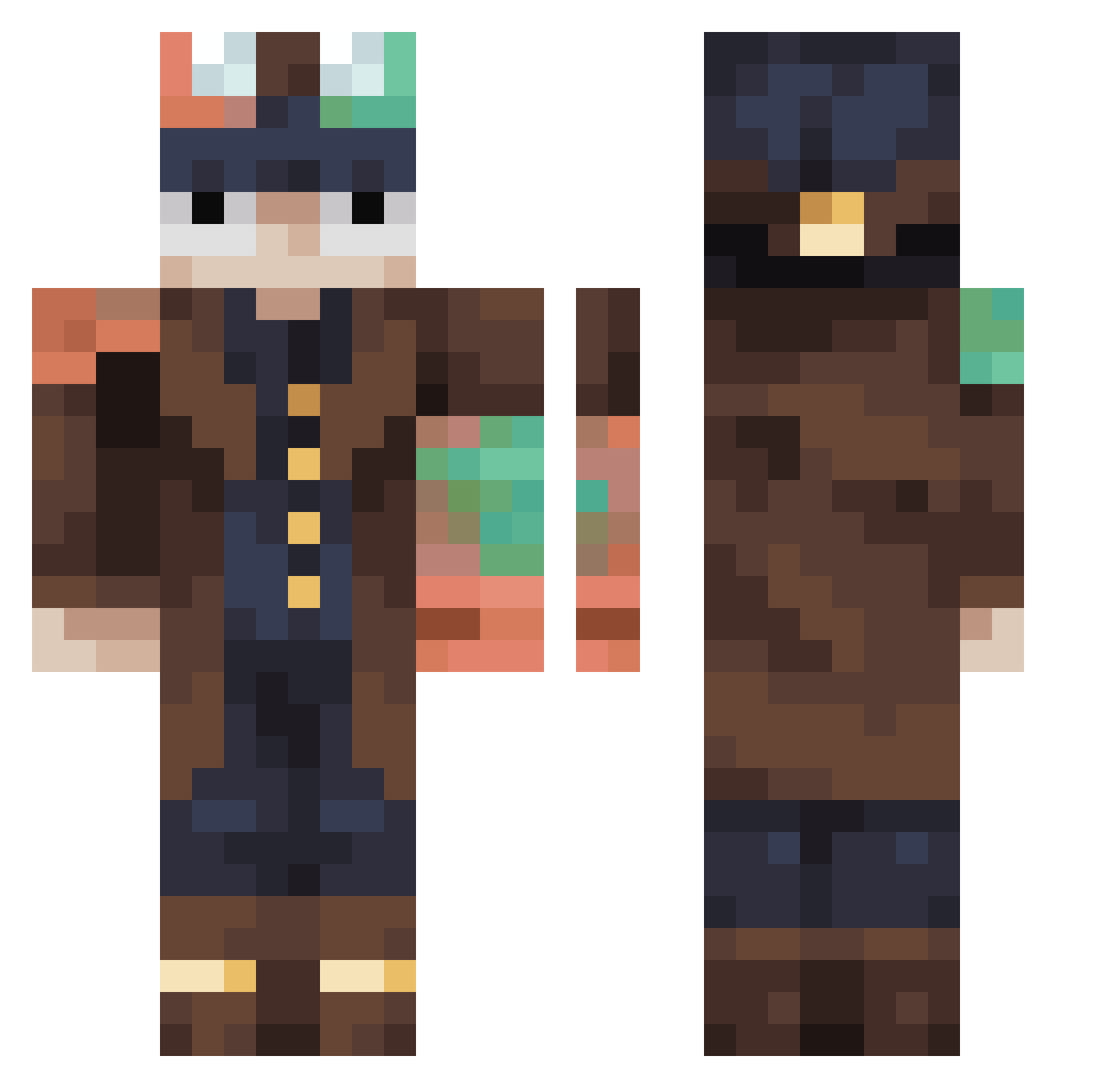
Minecraft skin of GoldenDonut5908. Rotate the 3D model with your mouse or finger to view the skin from every angle, then download it as a PNG file and use it in Minecraft: Bedrock Edition or Java Edition for free. Rate the skin with stars to help other players find the best skins in our collection.
How to install the GoldenDonut5908 skin
- Press the Download button above to save the skin as a PNG file.
- Minecraft: Bedrock Edition (PE): open the Dressing Room from the main menu (or tap your character → Edit Character), go to Classic Skins → Owned, press the + (new skin) button, choose the downloaded PNG and pick the Classic (Steve) model. Works on PC and mobile; consoles cannot import custom skins.
- Minecraft: Java Edition: open the Minecraft Launcher, go to the Skins tab, click New Skin, load the PNG, pick the Classic (Steve) model and press Save & Use. You can also upload it at minecraft.net → Profile → Change Skin.
The skin does not show up after import - what should I do?
Restart Minecraft and open the Dressing Room again - imported skins sometimes appear only after a restart. Also make sure you selected the imported skin and picked the Classic (Steve) model.
Which model should I choose, Classic or Slim?
This skin is designed for the Classic (Steve) model. If you pick the wrong model, the arms of the skin will look stretched or squeezed.
Is this skin free to use?
Yes. Press Download, save the PNG file and use it in Minecraft: Bedrock Edition or Java Edition - no payment or registration needed. The skin also works on multiplayer servers and Realms.
More Steampunk Minecraft skins
More skins
Looking for more? Go back to all Minecraft skins and check the top skins of the week, month and all time, or find any player's skin by nickname.