
 MrDakard ChocapitosS MarcoDitu Mark_1215 Godeon041 OguhLeCool AllDaysEveryDay JAAS1120 myuyang Axios7 osvaldo100 meekcanvas joshplaz_gamer21 KeySNF MartinDrake MojoW040 gonmar05 Ihavethoserights Realmsssss muwahid7 Lore33174 Rain_Leaves Syreeds Buctastic47 Holzklopper Mrlin16 Toni_1608_ IGOBYEJ FlavahFlave jorgeroque TitanKing Toey_07 Tomeczke 203p KamoteAko XercThirty Petirrosso Bour_Monkey tlNovaa ZAAHANDO YIo594 JaviLicious Lahnechh2 CreepAni233 TryMarcoo CreamyDaddy1156 Qaz7418596 LaicraM96 kvq Papryk_KAT ketchuppp76 vLuin Abdullah71 Jimmyfelix mosqwuito iCazh Speyzo Hellagurs dongKfang2 Musaitov
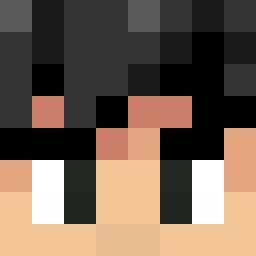
Minecraft skin of Kevin_Fiber. Rotate the 3D model with your mouse or finger to view the skin from every angle, then download it as a PNG file and use it in Minecraft: Bedrock Edition or Java Edition for free. Rate the skin with stars to help other players find the best skins in our collection.
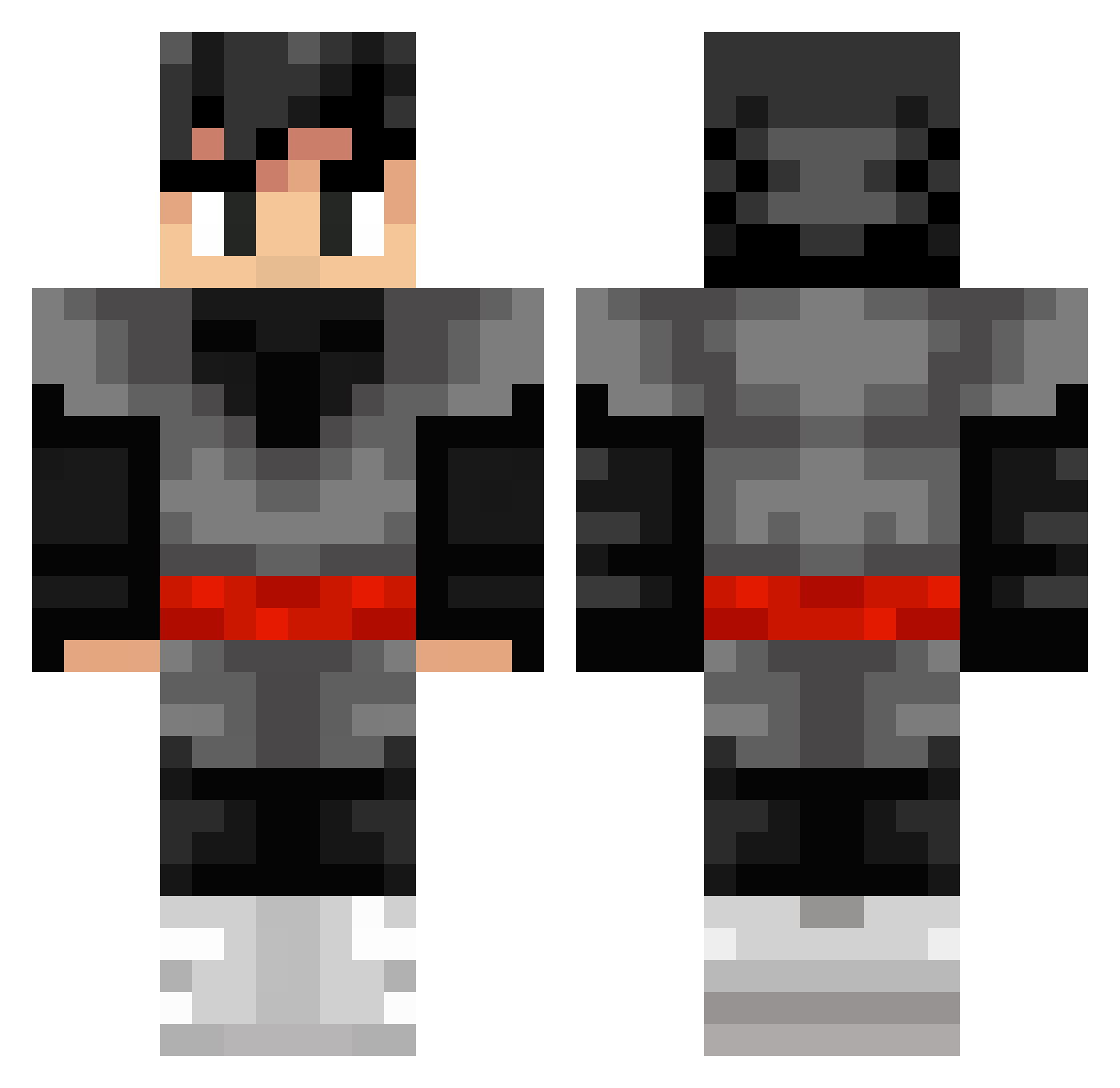
How to install the Kevin_Fiber skin
- Press the Download button above to save the skin as a PNG file.
- Minecraft: Bedrock Edition (PE): open the Dressing Room from the main menu (or tap your character → Edit Character), go to Classic Skins → Owned, press the + (new skin) button, choose the downloaded PNG and pick the Classic (Steve) model. Works on PC and mobile; consoles cannot import custom skins.
- Minecraft: Java Edition: open the Minecraft Launcher, go to the Skins tab, click New Skin, load the PNG, pick the Classic (Steve) model and press Save & Use. You can also upload it at minecraft.net → Profile → Change Skin.
The skin does not show up after import - what should I do?
Restart Minecraft and open the Dressing Room again - imported skins sometimes appear only after a restart. Also make sure you selected the imported skin and picked the Classic (Steve) model.
Which model should I choose, Classic or Slim?
This skin is designed for the Classic (Steve) model. If you pick the wrong model, the arms of the skin will look stretched or squeezed.
Is this skin free to use?
Yes. Press Download, save the PNG file and use it in Minecraft: Bedrock Edition or Java Edition - no payment or registration needed. The skin also works on multiplayer servers and Realms.
More Goku Black Minecraft skins
More skins
Looking for more? Go back to all Minecraft skins and check the top skins of the week, month and all time, or find any player's skin by nickname.