
 QuavaRae An_Muyu Sidney__ ICE_KINGDOM b_elizabeth Slide05 Eqolivia_ amisz34 twertles katiiiiiiiiiii Hsiao_Lan nenapinho eboyless Hazel_png lylyx EllaBella08 undereasy Bekkizen1 _LittleLou_ bambibees _Singularitae Elinora_ RocketBunnie98 Cookixz Pumpkin9110 SweetHunybee Mr_Huuuu Jojoistlost276 Bonnie0816 orishima01 Lienchen777 rinsbeauty Cheeto_Dust101 porcovolante91 karTagoo L_A_s_k azspk Dvaro_Grietine Girl_Panda123 Mailaccess DatingJoana89 Bella__Boo Aesau teengeekgirl him1573 raw_chocolate kaym857 Mozc777 Hortensia_sia Ezu_Li Syedna BabyMewww Daya28 K3ishi msnibbles14 CxndyApple sammmmmiey Qian_ChengXM xyellowwmmoonx LuminousPearl
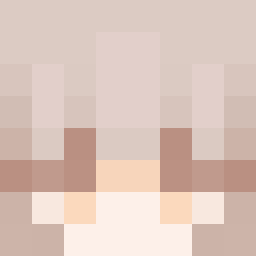
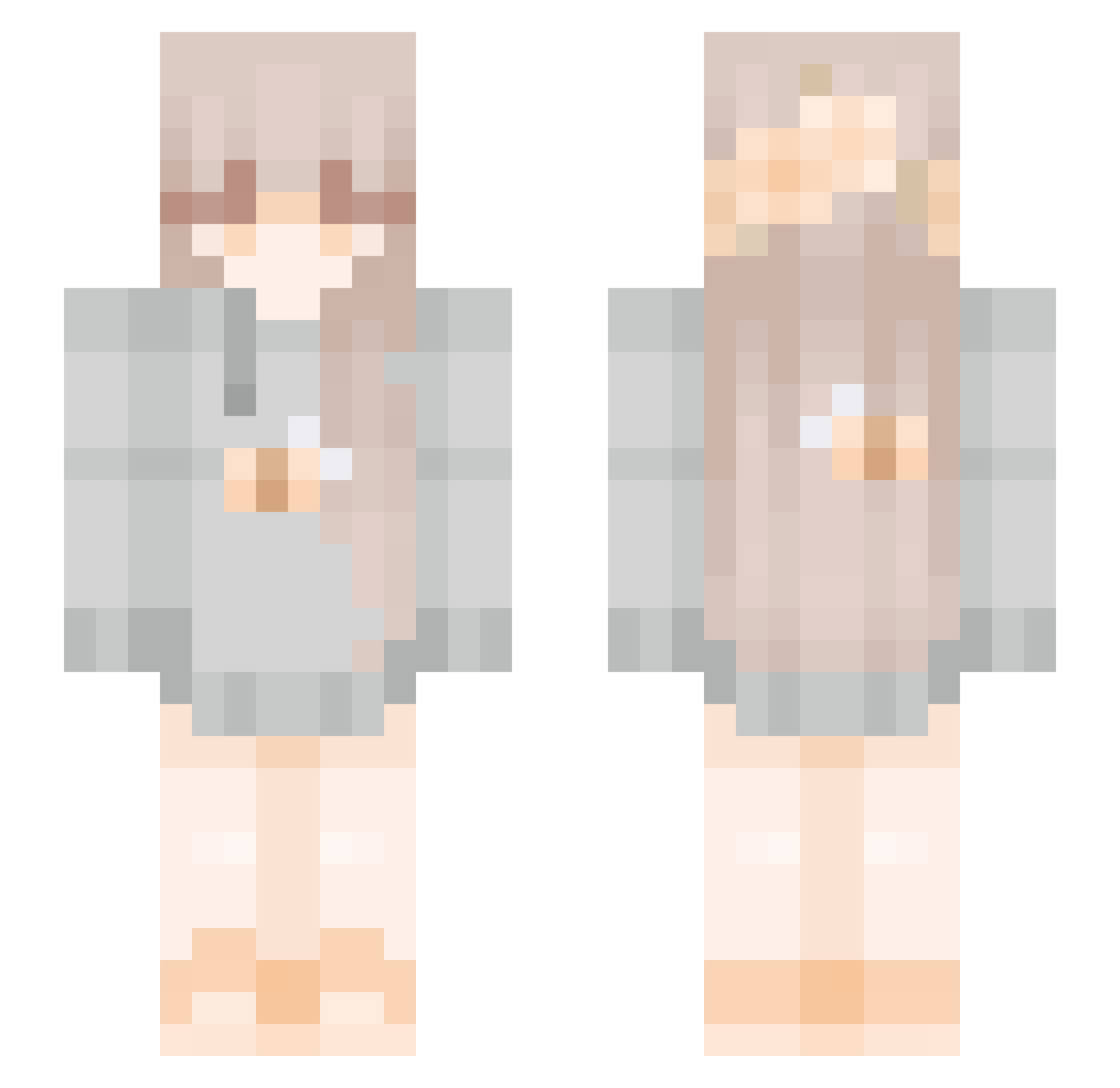
Minecraft skin of jojojarvey. Rotate the 3D model with your mouse or finger to view the skin from every angle, then download it as a PNG file and use it in Minecraft: Bedrock Edition or Java Edition for free. Rate the skin with stars to help other players find the best skins in our collection.
How to install the jojojarvey skin
- Press the Download button above to save the skin as a PNG file.
- Minecraft: Bedrock Edition (PE): open the Dressing Room from the main menu (or tap your character → Edit Character), go to Classic Skins → Owned, press the + (new skin) button, choose the downloaded PNG and pick the Slim (Alex) model. Works on PC and mobile; consoles cannot import custom skins.
- Minecraft: Java Edition: open the Minecraft Launcher, go to the Skins tab, click New Skin, load the PNG, pick the Slim (Alex) model and press Save & Use. You can also upload it at minecraft.net → Profile → Change Skin.
The skin does not show up after import - what should I do?
Restart Minecraft and open the Dressing Room again - imported skins sometimes appear only after a restart. Also make sure you selected the imported skin and picked the Slim (Alex) model.
Which model should I choose, Classic or Slim?
This skin is designed for the Slim (Alex) model. If you pick the wrong model, the arms of the skin will look stretched or squeezed.
Is this skin free to use?
Yes. Press Download, save the PNG file and use it in Minecraft: Bedrock Edition or Java Edition - no payment or registration needed. The skin also works on multiplayer servers and Realms.
More Bee Minecraft skins
More skins
Looking for more? Go back to all Minecraft skins and check the top skins of the week, month and all time, or find any player's skin by nickname.