
 sunjinj amour1013 rita_rossweissse shotacxn XiaoXiaoXiangPi Kirven_13 as1245 Neycia Li_Xin_Yi_123 Show404 Hesapuru its_beee teketaka Otaliier donggewwwwwwwwww PamonhaSalhiente 0x2730 itsahru rafa_massa luobo17 mischmaschin187 plsdonotthecar IaN_MWM3615 zMariaX stus Black_Line ffzx_ odh9999 Moon_qwq JIANGsmt Vampour kobziq Fiqarus bgndfc wsmzf ferdiad32 jaaaaabier RUNBA256 raindoots YAOYAOF1 KaiserOnFire666 Yanayoko Maddy_Line kamwin ShinEiLeFemboy NyankoR1N IamBori Schabenn wifresw FeuMasquee _cheleste_ h1kiru fatemelusine R4zorG0D Smnts Skibidog Mystia76 JIAJIA_QWQ lipps89btw AliikcH
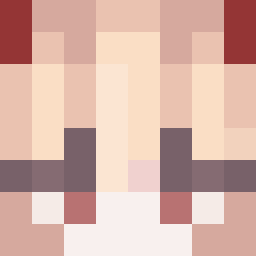
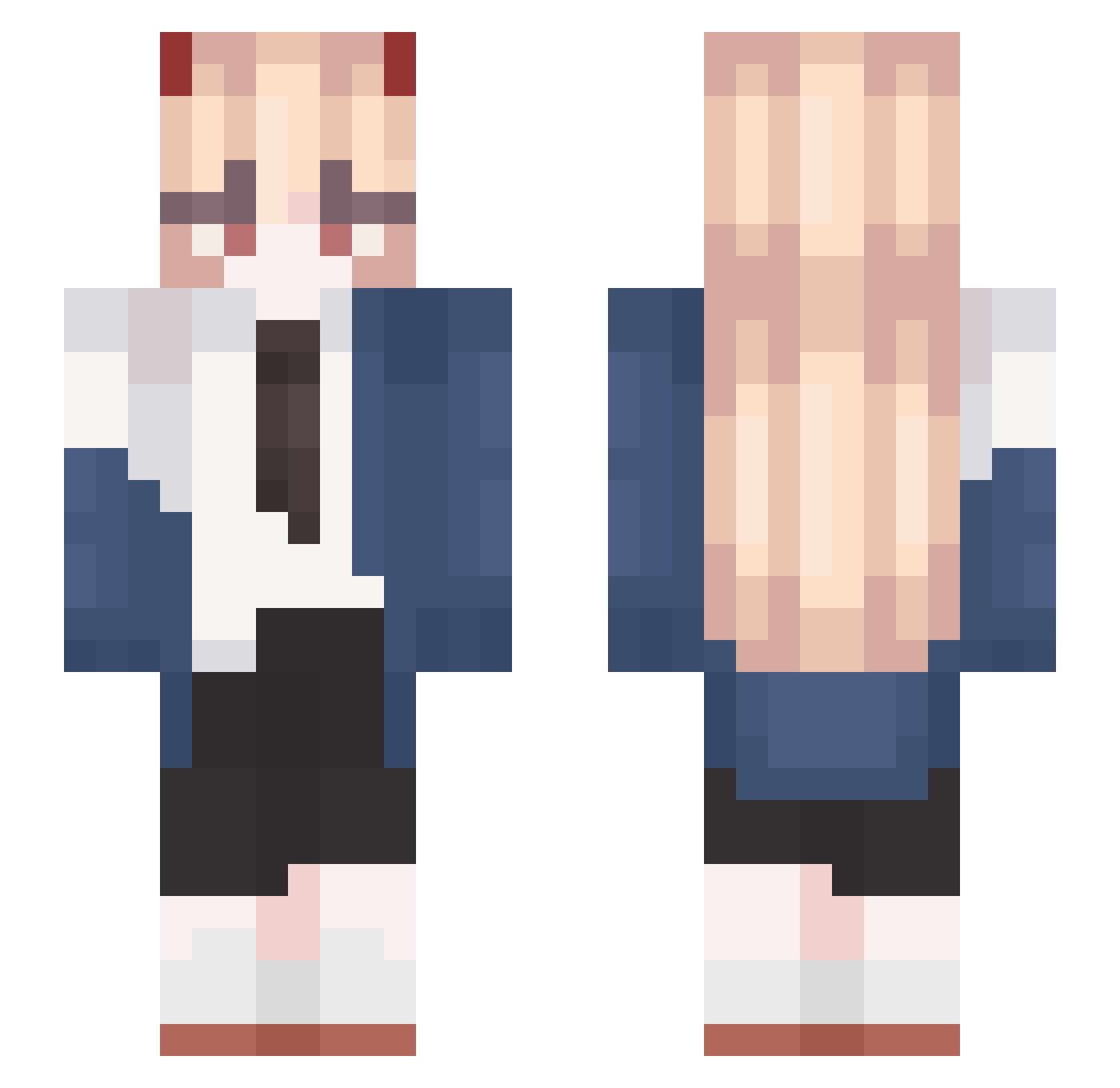
Minecraft skin of aizenng72. Rotate the 3D model with your mouse or finger to view the skin from every angle, then download it as a PNG file and use it in Minecraft: Bedrock Edition or Java Edition for free. Rate the skin with stars to help other players find the best skins in our collection.
How to install the aizenng72 skin
- Press the Download button above to save the skin as a PNG file.
- Minecraft: Bedrock Edition (PE): open the Dressing Room from the main menu (or tap your character → Edit Character), go to Classic Skins → Owned, press the + (new skin) button, choose the downloaded PNG and pick the Slim (Alex) model. Works on PC and mobile; consoles cannot import custom skins.
- Minecraft: Java Edition: open the Minecraft Launcher, go to the Skins tab, click New Skin, load the PNG, pick the Slim (Alex) model and press Save & Use. You can also upload it at minecraft.net → Profile → Change Skin.
The skin does not show up after import - what should I do?
Restart Minecraft and open the Dressing Room again - imported skins sometimes appear only after a restart. Also make sure you selected the imported skin and picked the Slim (Alex) model.
Which model should I choose, Classic or Slim?
This skin is designed for the Slim (Alex) model. If you pick the wrong model, the arms of the skin will look stretched or squeezed.
Is this skin free to use?
Yes. Press Download, save the PNG file and use it in Minecraft: Bedrock Edition or Java Edition - no payment or registration needed. The skin also works on multiplayer servers and Realms.
More Power Minecraft skins
More skins
Looking for more? Go back to all Minecraft skins and check the top skins of the week, month and all time, or find any player's skin by nickname.